
- Course
Clean, Transform, and Load Data with Power BI
This course will teach you cleansing, transforming, and loading functions of Power BI related to the DA-100 exam.
Beginner
- Course
Clean, Transform, and Load Data with Power BI
This course will teach you cleansing, transforming, and loading functions of Power BI related to the DA-100 exam.
Beginner
Get started today
Access this course and other top-rated tech content with one of our business plans.
Try this course for free
Access this course and other top-rated tech content with one of our individual plans.
This course is included in the libraries shown below:
- Data
What you'll learn
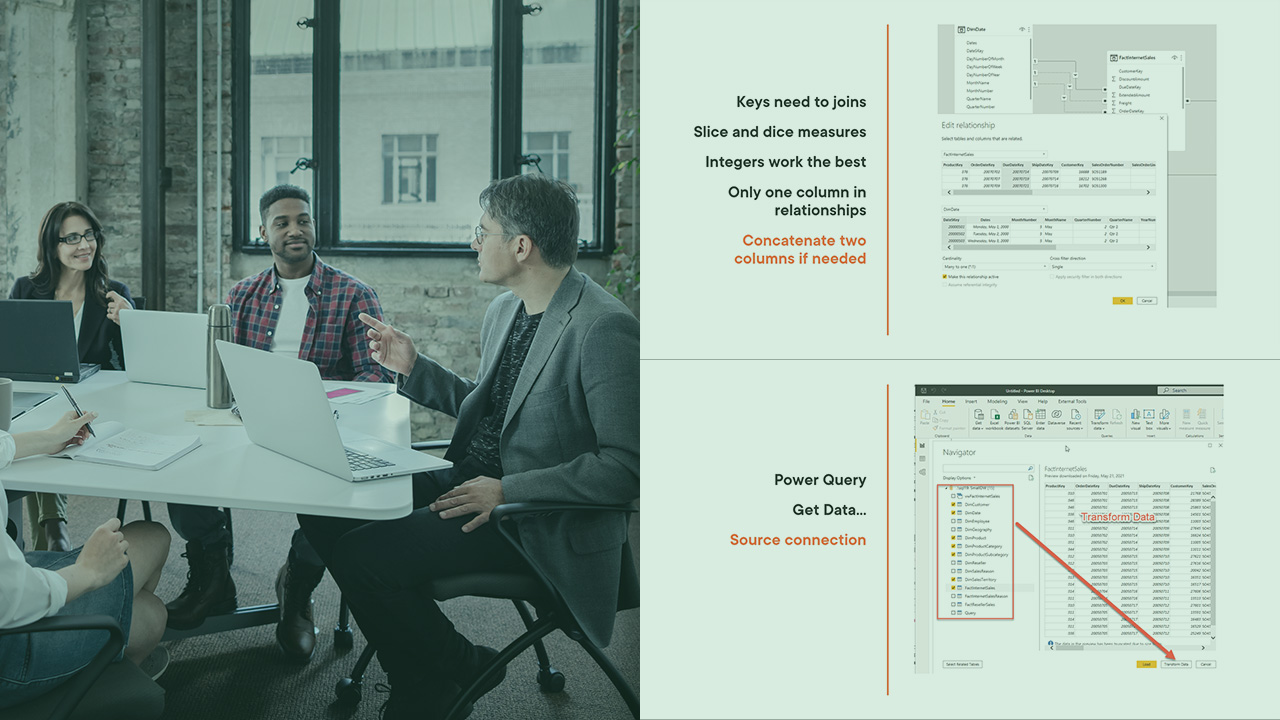
Power BI has brought extract, transform and load features to this visualization tool through Power Query. In this course, Clean, Transform, and Load Data in Power BI, you will learn how to use Power Query in Power BI. First, Power Query will be connected to a data source and place in a development environment for cleansing. Next, transforming the data and structure will use Ribbon buttons to drive the final structure. Finally, loading the data involves the final steps for bring the data into the Power BI report canvas. When finished with this course, you will have the skills and knowledge required for passing the DA-100 exam section on clean, transform, and load data in Power BI.
Clean, Transform, and Load Data with Power BI
Beginner



Microsoft Data Platform MVP specializing in SQL Server, Microsoft Business Intelligence (SSIS, SSAS & SSRS) and Power BI.
