
- Course
Compositing Stereoscopic Images in After Effects
In this After Effects tutorial we'll learn how to work with 3D Stereoscopic image pairs in After Effects. Software required: After Effects CS4 for project files.
Intermediate
- Course
Compositing Stereoscopic Images in After Effects
In this After Effects tutorial we'll learn how to work with 3D Stereoscopic image pairs in After Effects. Software required: After Effects CS4 for project files.
Intermediate
Get started today
Access this course and other top-rated tech content with one of our business plans.
Try this course for free
Access this course and other top-rated tech content with one of our individual plans.
This course is included in the libraries shown below:
- Core Tech
What you'll learn
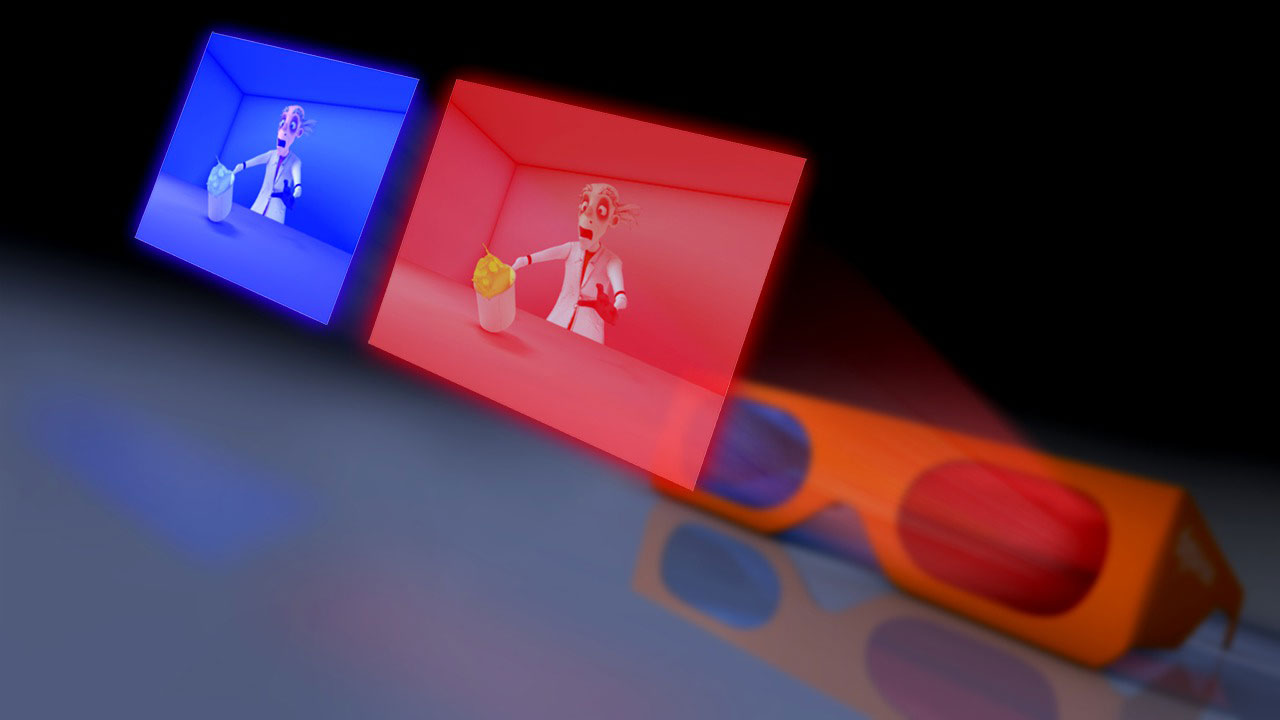
In this After Effects tutorial we'll learn how to work with 3D Stereoscopic image pairs in After Effects. We'll be able to create an anaglyph preview and learn how to control our stereo depth and fix issues in After Effects. We'll begin this tutorial by learning how to set-up our project for stereo work and the basic stereo workflows. We'll then learn how to consistently and quickly edit our stereo images in After Effects. Finally, we'll go through an entire practical application of fixing a visual problem in our stereo images. During this we'll learn how and when we can re-use data from the left to the right side, and how to actually apply this. We'll finish by learning how to use an expression to change our screen depth solely in After Effects. Software required: After Effects CS4 for project files.
Compositing Stereoscopic Images in After Effects
Intermediate
Table of contents
