
- Course
Premiere Pro Workflows Between Creative Cloud Apps
Premiere Pro is fantastic, especially when used with Adobe's other creative apps. You'll explore the dynamic world of interoperability between Premiere Pro and applications like Photoshop, Prelude, and more. Required software: Adobe Creative Cloud CC.
Intermediate
- Course
Premiere Pro Workflows Between Creative Cloud Apps
Premiere Pro is fantastic, especially when used with Adobe's other creative apps. You'll explore the dynamic world of interoperability between Premiere Pro and applications like Photoshop, Prelude, and more. Required software: Adobe Creative Cloud CC.
Intermediate
Get started today
Access this course and other top-rated tech content with one of our business plans.
Try this course for free
Access this course and other top-rated tech content with one of our individual plans.
This course is included in the libraries shown below:
- Core Tech
What you'll learn
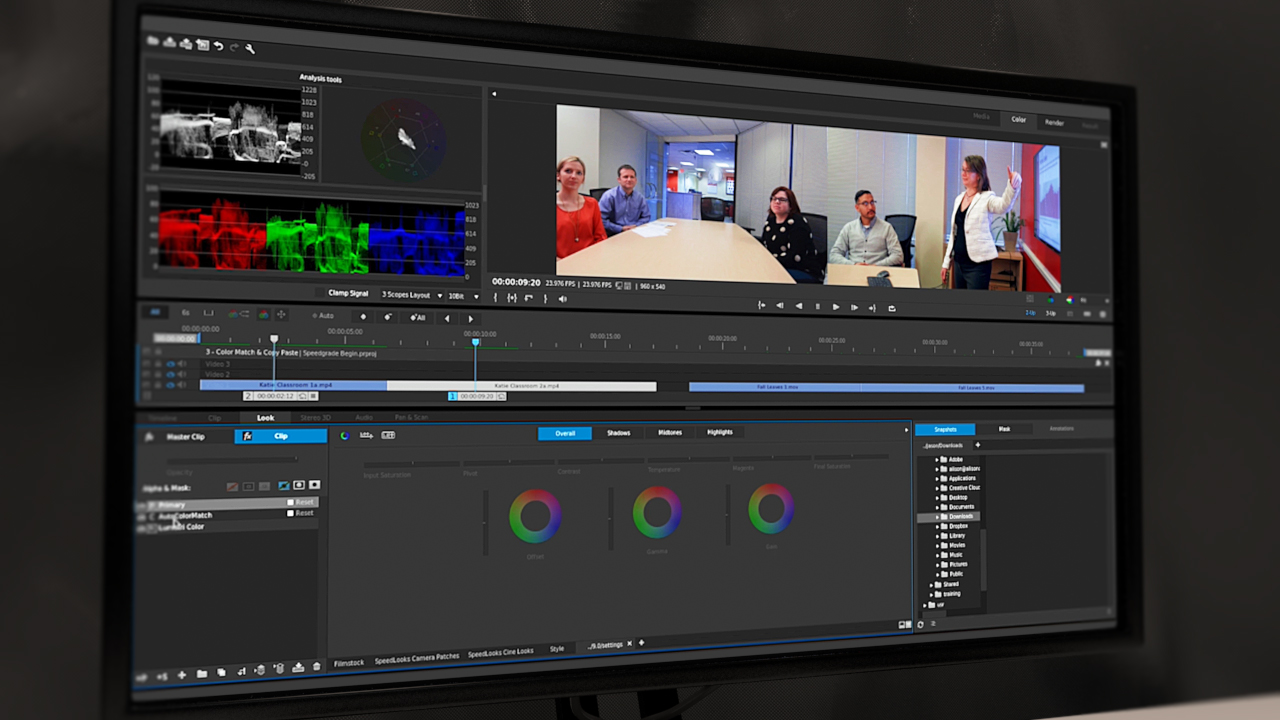
If you want to get the most out of Premiere Pro alongside Adobe's other creative applications, this course is perfect for you. In this course, Premiere Pro Workflows Between Creative Cloud Apps, you'll be taken on a tour of the various Dynamic Link and roundtrip workflows available to Premiere Pro CC 2015. First, you'll look at Premiere Pro as the center of the universe and see how many of the other Adobe applications integrate with it: Photoshop, Illustrator, Prelude, Audition, SpeedGrade, and After Effects. You'll learn about importing and updating logos designed in Photoshop or Illustrator, and you'll discover how to fix a piece of audio in Audition. You'll cover color grading in SpeedGrade, and, finally, you'll even get to design text templates in After Effects. By the end of this course, you'll understand how you can use a variety of creative cloud apps to enhance your work in Premiere Pro, creating better work than ever before. Required Software: Adobe Creative Cloud CC.
Premiere Pro Workflows Between Creative Cloud Apps
Intermediate



Jason has spent most of his life in and around the nation's capital and currently operates as a freelance trainer in Adobe and Apple software. He's taught at NAB, written a book on Final Cut Pro X, and runs his own training business, Some Might Say Media, LLC.
