
- Course
Creature Concept Sculpting in ZBrush
In this ZBrush tutorial, we will learn how to sculpt a creature for use in TV, film, or print. Software required: ZBrush 4R2 and Autodesk Maya 2011.
Advanced
- Course
Creature Concept Sculpting in ZBrush
In this ZBrush tutorial, we will learn how to sculpt a creature for use in TV, film, or print. Software required: ZBrush 4R2 and Autodesk Maya 2011.
Advanced
Get started today
Access this course and other top-rated tech content with one of our business plans.
Try this course for free
Access this course and other top-rated tech content with one of our individual plans.
This course is included in the libraries shown below:
- Core Tech
What you'll learn
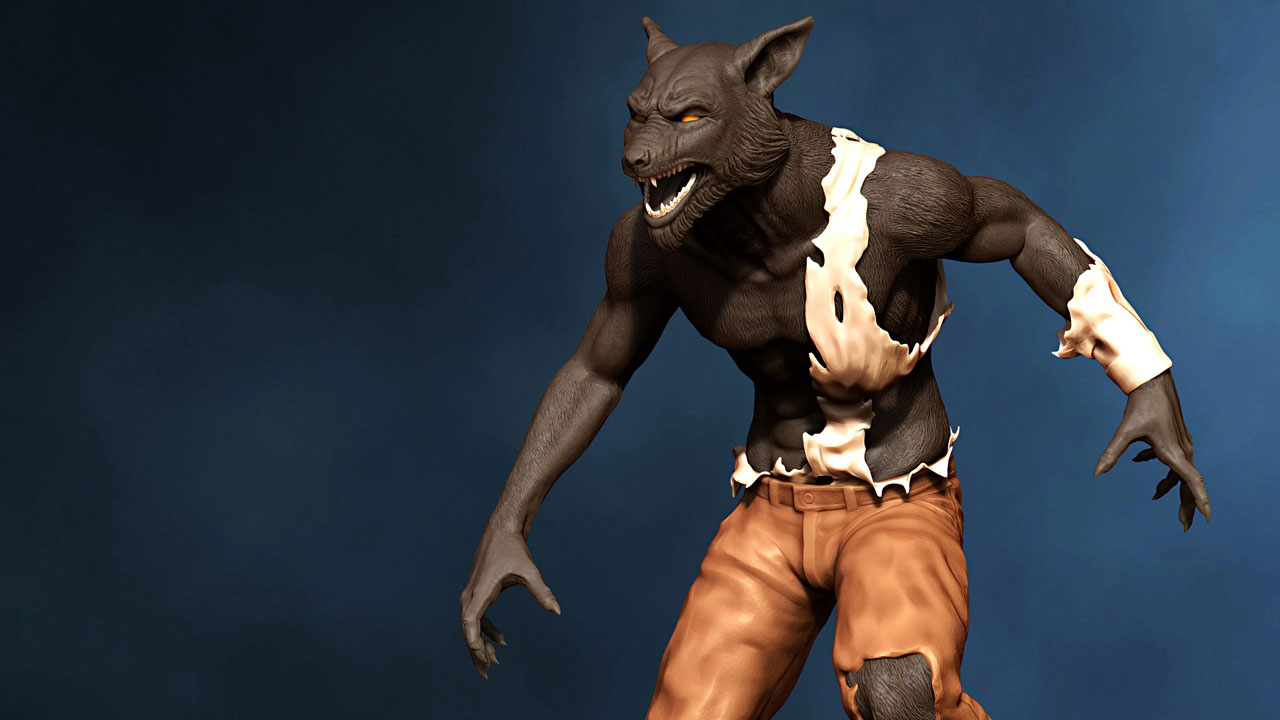
In this ZBrush tutorial, we will learn how to sculpt a creature for use in TV, film, or print. Over the course of this tutorial we will look at how to sculpt a Wolfman creature concept using ZBrush. Once our base mesh has been created in Maya, we will use industry-proven techniques to block out and then add anatomical and fine detail before creating a custom brush and alpha to easily and intuitively add dense fur detail. We will then look at some of the new BPR rendering features that are new inside of ZBrush 4R2 to render out a turntable that replicates the look of a vinyl maquette. The final sculpt could be used to get approval for a design from a director as the base for a hero character model for TV, film, games, or to be printed out and used as a vinyl statue. Software required: ZBrush 4R2 and Autodesk Maya 2011.
Creature Concept Sculpting in ZBrush
Advanced
Table of contents
