
- Course
Creating a Custom DVD in Premiere Pro and Encore
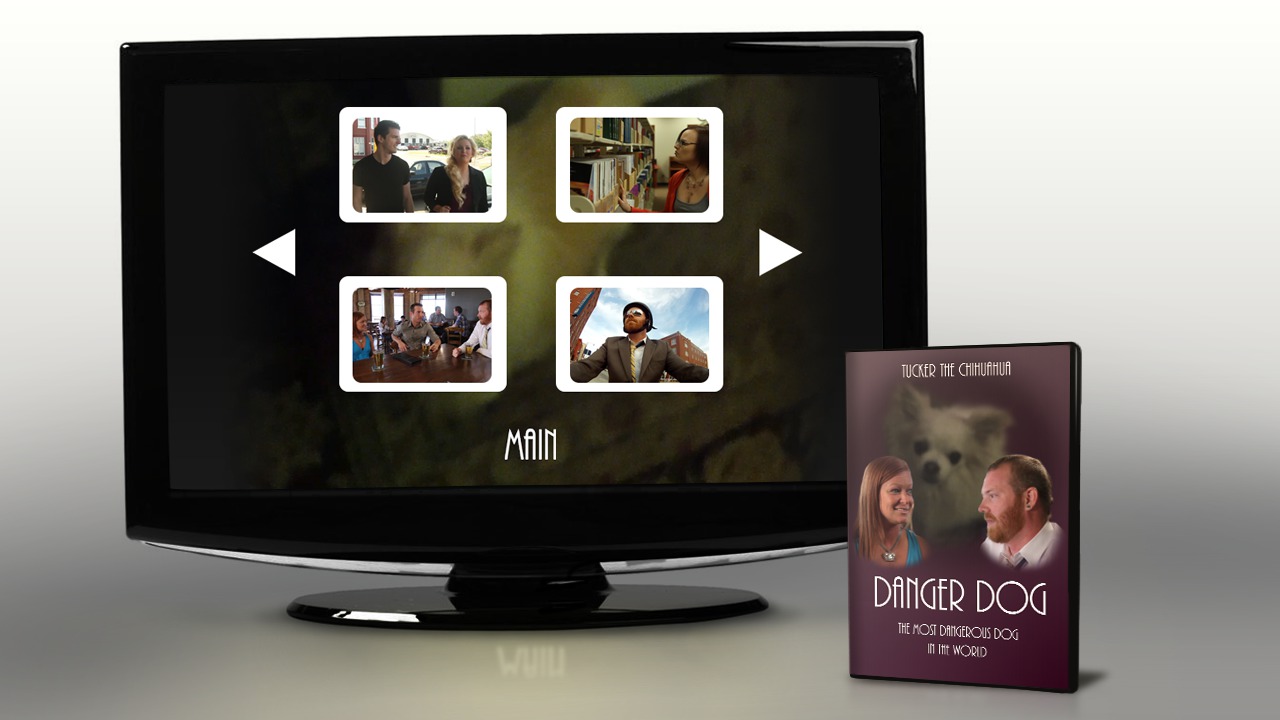
This tutorial takes you through the process of creating a custom DVD using Adobe Premiere Pro CC, Photoshop CC, and Encore CS6. Software required: Adobe Premiere Pro CC, Adobe Photoshop CC, Adobe Encore CS6.
Beginner
- Course
Creating a Custom DVD in Premiere Pro and Encore
This tutorial takes you through the process of creating a custom DVD using Adobe Premiere Pro CC, Photoshop CC, and Encore CS6. Software required: Adobe Premiere Pro CC, Adobe Photoshop CC, Adobe Encore CS6.
Beginner
Get started today
Access this course and other top-rated tech content with one of our business plans.
Try this course for free
Access this course and other top-rated tech content with one of our individual plans.
This course is included in the libraries shown below:
- Core Tech
What you'll learn
This tutorial takes you through the process of creating a custom DVD using Adobe Premiere Pro CC, Photoshop CC, and Encore CS6. We discuss importing clips, video and audio transitions, editing together video from multiple camera sources, exporting your project to Encore, creating Chapter Markers in Encore, creating menus in Encore, creating custom menus in Photoshop, linking your video and menus for DVD functionality, exporting your completed DVD to its final format, and creating packaging design materials in Photoshop. By the end of this tutorial, you will have taken raw footage and elements and combined them into a professional looking DVD for all to enjoy. Software required: Adobe Premiere Pro CC, Adobe Photoshop CC, Adobe Encore CS6.
Creating a Custom DVD in Premiere Pro and Encore
Beginner
Table of contents
