
- Course
Develop a Data Model with Power BI
With the right data model, you can build high-performing reports while reducing the complexity of DAX queries. This course teaches you how to enrich your data model by creating calculated columns and tables and how to implement security.
Beginner
- Course
Develop a Data Model with Power BI
With the right data model, you can build high-performing reports while reducing the complexity of DAX queries. This course teaches you how to enrich your data model by creating calculated columns and tables and how to implement security.
Beginner
Get started today
Access this course and other top-rated tech content with one of our business plans.
Try this course for free
Access this course and other top-rated tech content with one of our individual plans.
This course is included in the libraries shown below:
- Data
What you'll learn
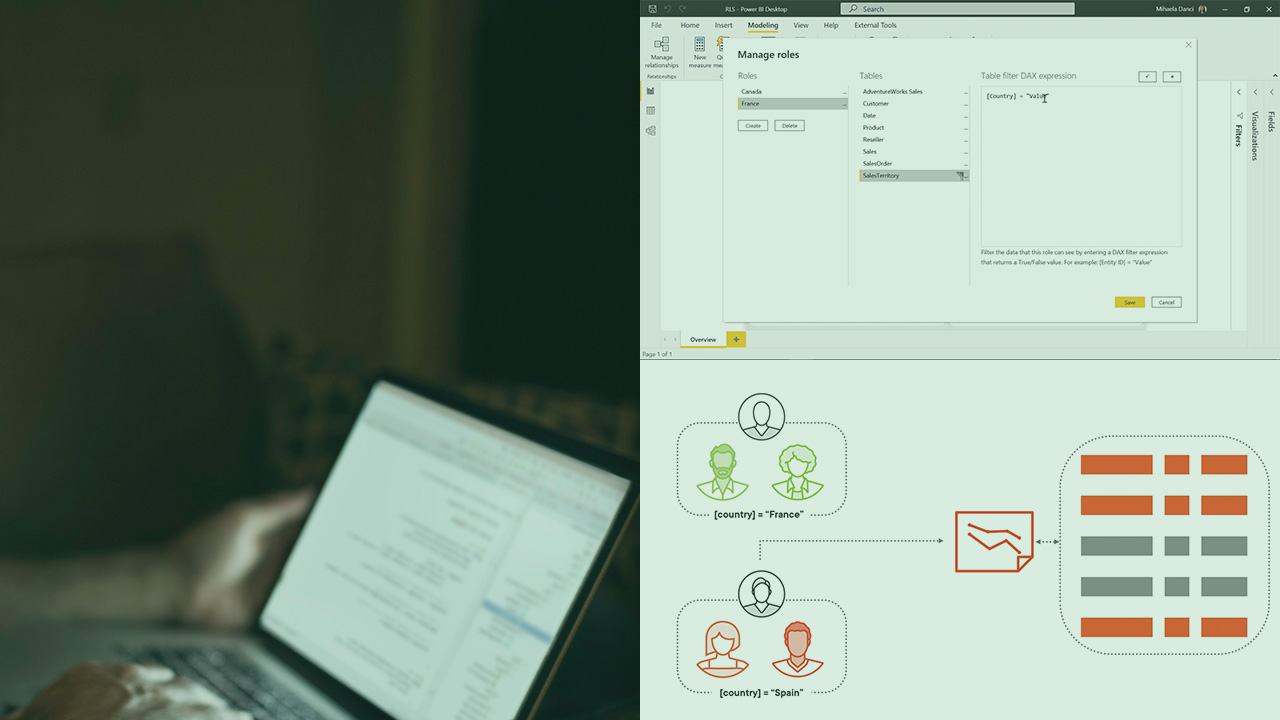
Data modeling is essential in Power BI, especially when working at scale. Designing a good data model will help you provide more insights to consumers while writing simpler DAX expressions. In this course, Develop a Data Model with Power BI, you’ll learn how to enrich your data model in order to increase the usability of your reports. First, you’ll explore how to build calculated tables and columns. Next, you’ll discover the importance of implementing security. Finally, you’ll learn how to set up the Q&A feature. When you’re finished with this course, you’ll have the skills and knowledge to develop a data model in Power BI that creates high-performing reports.
Develop a Data Model with Power BI
Beginner
Table of contents
-
Data Modeling | 4m 8s
-
Scenario | 2m 47s
-
Calculated Columns | 1m 33s
-
Demo: Calculated Columns | 5m 37s
-
Calculated Columns and Measures | 1m 43s
-
Demo: Calculated Tables | 5m 54s
-
Demo: Apply Cross-filter Direction | 3m 41s
-
What Are Hierarchies? | 1m 33s
-
Demo: Implicit Hierarchies | 3m 21s
-
Demo: Creating Hierarchies | 4m 2s



As a data analyst enthusiast, Mihaela has special interests in translating vision into action using end-to-end data analysis while being very passionate about teaching.
