
- Course
Developing Rapid Interactive Prototypes in OmniGraffle
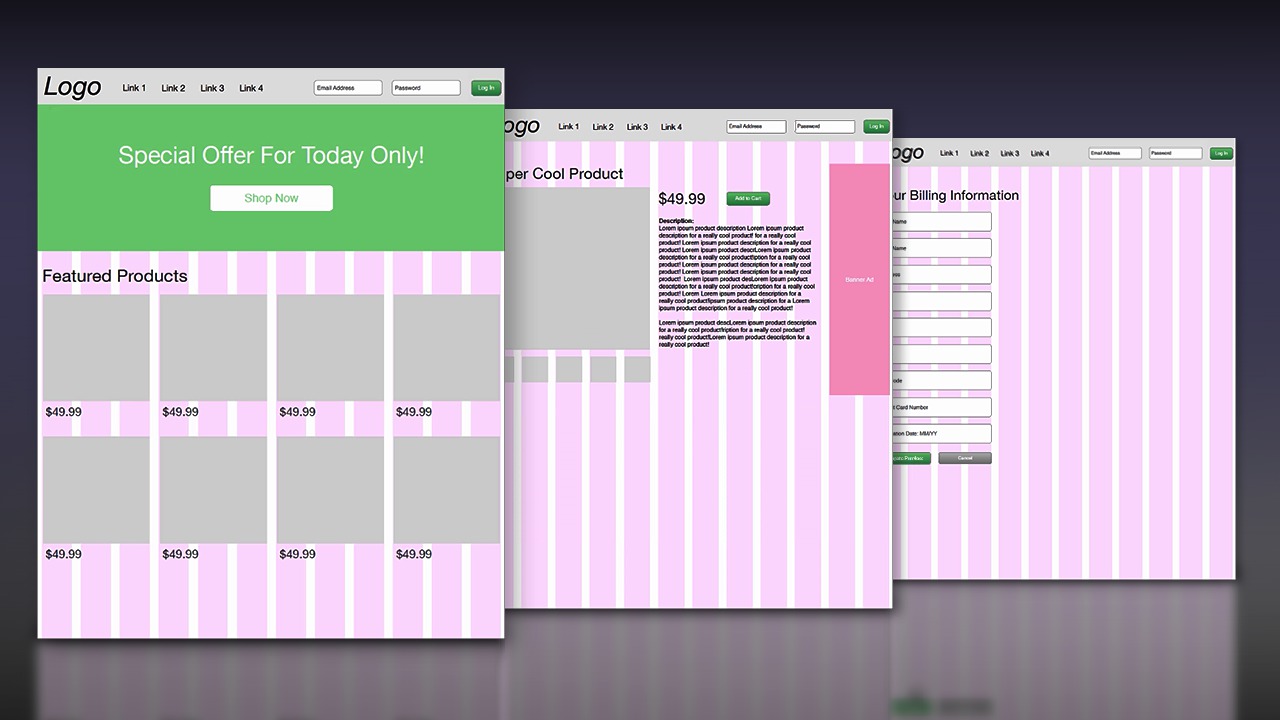
Create a low-fidelity prototype that can be used to quickly convey and communicate an idea. Software required: OmniGraffle 6, Adobe Acrobat.
Intermediate
- Course
Developing Rapid Interactive Prototypes in OmniGraffle
Create a low-fidelity prototype that can be used to quickly convey and communicate an idea. Software required: OmniGraffle 6, Adobe Acrobat.
Intermediate
Get started today
Access this course and other top-rated tech content with one of our business plans.
Try this course for free
Access this course and other top-rated tech content with one of our individual plans.
This course is included in the libraries shown below:
- Core Tech
What you'll learn
Throughout this OmniGraffle tutorial we'll create a low-fidelity prototype that can be used to help us quickly convey and communicate an idea. OmniGraffle is a creation tool packed with features to help you create sketches, wireframes, graphs, figures, or anything in between. We'll successfully build our low-fidelity prototype by leveraging various tools and features within OmniGraffle. By the end of this OmniGraffle training, you should have a strong understanding of stencils, shared layers, and actions within OmniGraffle, as well as some best practices when socializing our prototype. Software required: OmniGraffle 6, Adobe Acrobat.
Developing Rapid Interactive Prototypes in OmniGraffle
Intermediate
Table of contents
