
- Course
Specialized DFIR: Windows Event Log Forensics
Analyzing Windows event logs provides key information on system activities during an investigation. This course will teach you what events to focus on during your analysis and how to quickly obtain information.
Advanced
- Course
Specialized DFIR: Windows Event Log Forensics
Analyzing Windows event logs provides key information on system activities during an investigation. This course will teach you what events to focus on during your analysis and how to quickly obtain information.
Advanced
Get started today
Access this course and other top-rated tech content with one of our business plans.
Try this course for free
Access this course and other top-rated tech content with one of our individual plans.
This course is included in the libraries shown below:
- Security
What you'll learn
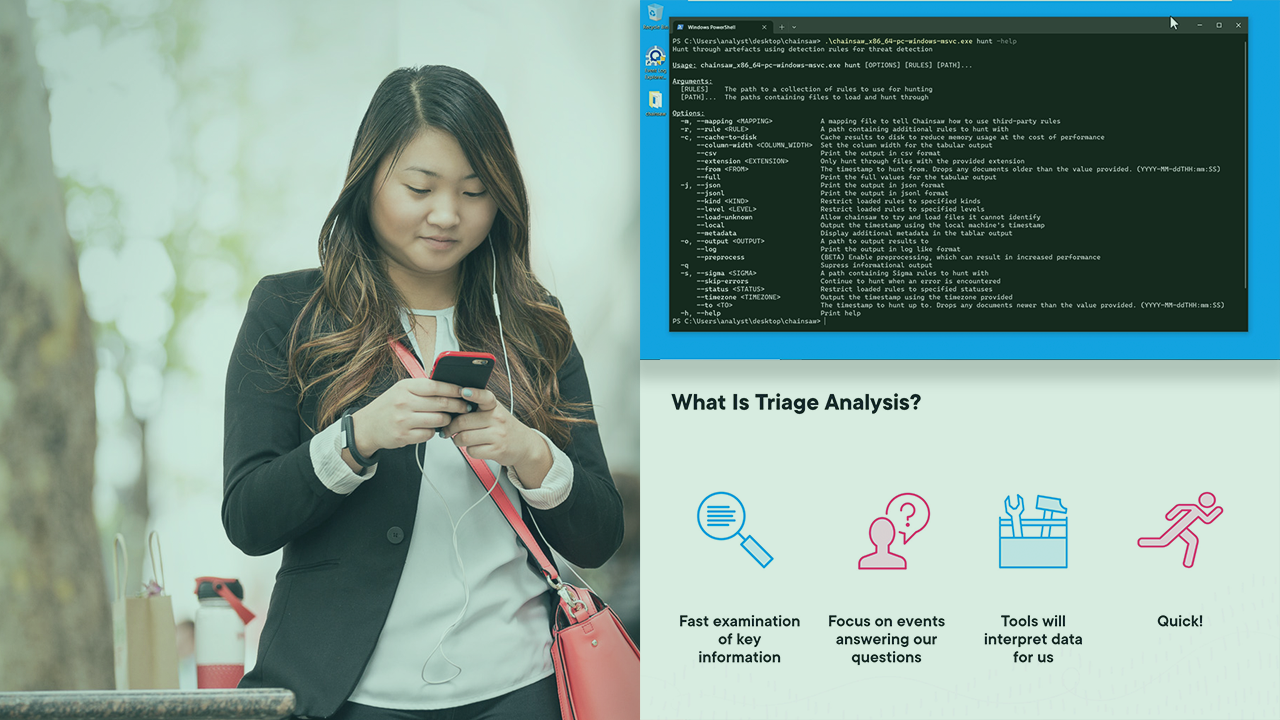
Windows event logs contain lots of information that assist investigations in determining what happened on a system. However, some of this information is hidden within the multitude of event logs on a system. In this course, Specialized DFIR: Windows Event Log Forensics, you’ll learn how to focus your event log investigation to find signs of compromise and suspicious activities. First, you’ll explore how to quickly go through event logs and find key events to focus on. Next, you’ll discover what logs and events provide different pieces of information. Finally, you’ll learn how to combine all of this information to have a comprehensive view of the malicious activities that took place on a compromised system. When you’re finished with this course, you’ll have the skills and knowledge needed to perform event log forensics on a Windows system.
Specialized DFIR: Windows Event Log Forensics
Advanced
Table of contents



Tyler Hudak has more than 15 years of experience performing malware analysis, computer forensics, and incident response for multiple organizations. He loves sharing the knowledge he has gained on these topics in his presentations and classes!
