
- Course
Viewing and Manipulating Data in Excel 2016
Learn the most efficient ways of viewing and manipulating data in Excel 2016.
Beginner
- Course
Viewing and Manipulating Data in Excel 2016
Learn the most efficient ways of viewing and manipulating data in Excel 2016.
Beginner
Get started today
Access this course and other top-rated tech content with one of our business plans.
Try this course for free
Access this course and other top-rated tech content with one of our individual plans.
This course is included in the libraries shown below:
- Core Tech
What you'll learn
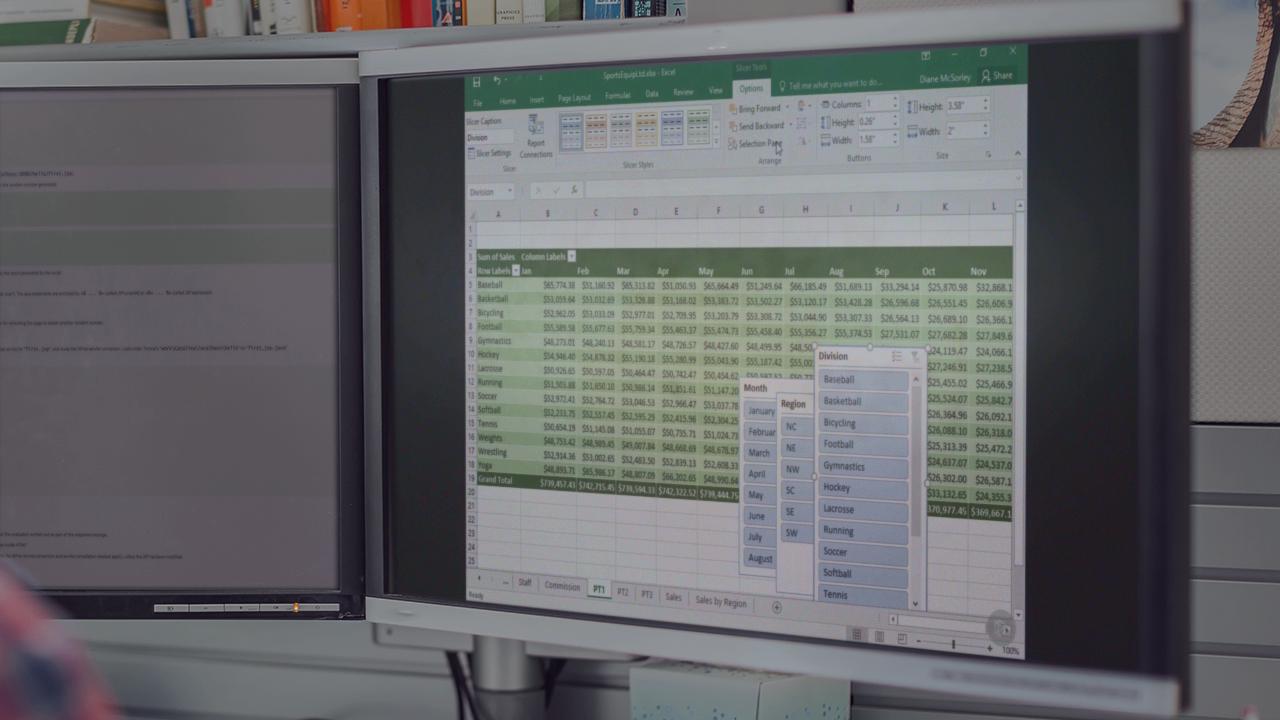
Learn the most efficient ways of viewing and manipulating data in Excel 2016. You'll learn about PivotTables, protection settings, charts, working with data and functions.
Viewing and Manipulating Data in Excel 2016
Beginner
Table of contents
-
Understanding and Using PivotTables | 5m 30s
-
Create a Simple PivotTable | 3m 44s
-
Add Fields to a PivotTable | 3m 48s
-
Remove Fields from a PivotTable | 1m 47s
-
Use the Report Filter | 2m 49s
-
Format | 3m 53s
-
Adjust Numbers | 2m 34s
-
Create a Calculated Field | 3m 42s
-
Create a Calculated Item | 4m 19s
-
Enhancements | 3m 47s
-
Customizing PivotCharts | 4m 48s
-
Understanding the Slicer Tool | 2m 48s
-
Formatting the Slicer Tool | 1m 59s
-
Multi-select Feature | 1m 19s
