
- Course
Creating the Illusion of Aged Footage in After Effects
In this After Effects tutorial, we'll learn the process of recreating found footage from modern clips. Software required: After Effects CC 2015.
Beginner
- Course
Creating the Illusion of Aged Footage in After Effects
In this After Effects tutorial, we'll learn the process of recreating found footage from modern clips. Software required: After Effects CC 2015.
Beginner
Get started today
Access this course and other top-rated tech content with one of our business plans.
Try this course for free
Access this course and other top-rated tech content with one of our individual plans.
This course is included in the libraries shown below:
- Core Tech
What you'll learn
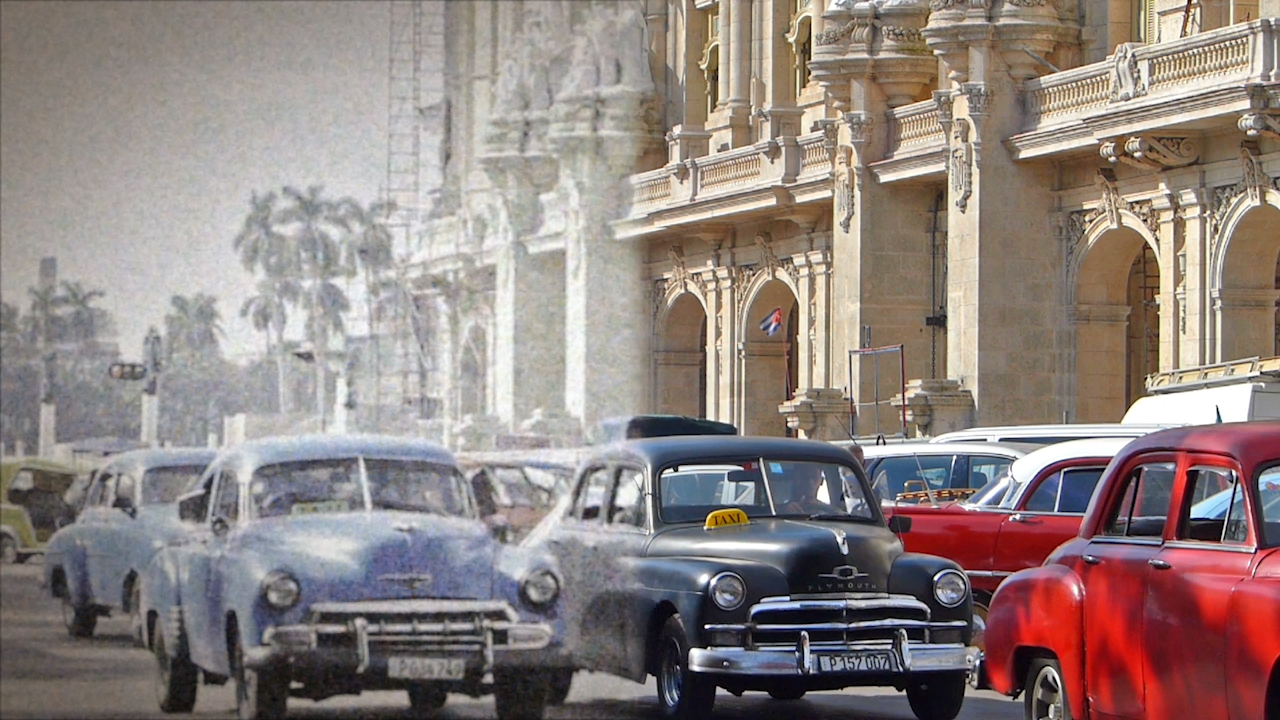
In this After Effects tutorial, we'll learn the process of recreating found footage from modern clips. We'll start by pulling in our footage and adjusting the color to match film shot in our chosen era. Next, we'll begin giving our footage some grain and also adding defects like scratches and lint that are commonly found in older films. Using another clip, we'll then create the illusion of 8mm footage by adjusting the color and image clarity and adding things like mold and some shakiness. By the end of this After Effects training, you'll be a pro at making even the best footage look like you found it in your grandfather's attic. Software required: After Effects CC 2015.
Creating the Illusion of Aged Footage in After Effects
Beginner
Table of contents
