
- Course
Illustrator CC Curvature Tool
Want to easily create curved paths in Illustrator CC 2014 without having to use the Pen tool? This course teaches you how to use the Curvature tool, a better alternative. You'll also learn how to use the Anchor Point tool to refine your curves.
Intermediate
- Course
Illustrator CC Curvature Tool
Want to easily create curved paths in Illustrator CC 2014 without having to use the Pen tool? This course teaches you how to use the Curvature tool, a better alternative. You'll also learn how to use the Anchor Point tool to refine your curves.
Intermediate
Get started today
Access this course and other top-rated tech content with one of our business plans.
Try this course for free
Access this course and other top-rated tech content with one of our individual plans.
This course is included in the libraries shown below:
- Core Tech
What you'll learn
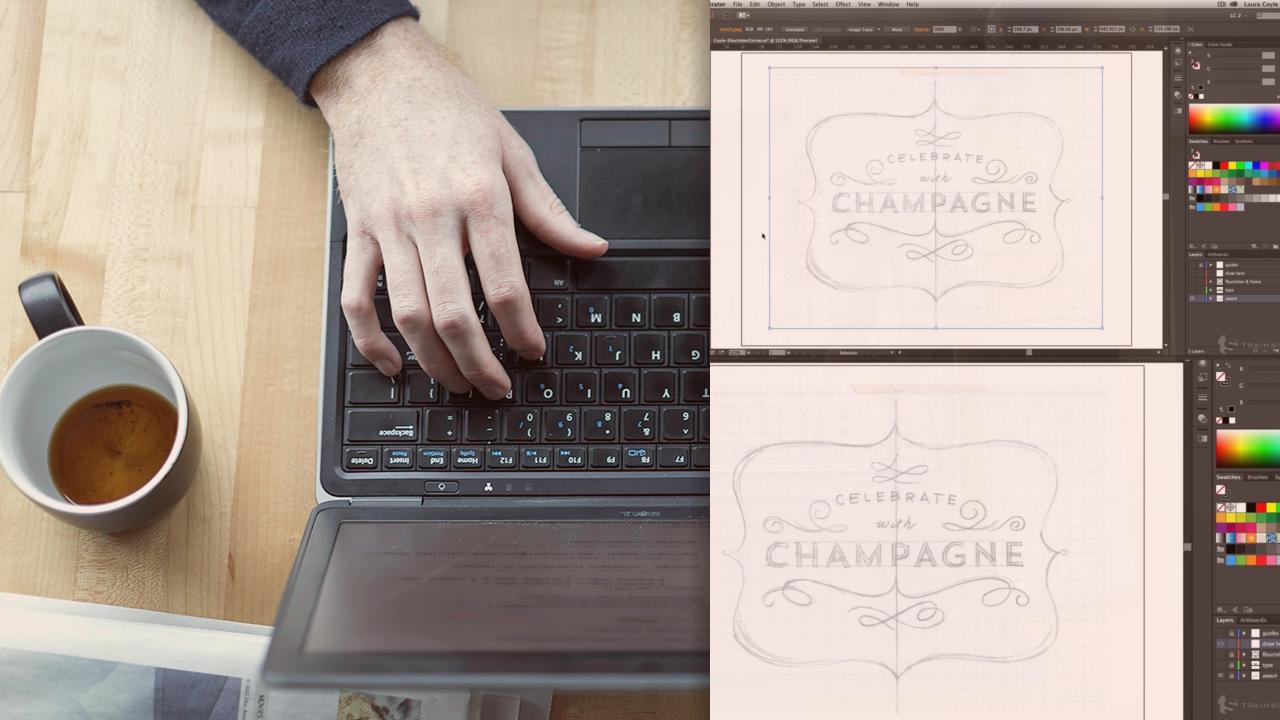
The Pen tool in Illustrator can create curves--but they often don't look smooth or polished. This course, Illustrator CC Curvature Tool, will show you how to use Illustrator CC 2014's Curvature tool (and others) to create beautiful curves in your artwork easier than ever before. First, you'll learn the basics of the Curvature tool: how to set your preferences for this tool and how to draw curves. You'll then move onto using the Anchor Point tool in order to refine your curves to make them look smoother. Finally, you'll learn some tricks and shortcuts with other tools such as the Reflect tool to end up with your final design: a curved frame with decorative flourishes. By the end of this course, you'll have a more in-depth knowledge of several Illustrator CC tools and you'll be able to create polished and flowing curved paths in your artwork.
Illustrator CC Curvature Tool
Intermediate
Table of contents



Laura Coyle creates distinctive art with wide appeal. Her clients include major brands like Target, Amazon.com, Disney, and publications including Better Homes and Gardens and The Wall Street Journal.
