
- Course
Integrating 3D Titles into Footage in NUKEX
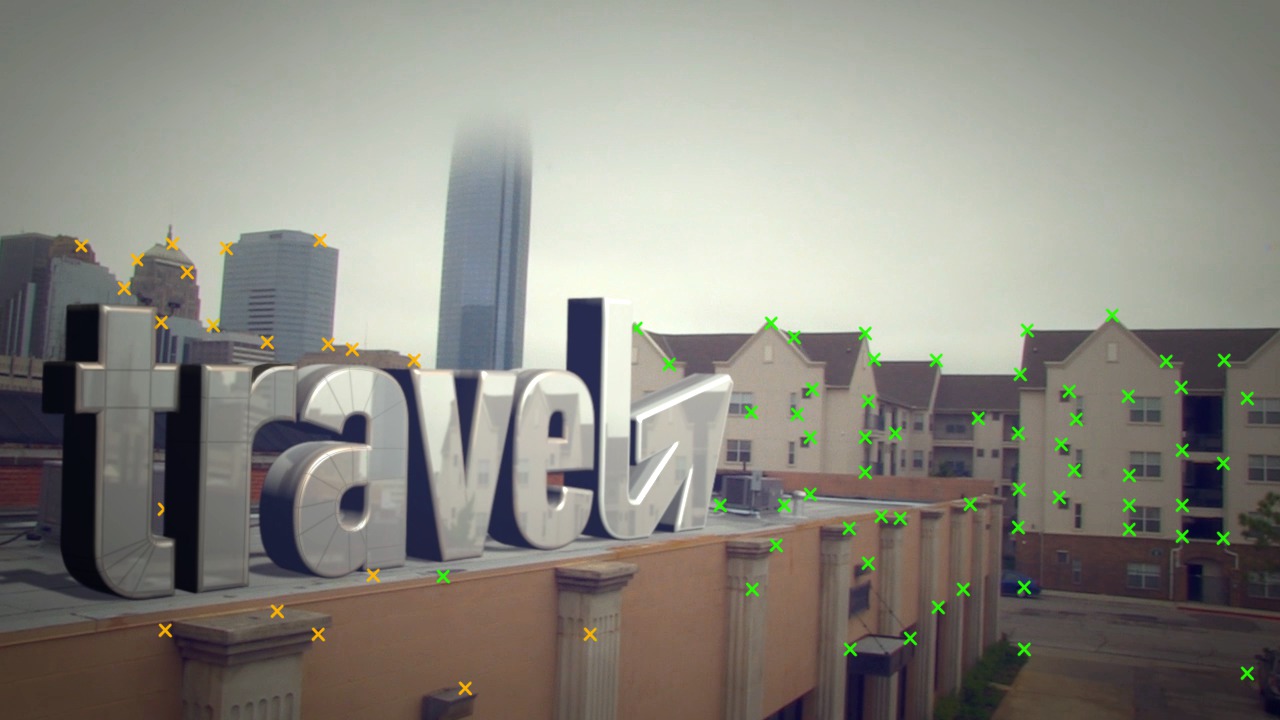
In this series of lessons, we will explore the process for tracking our camera movements to integrate a text logo into a live action scene. Software required: NUKEX 7.0v6.
Beginner
- Course
Integrating 3D Titles into Footage in NUKEX
In this series of lessons, we will explore the process for tracking our camera movements to integrate a text logo into a live action scene. Software required: NUKEX 7.0v6.
Beginner
Get started today
Access this course and other top-rated tech content with one of our business plans.
Try this course for free
Access this course and other top-rated tech content with one of our individual plans.
This course is included in the libraries shown below:
- Core Tech
What you'll learn
In this series of lessons, we will explore the process for tracking our camera movements to integrate a text logo into a live action scene. We start out by tracking and solving the camera to map out the motion of the camera from the live action plate. We then bring in an OBJ file containing a simple text based logo, which we use as our 3D image. Then, we proceed to lighting and compositing the text with our background. We learn tricks for getting a better camera solve and how to get the most control out of the lighting system in NUKE. We also learn how to color correct the final composite to give it the cinematic feel of blue tinted blacks and yellow tinted whites. This tutorial is for you if you are interested in matchmoving and want to do a quick project that will get you fast results. Software required: NUKEX 7.0v6.
Integrating 3D Titles into Footage in NUKEX
Beginner
Table of contents
