
- Course
Creating and Integrating Weather Elements in Maya
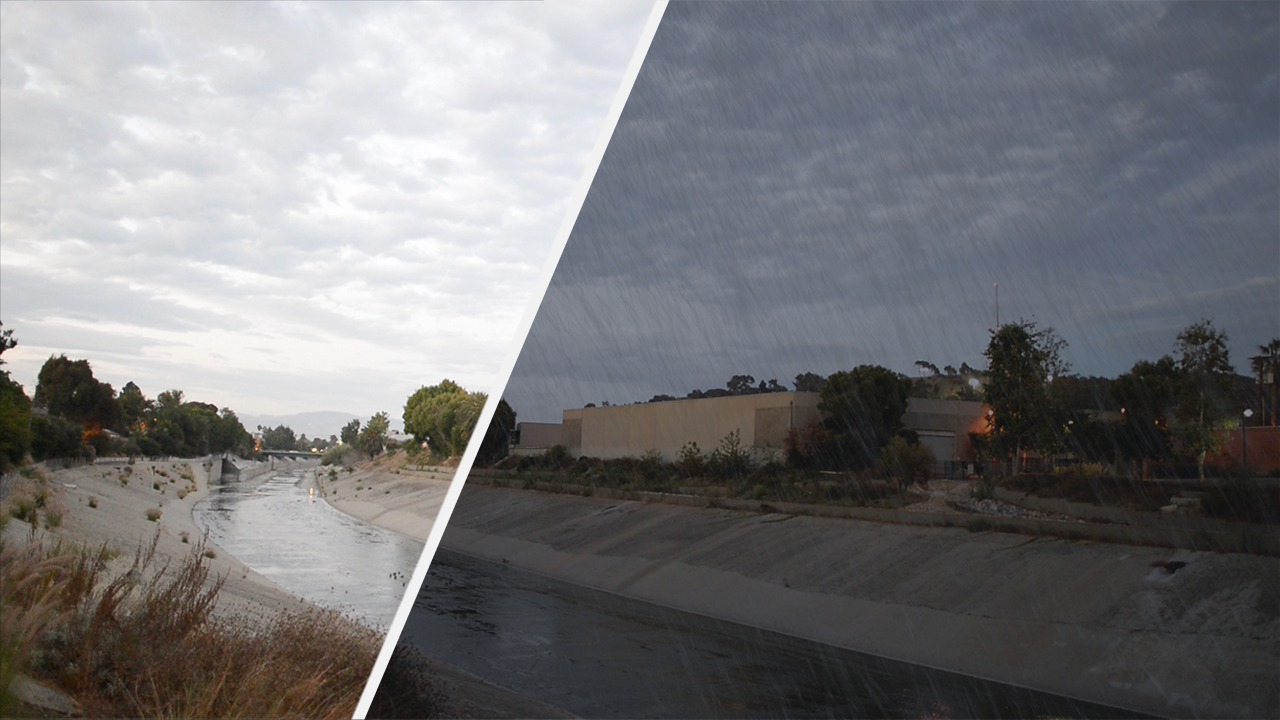
Throughout this Maya tutorial, we'll create dynamic weather effect from start to finish. Software required: Maya 2014, NUKE 8, PFTrack 2013, V-Ray 24241.
Advanced
- Course
Creating and Integrating Weather Elements in Maya
Throughout this Maya tutorial, we'll create dynamic weather effect from start to finish. Software required: Maya 2014, NUKE 8, PFTrack 2013, V-Ray 24241.
Advanced
Get started today
Access this course and other top-rated tech content with one of our business plans.
Try this course for free
Access this course and other top-rated tech content with one of our individual plans.
This course is included in the libraries shown below:
- Core Tech
What you'll learn
Throughout this Maya tutorial, we'll create dynamic weather effect from start to finish. Starting with a piece of live action footage, we'll create a match move camera, then we'll set up rain and blowing leaves using Maya nParticles. We'll finish by rendering our simulations out in V-Ray and composite them over our footage in NUKE. After completing this Maya training, you'll have created your own dynamic weather elements, that'll help you effectively change the look and feel of your own videos. Software required: Maya 2014, NUKE 8, PFTrack 2013, V-Ray 24241.
Creating and Integrating Weather Elements in Maya
Advanced
Table of contents
