
- Course
Interior Lighting Manipulation in Photoshop
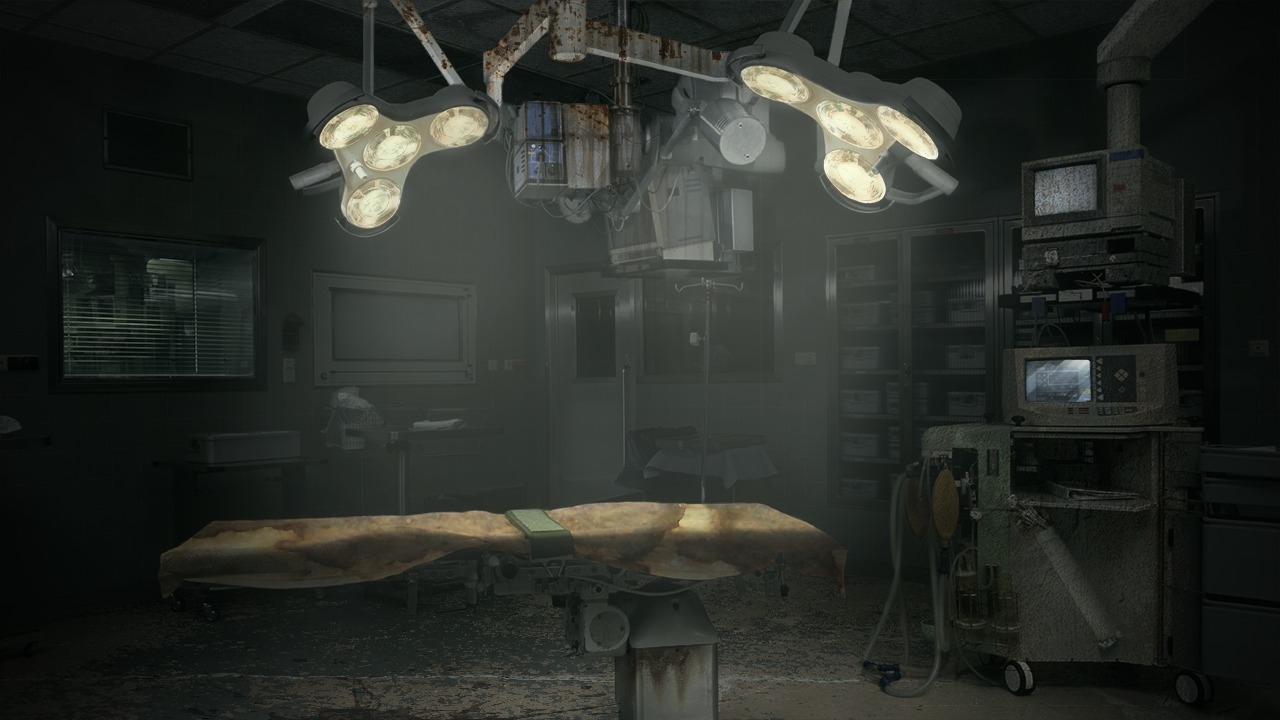
We'll begin this process by examining the image that we'll be working with and learn how we can begin to prep the image by removing any unwanted shadows and reflections. Software required: Photoshop CC 14.2.
Intermediate
- Course
Interior Lighting Manipulation in Photoshop
We'll begin this process by examining the image that we'll be working with and learn how we can begin to prep the image by removing any unwanted shadows and reflections. Software required: Photoshop CC 14.2.
Intermediate
Get started today
Access this course and other top-rated tech content with one of our business plans.
Try this course for free
Access this course and other top-rated tech content with one of our individual plans.
This course is included in the libraries shown below:
- Core Tech
What you'll learn
We'll begin this process by examining the image that we'll be working with and learn how we can begin to prep the image by removing any unwanted shadows and reflections. From here, we'll use adjustment layers and layer masks to change the overall lighting scheme for our image and establish a new light source. Following this, we'll spend several lessons pushing the overall mood of our interior scene to appear grungy by applying various types of textures. Along the way we'll learn how we can use smart objects, free transform, and blend modes to achieve the look that we set out to capture. After watching this tutorial you'll have the inspiration to change the lighting and mood of images in Photoshop. Software required: Photoshop CC 14.2.
Interior Lighting Manipulation in Photoshop
Intermediate
Table of contents
