
- Course
Introduction to Drafting and Annotation in AutoCAD
In this set of tutorials, you'll learn how to get up to speed in AutoCAD. Software required: AutoCAD 2016.
Beginner
- Course
Introduction to Drafting and Annotation in AutoCAD
In this set of tutorials, you'll learn how to get up to speed in AutoCAD. Software required: AutoCAD 2016.
Beginner
Get started today
Access this course and other top-rated tech content with one of our business plans.
Try this course for free
Access this course and other top-rated tech content with one of our individual plans.
This course is included in the libraries shown below:
- Core Tech
What you'll learn
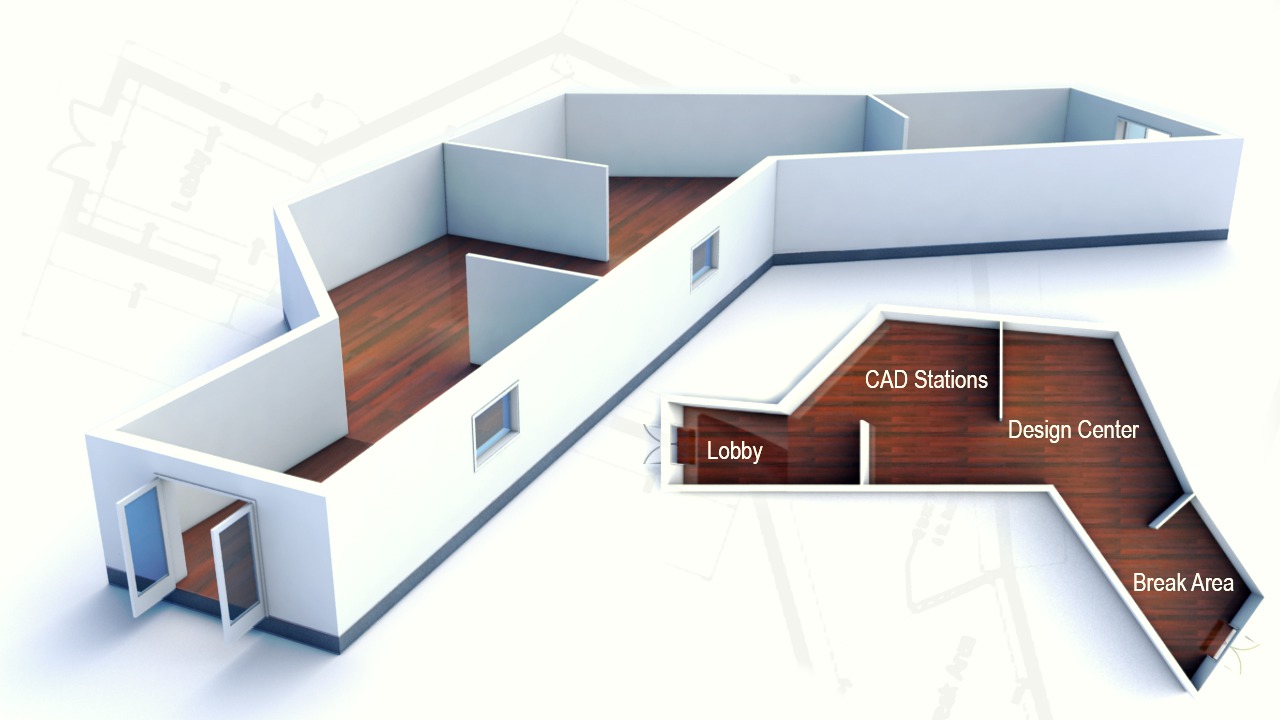
In this set of tutorials, you'll learn how to get up to speed in AutoCAD. A hands on approach to learning new software is a great way to get comfortable with your set of tools. With that in mind, you and I will embark on a small project together. Along the way we'll learn how to navigate AutoCAD's User Interface and get a better understanding of the location and also types of tools available to us within this software package. From there we'll learn how draw, modify, and even organize all our geometry and objects into color coded layers, each with a unique set of properties that we'll learn to edit. After working with geometry, we'll learn how to annotate our drawing using things like text, dimensions, and multileaders. Finally, once our basic floor plan is complete, we'll learn how to present and document our design by working with layouts and viewports. By the end of this course, you'll be able to draw and modify geometry, organize your work into layers, annotate your drawings, and even present your work using layouts and title block templates. So with that, I'm ready to get started, and I'll meet you in the next lesson! Software required: AutoCAD 2016.
Introduction to Drafting and Annotation in AutoCAD
Beginner
Table of contents
