
- Course
Introduction to HVAC Design in Revit MEP
In this series of tutorials, I'll teach you how to work with HVAC systems in Revit MEP. Software required: Revit 2014.
Intermediate
- Course
Introduction to HVAC Design in Revit MEP
In this series of tutorials, I'll teach you how to work with HVAC systems in Revit MEP. Software required: Revit 2014.
Intermediate
Get started today
Access this course and other top-rated tech content with one of our business plans.
Try this course for free
Access this course and other top-rated tech content with one of our individual plans.
This course is included in the libraries shown below:
- Core Tech
What you'll learn
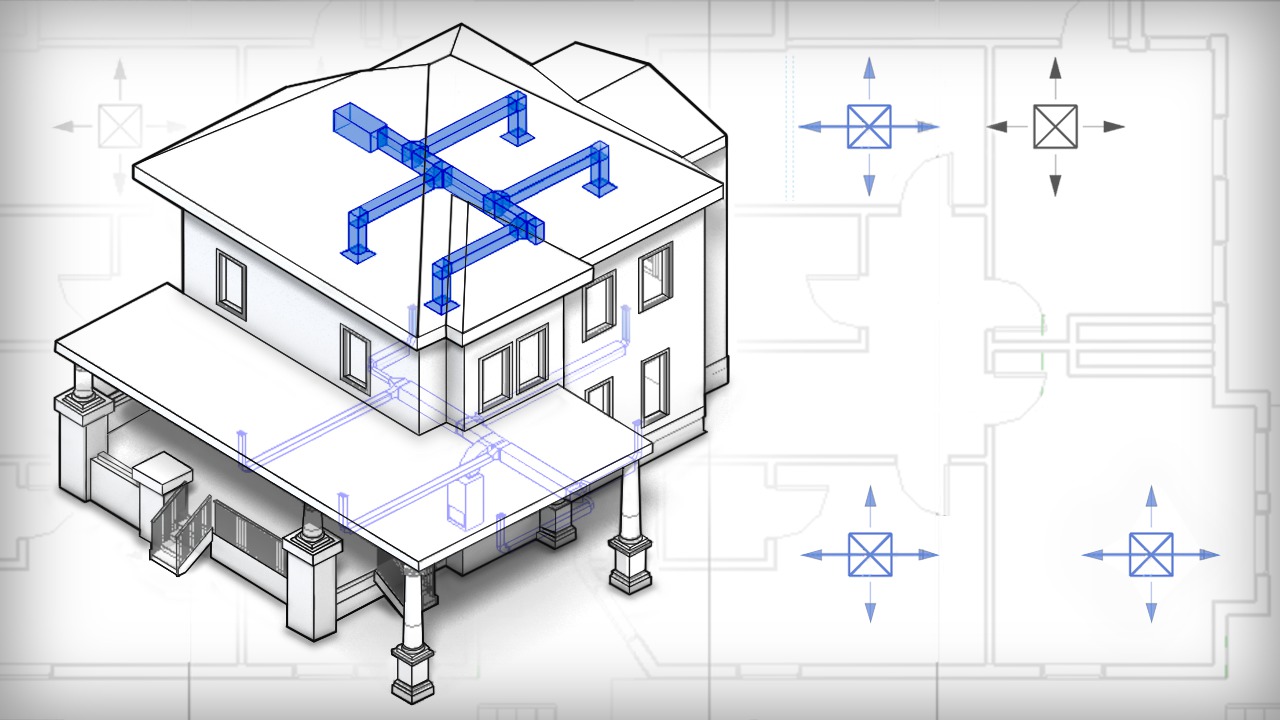
In this series of tutorials, I'll teach you how to work with HVAC systems in Revit MEP. Our install project will be located on the first and second floor of a single-family home. We'll begin our project by establishing zones and spaces in order to determine our heating and cooling load requirements. Once we've established what the needs are for each space, we will then begin laying out the equipment for our system. With equipment in place, we'll learn a few easy ways to model duct work and even test your system for pressure loss. Once you become comfortable using the tools in this workflow, you'll be able to design your next installation with confidence and precision using Revit MEP. Software required: Revit 2014.
Introduction to HVAC Design in Revit MEP
Intermediate
Table of contents
