
- Course
Introduction to Substance Designer 3.5
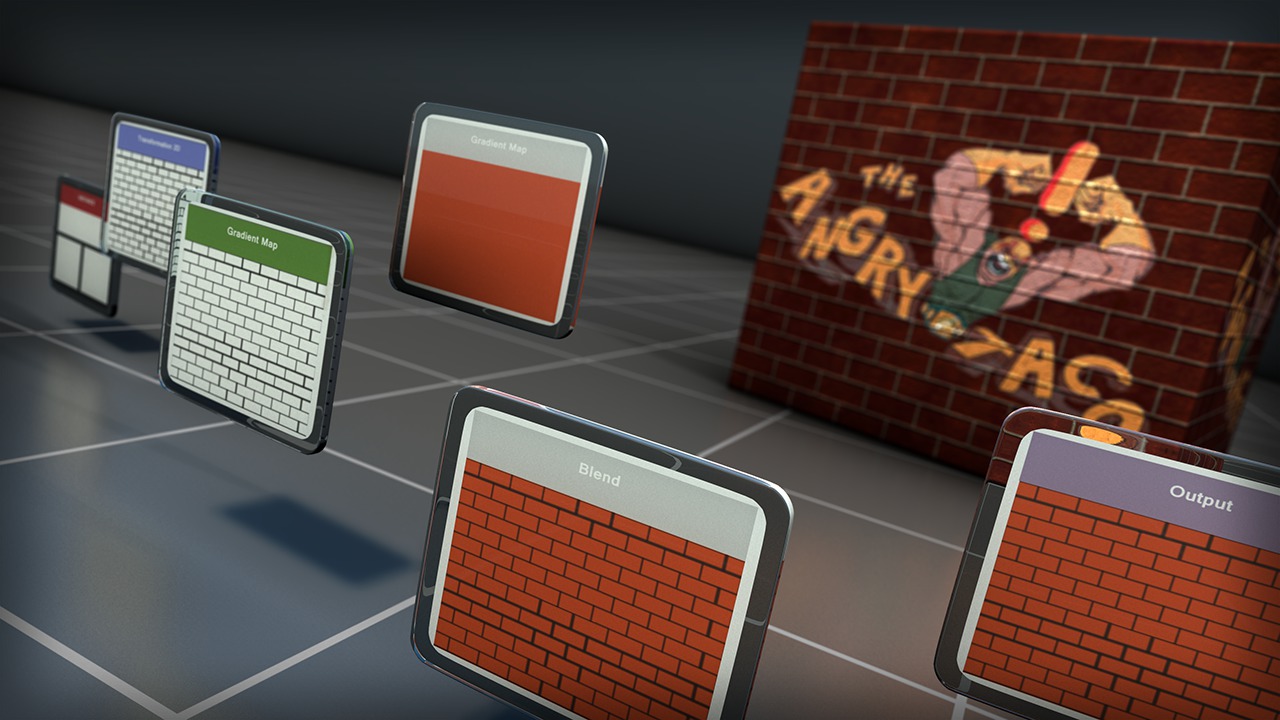
In this series of introductory Substance Designer tutorials, we are going to learn the fundamentals of working with Substance Designer. Software required: Substance Designer 3.5.
Beginner
- Course
Introduction to Substance Designer 3.5
In this series of introductory Substance Designer tutorials, we are going to learn the fundamentals of working with Substance Designer. Software required: Substance Designer 3.5.
Beginner
Get started today
Access this course and other top-rated tech content with one of our business plans.
Try this course for free
Access this course and other top-rated tech content with one of our individual plans.
This course is included in the libraries shown below:
- Core Tech
What you'll learn
In this series of introductory Substance Designer tutorials, we are going to learn the fundamentals of working with Substance Designer. We will start out with the basic fundamentals by exploring the interface, modifying your work space and learning how to navigate in certain panels. After that, we'll jump right into learning about some of the major nodes used to create textures from scratch in Substance Designer. Here, we'll learn how to properly create and manage our graph, which will be extremely important at output time. Then we'll learn the process of connecting the proper nodes together and learn what to do when nodes don't work together. Finally, we'll tap into the true power of Substance Designer by learning how to expose functions, which gives the end user ultimate control over your textures in any software package that supports Substance Designer. Software required: Substance Designer 3.5.
Introduction to Substance Designer 3.5
Beginner
Table of contents


Joshua is a devoted games author at Pluralsight. For years Joshua was a key author behind Digital-Tutors' (now a Pluralsight company) popular game engine training. As a kid, he had a passion for playing video games, which eventually developed into a fascination with the process of game creation. The question of "How'd they do that?" led Joshua on a quest to learn to make these games himself. Ever since then, Joshua has devoted his life to creating games, as well as teaching others to build their own fantastic video games.
