
- Course
Introduction to z/OS Commands and Panels
Introduction to z/OS Commands and Panels is mostly hands-on in an IBM Mainframe z/OS Environment.
Beginner
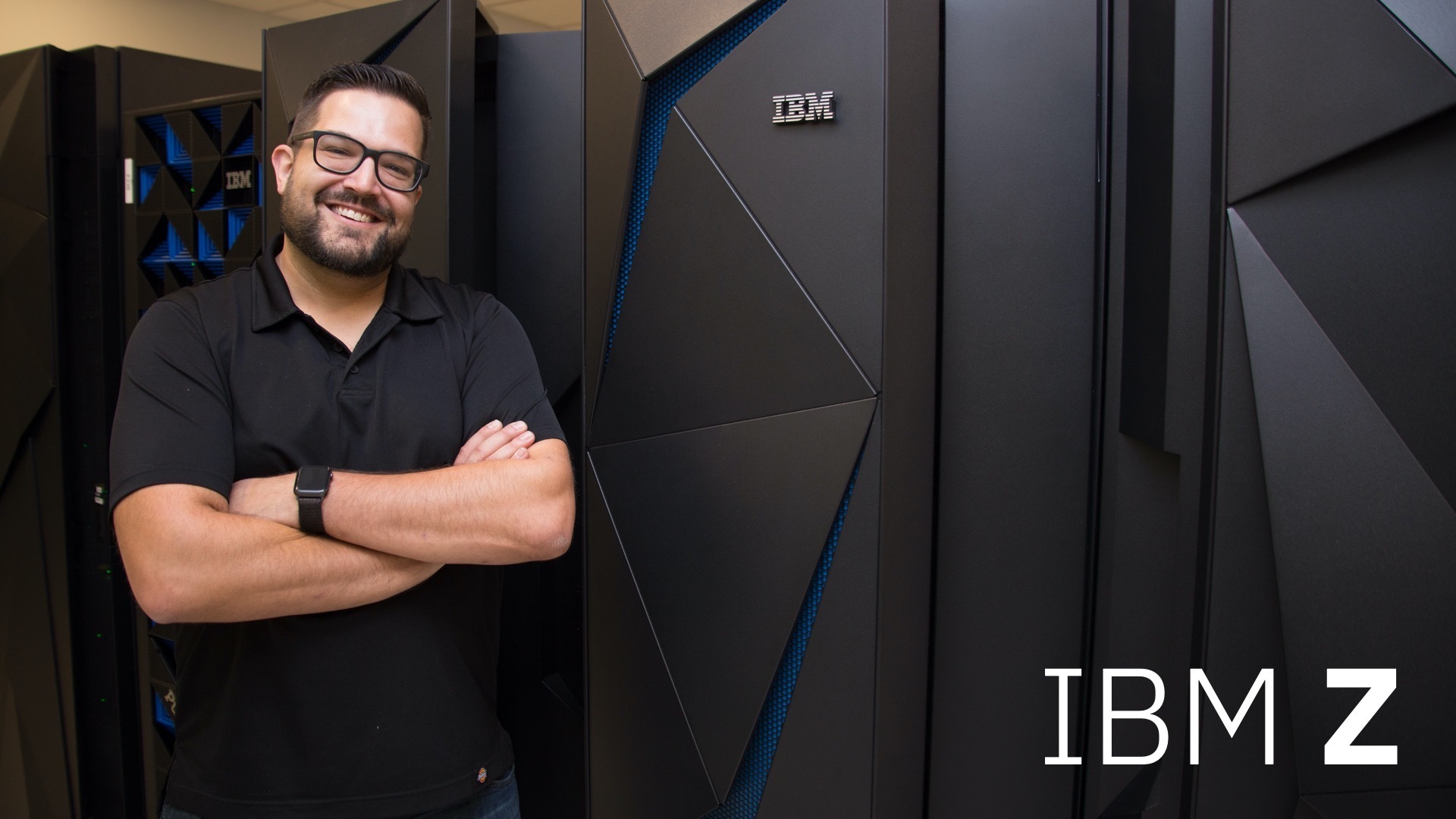
- Course
Introduction to z/OS Commands and Panels
Introduction to z/OS Commands and Panels is mostly hands-on in an IBM Mainframe z/OS Environment.
Beginner
Get started today
Access this course and other top-rated tech content with one of our business plans.
Try this course for free
Access this course and other top-rated tech content with one of our individual plans.
This course is included in the libraries shown below:
- Core Tech
What you'll learn
Introduction to z/OS Commands and Panels is mostly hands-on in an IBM Mainframe z/OS Environment. A total of seven labs will provide live access to an IBM Z server. The labs are designed to teach you the fundamental practical skills to navigate and work in a z/OS environment. This includes the use of ISPF/PDF dialogs, and TSO/E commands. This course includes readings, quizzes, and lab exercises accompanying the video course. You will need 15-16 hours to complete this course.
Introduction to z/OS Commands and Panels
Beginner
Table of contents


IBM® can transform your application and data portfolio with innovative data privacy, security, and cyber resiliency capabilities – all delivered through a hybrid cloud.
