
- Course
Creating a Low Poly Game Character in Maya and Silo
In this tutorial, we will be modeling and texturing a low poly game character. Software Required: Silo 2.2, Maya 2012, 3D-Coat 3.7, Photoshop CS4, CrazyBump.
Advanced
- Course
Creating a Low Poly Game Character in Maya and Silo
In this tutorial, we will be modeling and texturing a low poly game character. Software Required: Silo 2.2, Maya 2012, 3D-Coat 3.7, Photoshop CS4, CrazyBump.
Advanced
Get started today
Access this course and other top-rated tech content with one of our business plans.
Try this course for free
Access this course and other top-rated tech content with one of our individual plans.
This course is included in the libraries shown below:
- Core Tech
What you'll learn
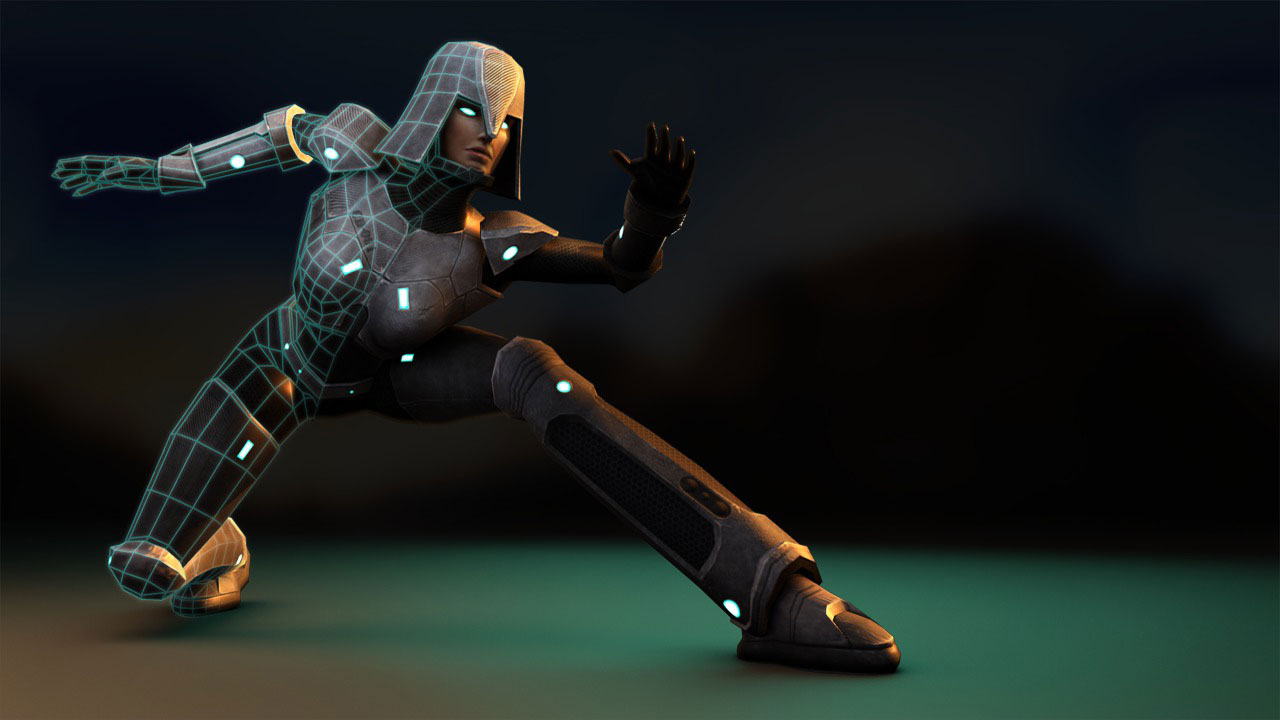
In this tutorial, we will be modeling and texturing a low poly game character. Rather than focusing on the higher-end scale that is commonly seen in other tutorials, with this tutorial we will be limiting ourselves to just a few thousand polygons. We will begin, not by sculpting a high detail model in ZBrush or Mudbox, but by focusing on the character's actual low polygon in-game model. Once that's built and optimized, we will then focus on adding a good set of UVs before we move onto painting diffuse, normal, and specular texture maps. By the end of this tutorial, we will have taken a look at numerous tips, techniques, and shortcuts all geared towards saving precious time by simply focusing on the actual game model itself. Software Required: Silo 2.2, Maya 2012, 3D-Coat 3.7, Photoshop CS4, CrazyBump.
Creating a Low Poly Game Character in Maya and Silo
Advanced
Table of contents
