
- Course
Microsoft Endpoint Manager: Deploy Applications with Intune
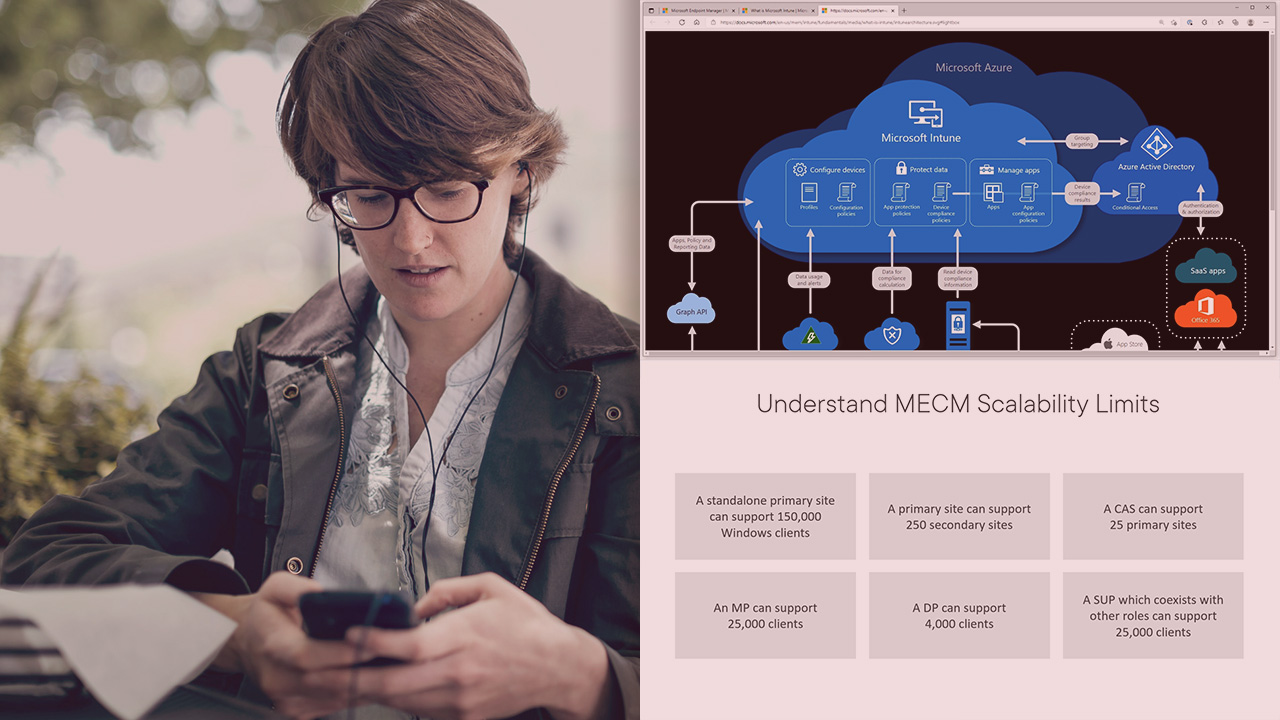
Explore the click-by-click interactions with the Intune admin UI in deploying applications. and then monitoring and troubleshooting their deployment, in this course.
Intermediate
- Course
Microsoft Endpoint Manager: Deploy Applications with Intune
Explore the click-by-click interactions with the Intune admin UI in deploying applications. and then monitoring and troubleshooting their deployment, in this course.
Intermediate
Get started today
Access this course and other top-rated tech content with one of our business plans.
Try this course for free
Access this course and other top-rated tech content with one of our individual plans.
This course is included in the libraries shown below:
- Core Tech
What you'll learn
It may seem counterintuitive that Intune's application deployment mechanisms are a bit simpler than those for Configuration Manager. But when you think about the long-lived history of MECM, it makes sense that Intune arrives with much less historical baggage in accomplishing the task. Comparing the actions in configuration application deployments between these two solutions is the mission for this course.
In this tenth course out of sixteen, Microsoft Endpoint Manager: Deploy Applications with Intune, you'll start by exploring a few preparation tasks for application deployment in the Intune administrator's UI. You'll revisit the differences in the Company Portal interface for the variety of Azure AD connected devices, look at how Azure Enterprise Applications get surfaced to users, and see the easy deployment of the MECM client to Intune-enrolled devices. Then, you'll dig into the deployment of applications using the Intune admin UI, with a broad range of examples across the variety of different applications you'll be expected to deploy. Finally, you'll explore the monitoring and troubleshooting tools that Intune makes available for understanding the root causes of why applications don't install successfully.
Microsoft Endpoint Manager: Deploy Applications with Intune
Intermediate
Table of contents


Greg Shields is an Author Evangelist at Pluralsight.
