
- Course
Microsoft Endpoint Manager: Compliance Policies with MECM and Intune
Learn how to enforce device configurations using compliance policies as you then deny access to corporate resources when machines go non-compliant.
Intermediate
- Course
Microsoft Endpoint Manager: Compliance Policies with MECM and Intune
Learn how to enforce device configurations using compliance policies as you then deny access to corporate resources when machines go non-compliant.
Intermediate
Get started today
Access this course and other top-rated tech content with one of our business plans.
Try this course for free
Access this course and other top-rated tech content with one of our individual plans.
This course is included in the libraries shown below:
- Core Tech
What you'll learn
The conversation about device configuration over the last couple of courses has focused on just the configurations themselves. As performed, those configurations are more like preferences than any real policy. They configure machines, but users can adjust those configurations generally at will.
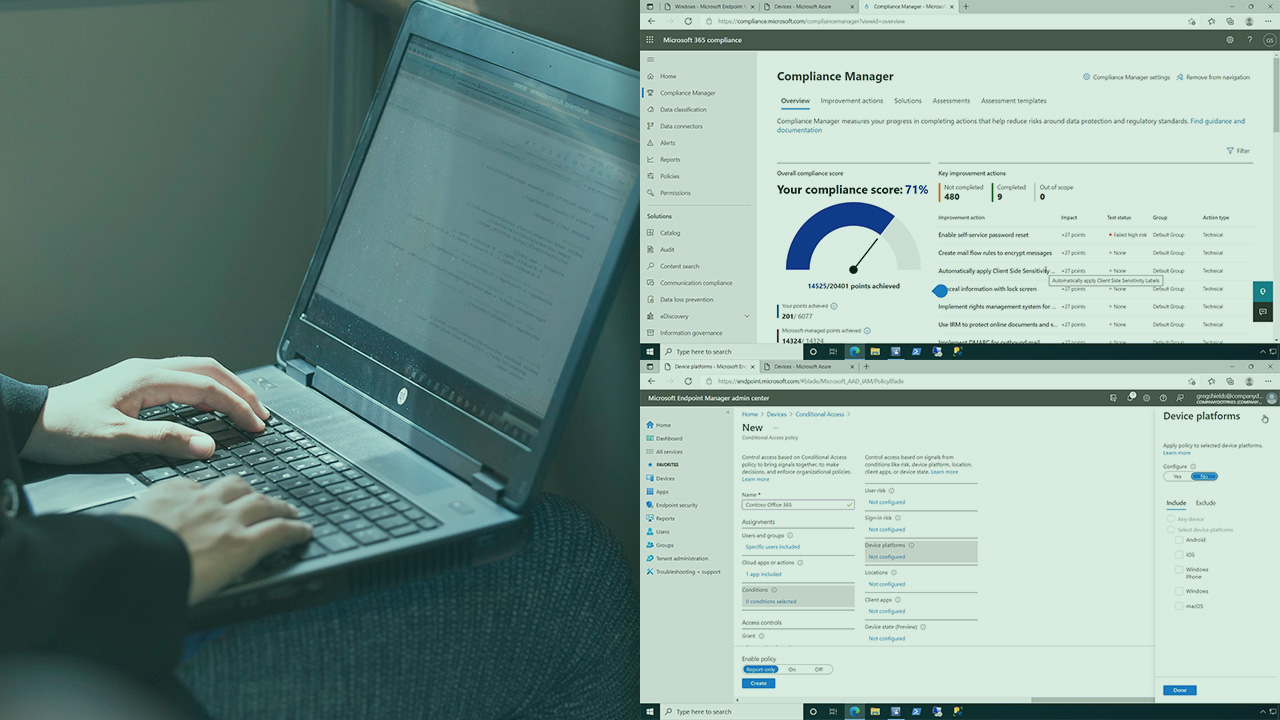
In this thirteenth course out of sixteen, Microsoft Endpoint Manager: Compliance Policies with MECM and Intune, you'll learn enforcing configurations, declaring misconfigured machines as non-compliant, and then bringing consequences to those misconfigurations. First, you'll start by looking at compliance in MECM. Next, you'll configure some custom compliance policies in MECM including auto-remediation and see how they look from the user's perspective. Then, you'll shift over to Intune to explore the very different approach Intune uses to address compliance. You'll create and deploy Intune compliance policies to see their effect on user's machines. Finally, you'll connect compliance policies to conditional access policies and deny access to corporate resources when machines go non-compliant. By the end of this course, you'll have a better understanding of enforcing configurations to meet compliance in MECM and Intune.
Microsoft Endpoint Manager: Compliance Policies with MECM and Intune
Intermediate
Table of contents


Greg Shields is an Author Evangelist at Pluralsight.
