
- Course
Microsoft Access (2016)
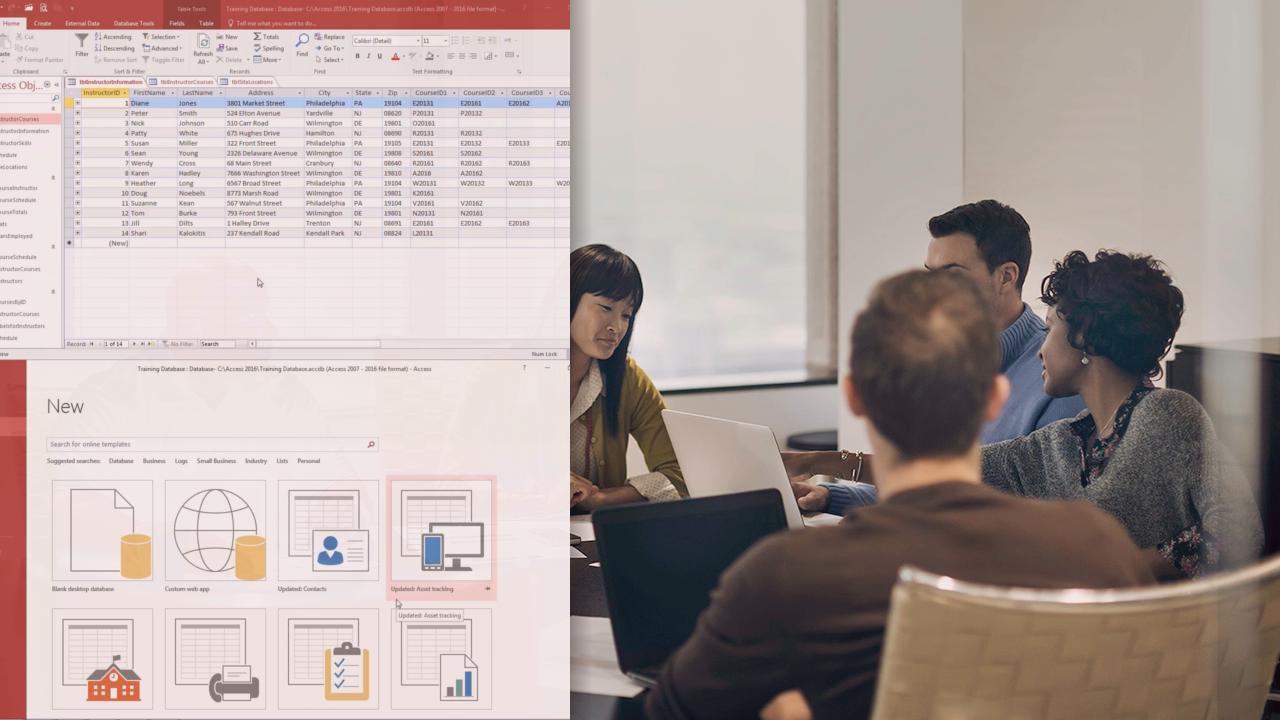
In this course, you will use Microsoft Access to create a desktop-based database. Software required: Microsoft Access (2016).
Beginner
- Course
Microsoft Access (2016)
In this course, you will use Microsoft Access to create a desktop-based database. Software required: Microsoft Access (2016).
Beginner
Get started today
Access this course and other top-rated tech content with one of our business plans.
Try this course for free
Access this course and other top-rated tech content with one of our individual plans.
This course is included in the libraries shown below:
- Core Tech
What you'll learn
Do you have to create a desktop database? Microsoft Access 2016 is the tool for you. You will start with a brief introduction to Access 2016, before you get into tables, fields, queries, and form building. This course will teach you how to create browser-based databases with scalable and usable data. Software required: Microsoft Access (2016).
Microsoft Access (2016)
Beginner
Table of contents
-
What Is Access? | 3m 33s
-
Getting Started | 3m 17s
-
Understanding the Access Environment | 3m 51s
-
Working with Backstage View | 3m 31s
-
Using the Navigation Pane | 2m 39s
-
Exploring Tables | 2m 23s
-
Exploring Queries | 2m 52s
-
Exploring Forms | 3m 16s
-
Exploring Reports | 3m 30s
-
Designing a Relational Database | 5m 44s
-
Creating a Desktop Database Using a Template | 3m 46s
-
Creating a Blank Desktop Database | 1m 53s
-
Creating a Table in Datasheet View | 4m 20s
-
Creating a Table in Table Design | 3m 51s
-
Designating Primary Keys | 2m 34s
-
Adding Records to a Table | 3m 50s
-
Modifying the Table Structure | 2m 36s
