
- Course
Microsoft Azure Network Engineer: Secure and Monitor Networks
How can you protect your virtual machines (VMs) running in Microsoft Azure virtual networks? This course teaches you everything you need to know to lock down your VNet services by using Microsoft proven practices and least-privilege security.
Intermediate
- Course
Microsoft Azure Network Engineer: Secure and Monitor Networks
How can you protect your virtual machines (VMs) running in Microsoft Azure virtual networks? This course teaches you everything you need to know to lock down your VNet services by using Microsoft proven practices and least-privilege security.
Intermediate
Get started today
Access this course and other top-rated tech content with one of our business plans.
Try this course for free
Access this course and other top-rated tech content with one of our individual plans.
This course is included in the libraries shown below:
- Core Tech
What you'll learn
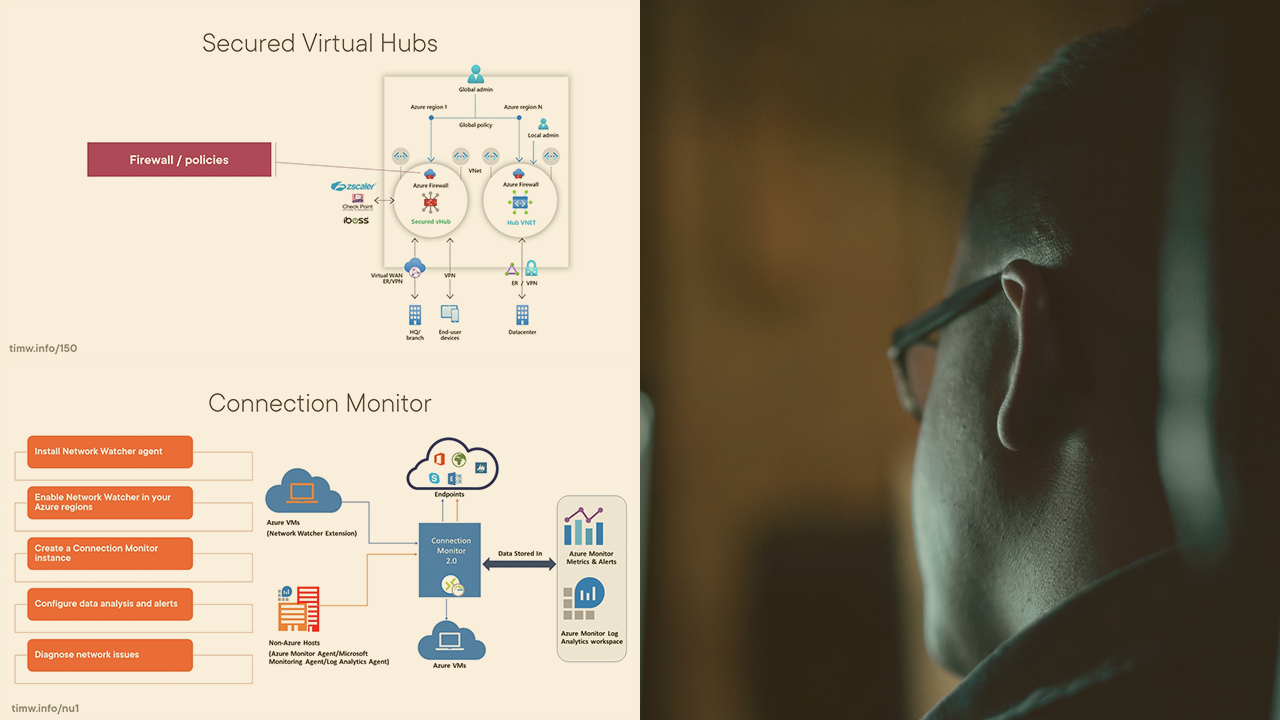
You need to provide least-privilege security for your virtual machines (VMs) and other services running in your Microsoft Azure virtual networks (VNets). In this course, Microsoft Azure Network Engineer: Secure and Monitor Networks, you'll learn how to plan and design for VNet security using Microsoft proven practices. First, you'll explore network security groups (NSGs). Next, you'll discover Azure Firewall and Web Application Firewall (WAF). Finally, you'll learn how to monitor Azure VNet network traffic flows. When you're finished with this course, you'll have the skills and knowledge of Azure network security to lock down your environment and maintain your organizational security and compliance standards.
Microsoft Azure Network Engineer: Secure and Monitor Networks
Intermediate
Table of contents
-
Overview | 2m 36s
-
Azure Firewall Standard and Premium | 4m 22s
-
Azure Firewall Deployment | 1m 55s
-
Demo: Deploy Azure Firewall to a VNet | 13m 26s
-
Azure Firewall Rules | 1m 59s
-
Azure Firewall Policies | 3m 34s
-
Demo: Work with Azure Firewall Policies | 11m 12s
-
Integrate Azure Firewall with Virtual WAN | 4m 13s
-
Summary | 1m 10s



Tim Warner is a Microsoft Most Valuable Professional (MVP) and Microsoft Certified Trainer (since 1997) with nearly three decades of experience as an IT professional and technical educator.
