
- Course
Design a Storage Strategy for Microsoft Azure
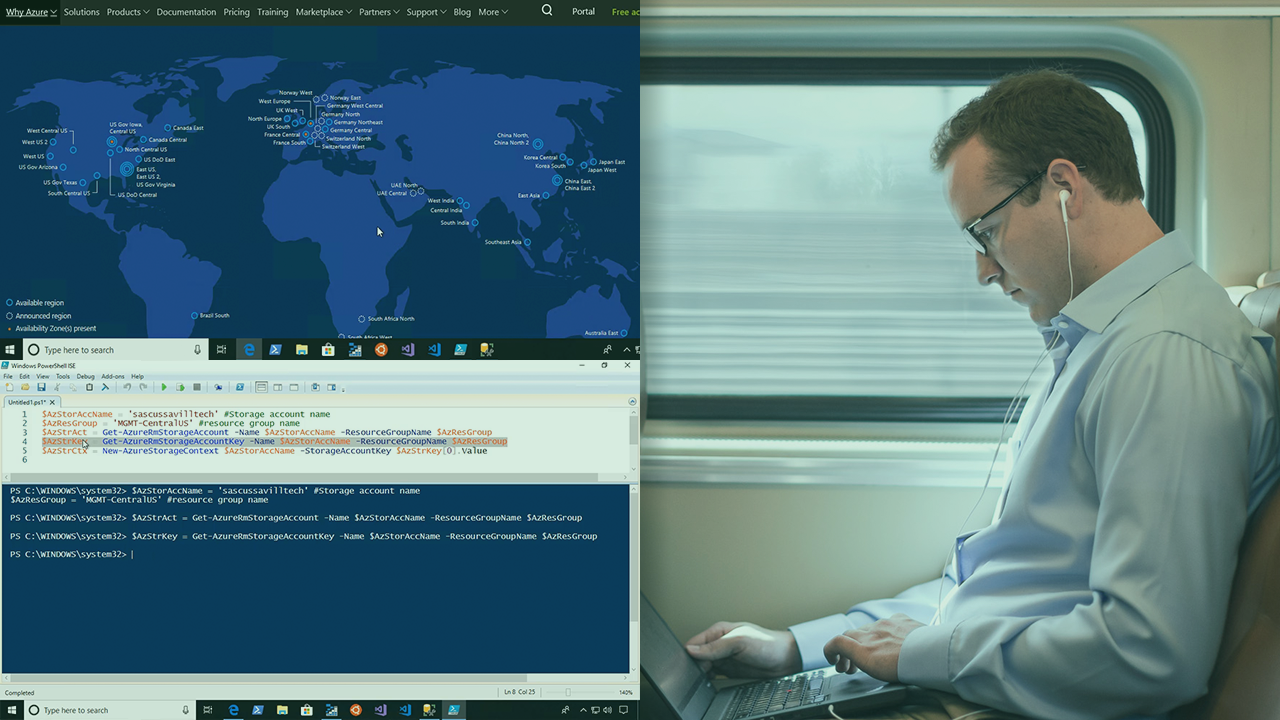
Azure has many storage services that can be leveraged both within Azure and externally, and which offer specific capabilities. This course will explore the most commonly used storage services in Azure and how to utilize them.
Intermediate
- Course
Design a Storage Strategy for Microsoft Azure
Azure has many storage services that can be leveraged both within Azure and externally, and which offer specific capabilities. This course will explore the most commonly used storage services in Azure and how to utilize them.
Intermediate
Get started today
Access this course and other top-rated tech content with one of our business plans.
Try this course for free
Access this course and other top-rated tech content with one of our individual plans.
This course is included in the libraries shown below:
- Cloud
What you'll learn
There are so many storage options in Azure that it can be hard to know which is the right one to use and how to use it the right way. In this course, Design a Storage Strategy for Microsoft Azure, you will gain the ability to pick and utilize the most applicable storage service in Azure based on your requirements. First, you will learn about storage accounts and their key capabilities. Next, you will discover how storage can be utilized by Azure IaaS VMs. Finally, you will explore how to use the database options available in Azure. When you’re finished with this course, you will have the skills and knowledge of Azure Storage needed to utilize the right Azure storage solution for your project.
Design a Storage Strategy for Microsoft Azure
Intermediate
Table of contents
-
Module Introduction | 1m 22s
-
Why This Is Important | 54s
-
Understanding Storage Requirements | 4m 3s
-
Azure Storage Overview | 5m 16s
-
Understanding Azure Regions | 6m 23s
-
Quick Word on ASM and ARM | 1m 36s
-
Using Storage Accounts | 7m 38s
-
Understanding Storage Replication | 6m 10s
-
Connectivity to Azure Storage | 4m 39s
-
Firewall and Virtual Network Integration | 5m 35s
-
Azure Storage and Private Link | 5m 14s
-
ExpressRoute Integration | 1m 40s
-
Module Summary | 26s


John Savill is an 11-time MVP, and he holds many Microsoft certifications including Azure Infrastructure and Azure Architecture specialist. John is the author of the popular FAQ for Windows and a senior contributing editor to Windows IT Pro. John has written eight books on Microsoft technologies including Mastering Microsoft Azure Infrastructure Services and Mastering Windows Server 2016 Hyper-V.
