
- Course
Data Analysis Functions and Techniques in Microsoft Excel
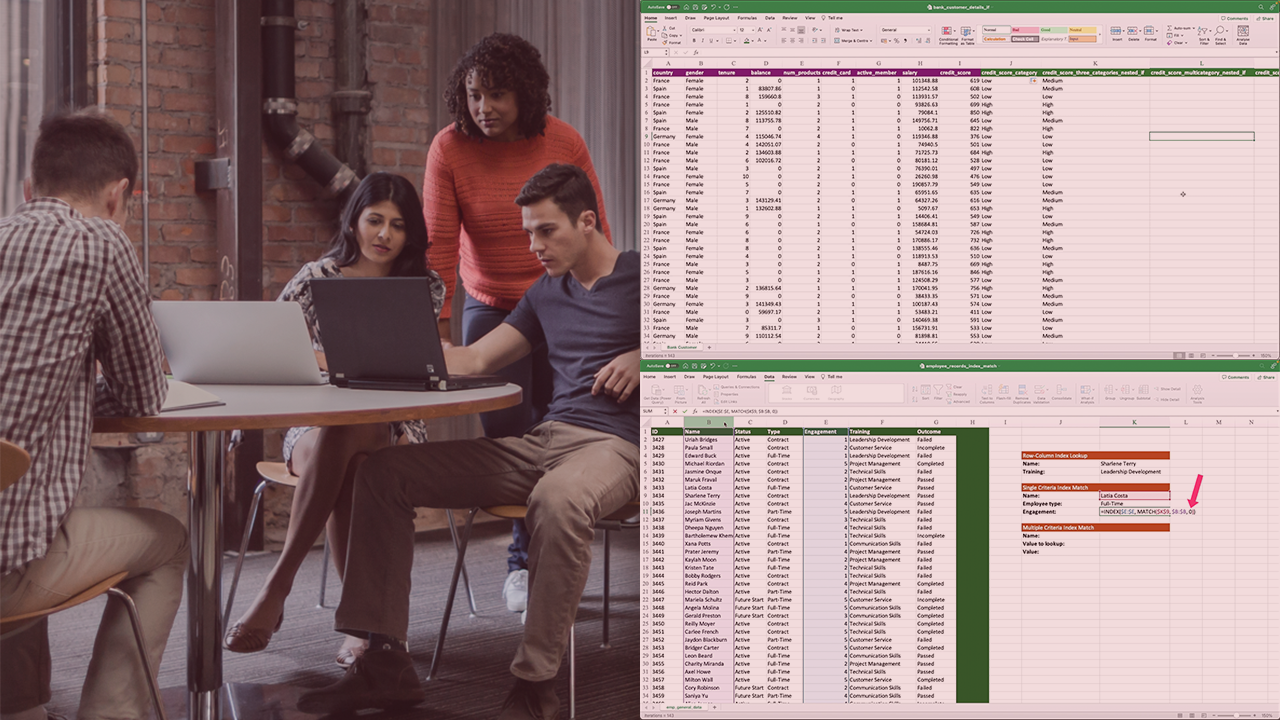
This course will enable you to implement logical functions, lookup and reference functions, what-if analyses, and visualization with sparklines, using datasets to evaluate sales, credit eligibility, employee data, and investment scenarios.
Intermediate
- Course
Data Analysis Functions and Techniques in Microsoft Excel
This course will enable you to implement logical functions, lookup and reference functions, what-if analyses, and visualization with sparklines, using datasets to evaluate sales, credit eligibility, employee data, and investment scenarios.
Intermediate
Get started today
Access this course and other top-rated tech content with one of our business plans.
Try this course for free
Access this course and other top-rated tech content with one of our individual plans.
This course is included in the libraries shown below:
- Data
What you'll learn
Excel data analysis skills will help you make informed business decisions.
In this course, Data Analysis Functions and Techniques in Microsoft Excel, you’ll gain the ability to analyze and interpret complex datasets.
First, you’ll explore how to use logical functions like IF, IFS, SUMIF, and NESTED IFS to categorize sales and profit levels, classify products, and evaluate credit eligibility criteria for customers.
Next, you’ll discover how to implement lookup and reference functions such as VLOOKUP, XLOOKUP, INDEX, and MATCH to efficiently find and reference data across single and multiple sheets, with a focus on employee-related data.
Finally, you’ll learn how to perform what-if analysis using Goal Seek, Scenario Manager, and data table functions to assess the impact of various business scenarios, as well as how to visualize data trends and comparisons using sparklines charts.
When you’re finished with this course, you’ll have the skills and knowledge of Excel data analysis needed to confidently analyze, interpret, and visualize data, driving better decision-making in your organization.
Data Analysis Functions and Techniques in Microsoft Excel
Intermediate
Table of contents


A problem solver at heart, Janani has a Masters degree from Stanford and worked for 7+ years at Google. She was one of the original engineers on Google Docs and holds 4 patents for its real-time collaborative editing framework.
