
- Course
Getting Started with Microsoft Teams and Microsoft 365 Groups Administration
Microsoft Teams is the fastest growing Microsoft 365 service of all time and is used by over 270 million users monthly! In this course, you will learn how to manage Microsoft Teams as well as its underlying membership service, Microsoft 365 Groups.
Intermediate
- Course
Getting Started with Microsoft Teams and Microsoft 365 Groups Administration
Microsoft Teams is the fastest growing Microsoft 365 service of all time and is used by over 270 million users monthly! In this course, you will learn how to manage Microsoft Teams as well as its underlying membership service, Microsoft 365 Groups.
Intermediate
Get started today
Access this course and other top-rated tech content with one of our business plans.
Try this course for free
Access this course and other top-rated tech content with one of our individual plans.
This course is included in the libraries shown below:
- Core Tech
What you'll learn
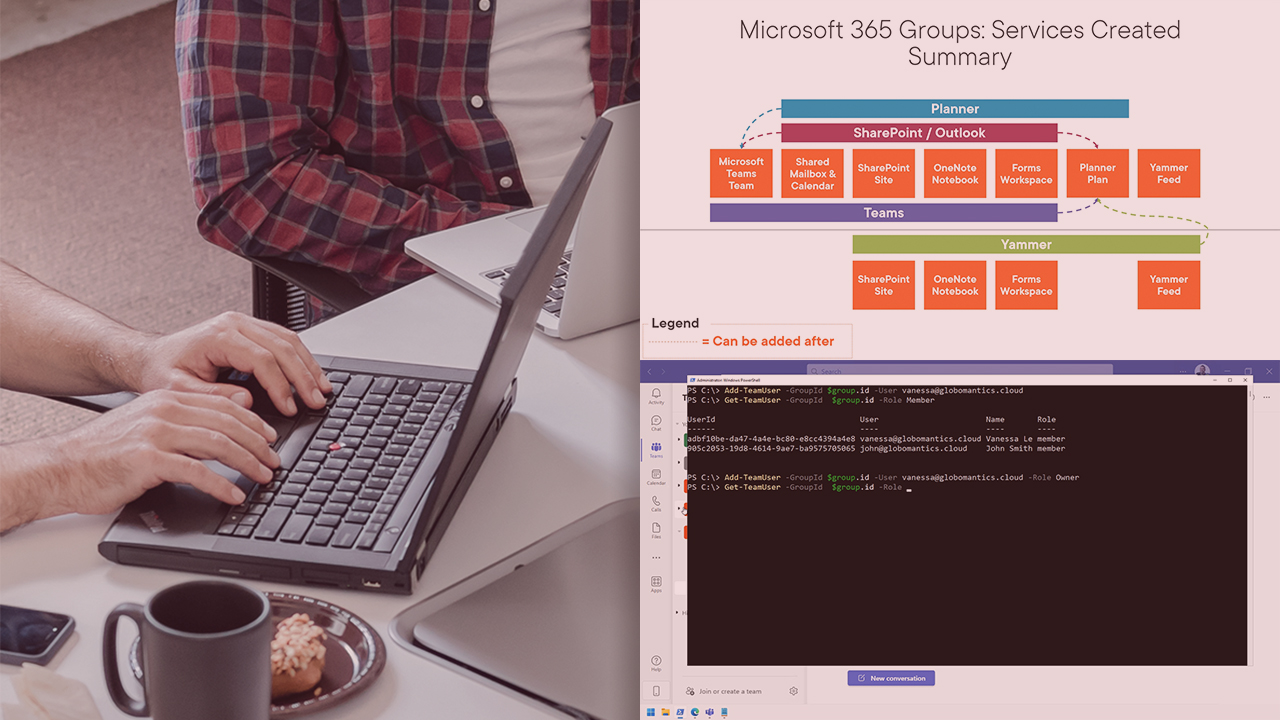
Microsoft Teams is the hub of teamwork in Microsoft 365 and it’s used by over 270 million users every single month! Since Microsoft Teams is critical to collaboration in an organization, it also requires skilled administrators to configure it and manage it daily. In this course, Getting Started with Microsoft Teams and Microsoft 365 Groups Administration, you will gain the ability to manage Microsoft Teams, as well as its underlying membership service, Microsoft 365 Groups. First, you will learn about the architecture of Microsoft 365 Groups and Microsoft Teams. Next, you will discover how to manage Microsoft 365 Groups and Microsoft Teams from the different admin centers and by using PowerShell. Finally, you will explore how to manage external and guest access for Microsoft 365 Groups and Microsoft Teams. When you are finished with this course, you will have the skills and knowledge needed to effectively manage both Microsoft 365 Groups and Microsoft Teams. This course also covers many objectives from the MS-700 Microsoft Certification Exam.
Getting Started with Microsoft Teams and Microsoft 365 Groups Administration
Intermediate
Table of contents


Vlad is an Office 365 consultant helping organizations get the most out their Microsoft 365 Digital Workplace. IT Professional at heart, Vlad focuses on helping administrators deploy, manage, automate, and configure governance across services such as SharePoint, OneDrive for Business, and Microsoft Teams. As an author, Microsoft Certified Trainer and recognized international speaker, Vlad has helped over a million IT Professionals and end-users across the globe to better understand and to get the most out of Office 365 and the greater Microsoft 365 platform. Vlad is the author of three SharePoint books published by Apress and over 25 courses on Pluralsight covering Microsoft 365, Azure, and the Power Platform.
