
- Course
Premiere Pro CC Multi-camera Editing
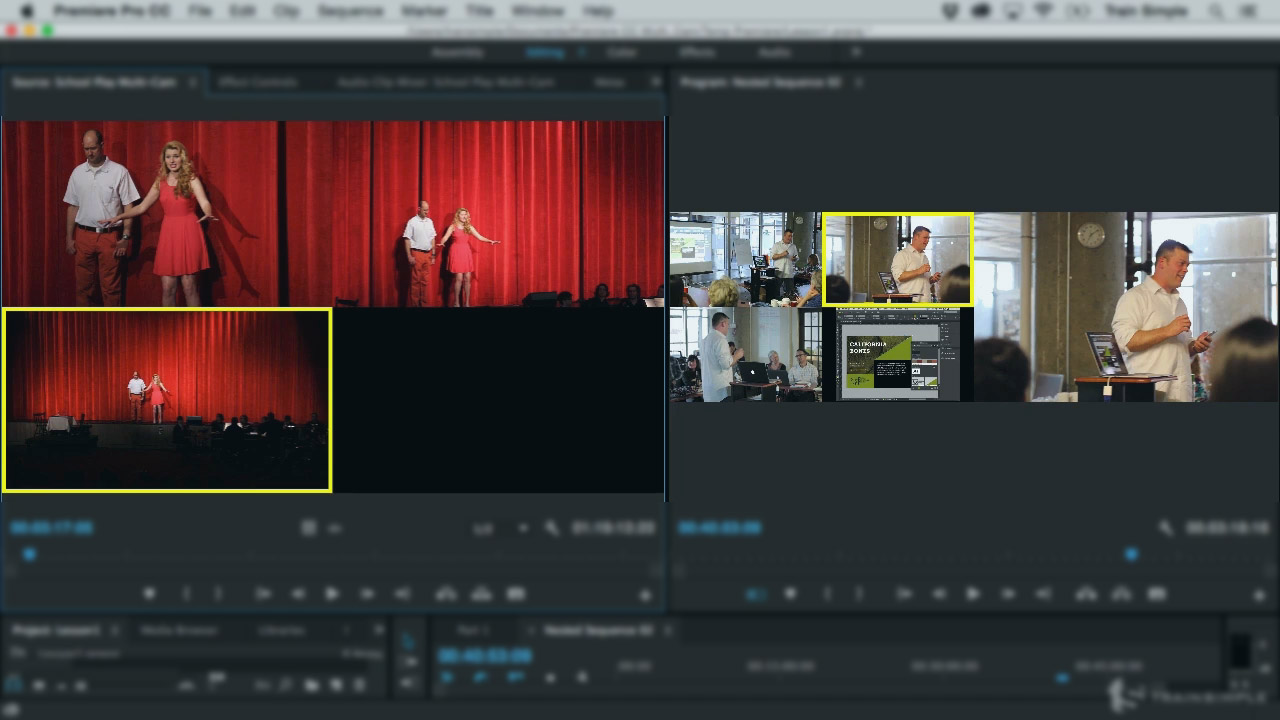
This course will show you how to take your video shoots to the next level by shooting action with multiple cameras at once, then editing that footage together for a dynamic, multiple angle viewing experience. Software required: Adobe Premiere Pro.
Intermediate
- Course
Premiere Pro CC Multi-camera Editing
This course will show you how to take your video shoots to the next level by shooting action with multiple cameras at once, then editing that footage together for a dynamic, multiple angle viewing experience. Software required: Adobe Premiere Pro.
Intermediate
Get started today
Access this course and other top-rated tech content with one of our business plans.
Try this course for free
Access this course and other top-rated tech content with one of our individual plans.
This course is included in the libraries shown below:
- Core Tech
What you'll learn
In this course, Premiere Pro CC Multi-camera Editing, you will learn how to take your video shoots to the next level by shooting action with multiple cameras at once, and then editing that footage together for a dynamic multiple angle viewing experience. You will get a behind the scenes look at setting up and shooting a multi-camera video with DSLR cameras and high quality audio recording, processing and synchronizing the footage, and then editing with Premiere Pro CC's multi-camera editing view. Learning how to shoot and efficiently edit multi-camera footage will add a powerful, indispensable skill to your video-making tool belt.
Premiere Pro CC Multi-camera Editing
Intermediate
Table of contents
-
Recording a High Quality Audio Track | 2m 45s
-
Setting up Cameras for a 3-Camera DSLR Video Shoot | 3m 53s
-
Setting Up Cameras and Audio for Another 3-Camera DSLR Shoot | 3m 54s
-
Choosing Cameras for a DSLR Multi-camera Shoot | 1m 38s
-
Staggered Video Recording with DSLR Cameras | 4m 5s
-
The Reason for Recording a Separate Audio Track | 4m 24s
-
Exploring All the Recorded Audio Tracks | 3m 27s
-
Recapping the Important Points of A Multi-camera Video Shoot | 1m 44s
-
Exercise Files Explained | 32s


I'm an advocate for online education, and constant personal and professional improvement. As an obsessive learner myself, I look to help those who want to take control of their learning journey, and encourage anyone with something they're good at to teach it.
