
- Course
Creating News Channel Lower Thirds in After Effects
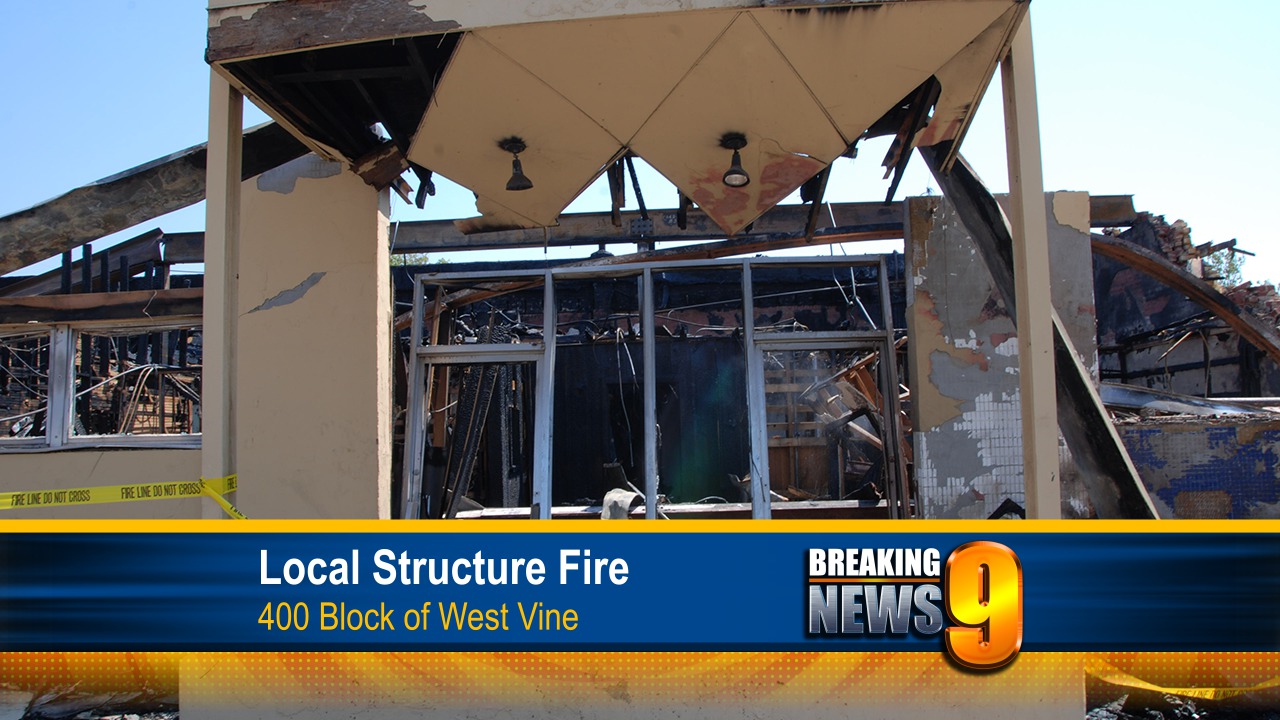
In this series of tutorials, we'll be creating a lower third for a news channel broadcast. Software required: After Effects CC 12.2.1.
Beginner
- Course
Creating News Channel Lower Thirds in After Effects
In this series of tutorials, we'll be creating a lower third for a news channel broadcast. Software required: After Effects CC 12.2.1.
Beginner
Get started today
Access this course and other top-rated tech content with one of our business plans.
Try this course for free
Access this course and other top-rated tech content with one of our individual plans.
This course is included in the libraries shown below:
- Core Tech
What you'll learn
In this series of tutorials, we'll be creating a lower third for a news channel broadcast. We will start by discussing requirements for animations that will be broadcast on television like keeping your elements action and title safe. We'll get familiar with incorporating a station ID and brand colors into our animation. We'll plan out how we want our lower third to show up and operate by blocking out shapes, then we'll give our pieces depth and movement so they're not static and boring. Next, we'll get into animating our pieces so they appear over our footage in a very dynamic way. We'll then decide how long we want our graphics to stay on screen and animate their departure. Finally, we'll prepare our project to be used as a template for easy text and footage changes for the next person down the pipeline. When you finish this training, you'll have a better understanding of creating lower-thirds for local or national broadcast. Software required: After Effects CC 12.2.1.
Creating News Channel Lower Thirds in After Effects
Beginner
Table of contents
