
- Course
Photoshop CC Mastering Layer Styles
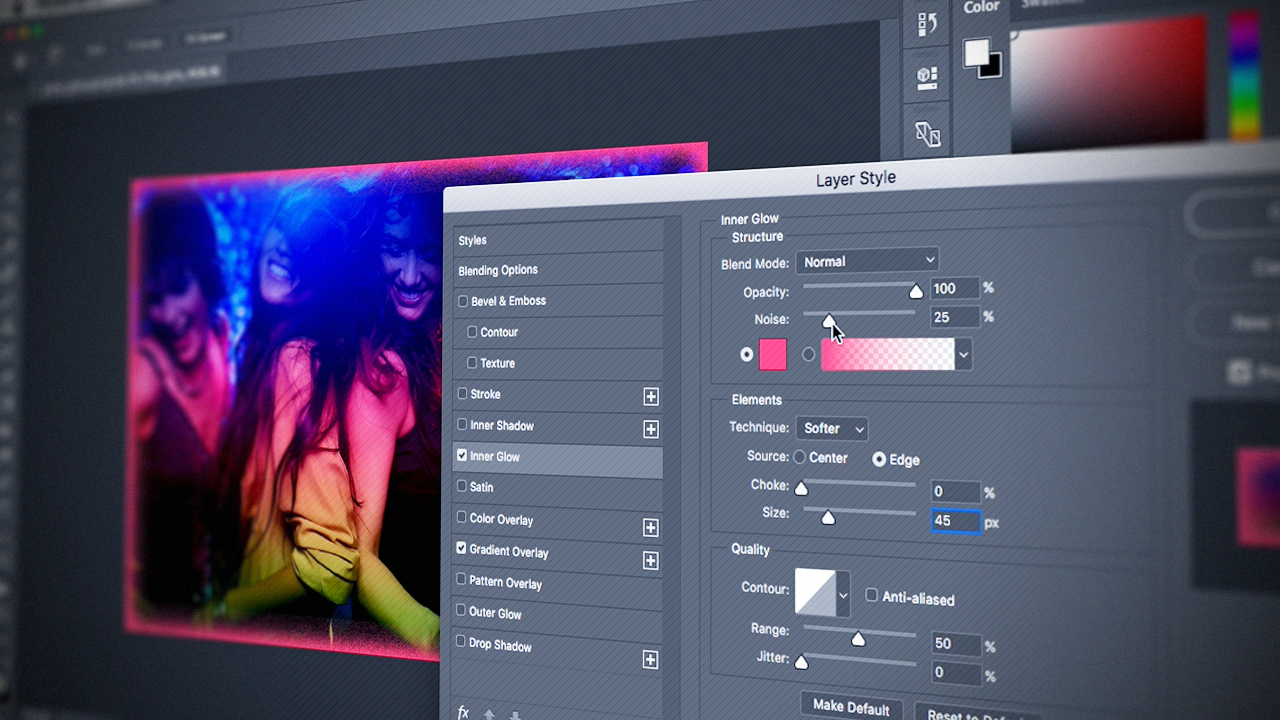
This course will teach you how to use Photoshop layer styles in practical ways they can apply to your own workflow. Software required: Photoshop CC.
Intermediate
- Course
Photoshop CC Mastering Layer Styles
This course will teach you how to use Photoshop layer styles in practical ways they can apply to your own workflow. Software required: Photoshop CC.
Intermediate
Get started today
Access this course and other top-rated tech content with one of our business plans.
Try this course for free
Access this course and other top-rated tech content with one of our individual plans.
This course is included in the libraries shown below:
- Core Tech
What you'll learn
Have you ever added a drop shadow or a bevel to your work and wondered how to share it with your friends or save it for later? Well, this is the course for you! In this course, Photoshop CC Mastering Layer Styles, you'll learn the basic concepts using Adobe Photoshop layer styles. First, you'll explore using the actual layer style panel to create and save your own layer styles and sharing them with colleagues. Next, you'll discover how to create your own unique layer styles. Finally, you'll learn how to practically apply your knowledge to everyday situations that might arise during a retouching or special effects session. By the end of this course, you'll have a better understanding how the layer styles work in Photoshop CC. Software required: Photoshop CC.
Photoshop CC Mastering Layer Styles
Intermediate
Table of contents
-
Working with Built-in Layer Styles | 4m 50s
-
How to Apply Layer Styles | 8m 36s
-
Copying and Pasting Layer Styles to Other Layers | 2m 38s
-
Changing the Appearance of Layer Styles | 5m 30s
-
Adding and Editing Additional Layer Styles | 10m 16s
-
Understanding Contours and Global Lighting | 9m 51s
-
Changing Visibility of Layer Styles | 3m 38s
-
Scaling Layer Effects up and Down | 8m 13s
-
Removing Layer Styles Permanently | 5m 44s
-
Rasterizing Layer Styles | 6m 10s


Justin Seeley is an Adobe Certified Expert and has authored over 80 courses on various graphic and web design applications.
