
- Course
Photoshop CC Mastering Compositing
Learn the artistic principles behind realistic composites and the tools in Photoshop to make your composites come to life.
Intermediate
- Course
Photoshop CC Mastering Compositing
Learn the artistic principles behind realistic composites and the tools in Photoshop to make your composites come to life.
Intermediate
Get started today
Access this course and other top-rated tech content with one of our business plans.
Try this course for free
Access this course and other top-rated tech content with one of our individual plans.
This course is included in the libraries shown below:
- Core Tech
What you'll learn
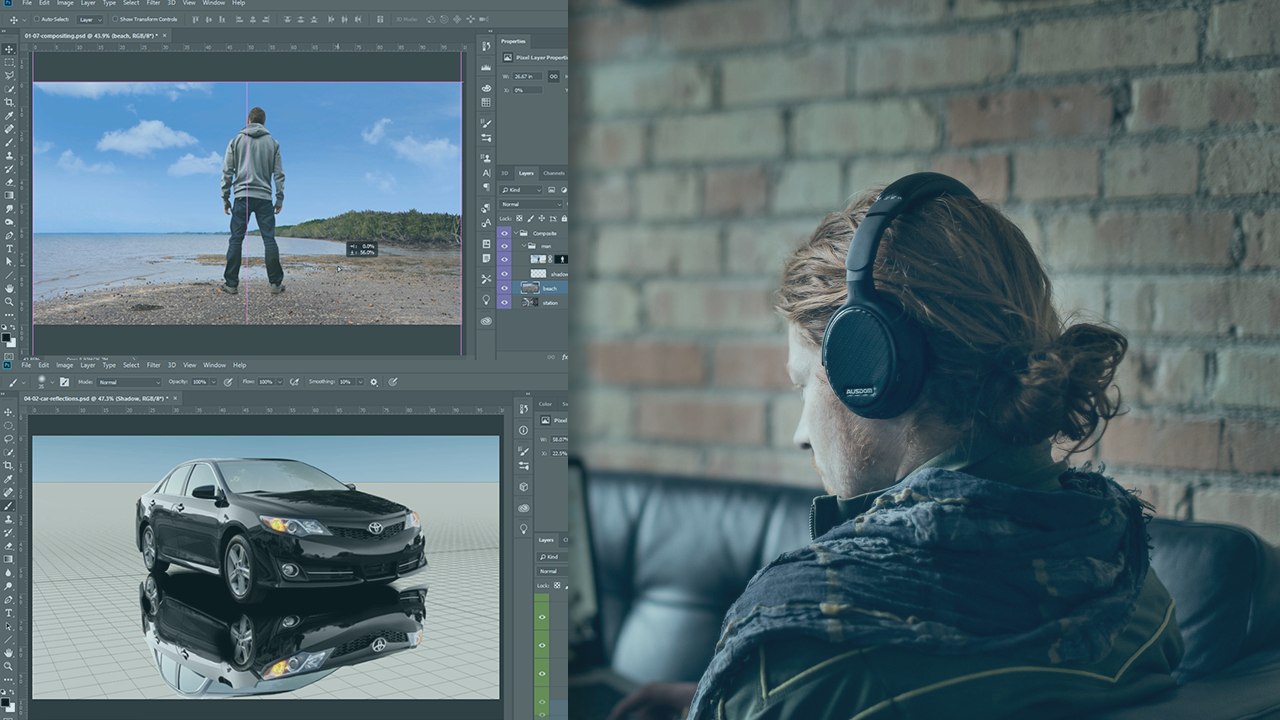
Achieving realistic results when combining two or more images together in Photoshop can be a difficult task. In this course, Photoshop CC Mastering Compositing, you will learn the concepts and techniques required to make believable composites. First, you will learn the importance of perspective and how it is essential for every composite. Next, you will explore how to match color, lighting, and saturation to make each piece of your composite match. Finally, you will discover what to do at the end of every composite to make it all come together. When you are finished with this course, you will not only understand the principles of realistic composites, but you will also know the tools inside of Photoshop to help you apply those compositing principles. Software Required: Photoshop CC.
Photoshop CC Mastering Compositing
Intermediate
Table of contents
-
Introduction | 59s
-
Understanding Perspective in Compositing | 6m 4s
-
Two and Three Point Perspective | 1m 37s
-
The Relationship Between the Center of the Image and the Horizon Line | 2m 29s
-
The Relationship Between the Horizon Line and the Top and Bottom of Objects | 2m 30s
-
The Height of an Object and the Horizon Line | 2m 26s
-
Matching Perspective of 3D Objects in Photoshop | 3m 56s
-
Matching Horizon Lines | 4m 46s
-
How to Use the Perspective Warp Tool in Photoshop | 3m 49s
-
Compositing Using Perspective | 4m 23s
-
Using Atmospheric Perspective to Create Depth in a Composite | 5m 36s



Jesús Ramirez is a digital graphics expert, speaker, and educator specializing in Adobe Photoshop. He is an Adobe Community Professional, and a content creator for the Adobe Creative Cloud Blog. Jesús is best known as the founder of the Photoshop Training Channel, one of the most popular Photoshop YouTube channels in the world.
