
- Course
Create Dataflows in Power BI
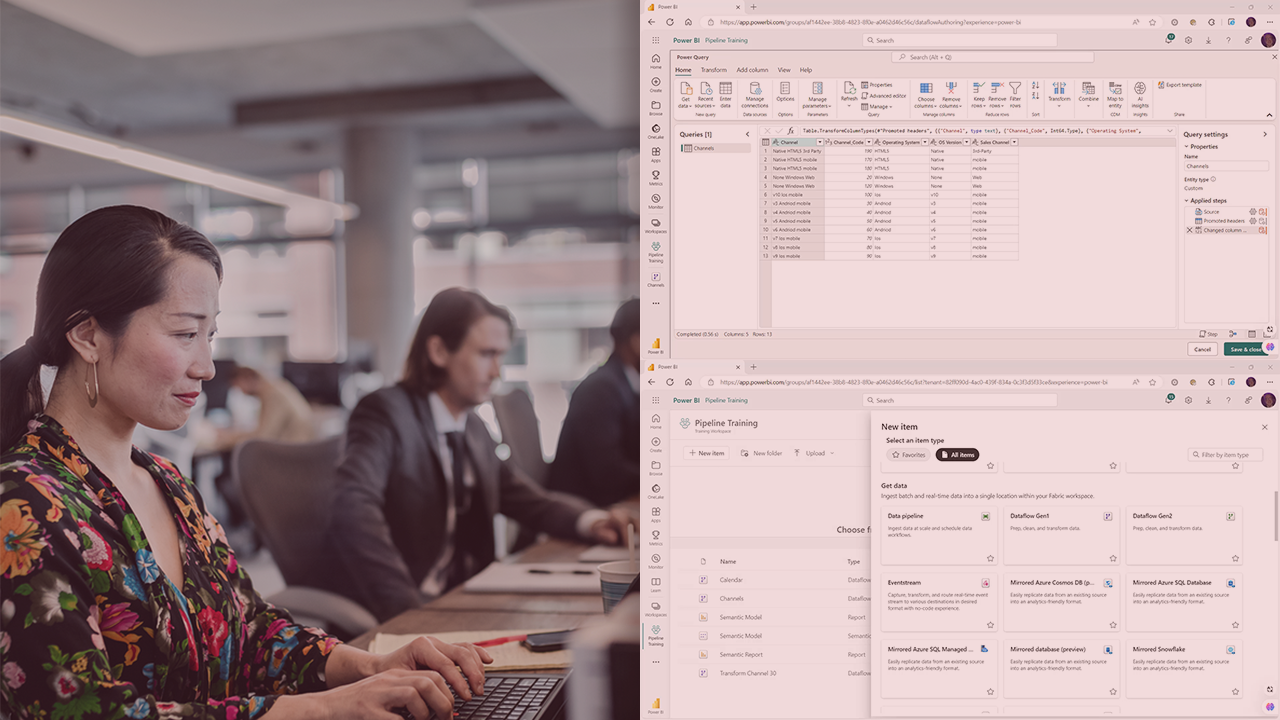
This course will teach you how to create a Gen1 analytical dataflow that can be made available as a self-service semantic layer.
Intermediate
- Course
Create Dataflows in Power BI
This course will teach you how to create a Gen1 analytical dataflow that can be made available as a self-service semantic layer.
Intermediate
Get started today
Access this course and other top-rated tech content with one of our business plans.
Try this course for free
Access this course and other top-rated tech content with one of our individual plans.
This course is included in the libraries shown below:
- Data
What you'll learn
Developers need to prepare data for self-service consumption. Some analysts and power users are creating reports that take data from the same data source, some are transforming the data using a SQL query, some are using Power Query, and others are taking raw data and transforming it using DAX. Business logic is being distributed and applied at the report level, but it would be better to apply the business logic once and make the results available to be consumed by all of the reports.
In this course, Create Dataflows in Power BI, you’ll gain the ability to develop self-service dataflows.
First, you’ll explore the capabilities of the dataflow component and how this differs from a Power Query data transformation. Next, you’ll discover how to create a Power BI dataflow, capture the data incrementally, transform the data inside the dataflow, and store the results. Finally, you’ll learn how to consume data from a Power BI dataflow. When you’re finished with this course, you’ll have the skills and knowledge of Power BI dataflows needed to produce self-service data interfaces with Power BI.
Create Dataflows in Power BI
Intermediate
Table of contents


Passionate about Business Intelligence and delivering knowledge and insight to support better decisions. An advocate of Self-Service Reporting, Analytics Data Visualisation. Andi has delivered face to face Business Intelligence training covering topics such as Report Design, Dimensional modeling, and Data Visualisation. Andi is a keen cyclist and amateur cook and lives with his wife in Southern Spain.
