
- Course
Premiere Clip Fundamentals
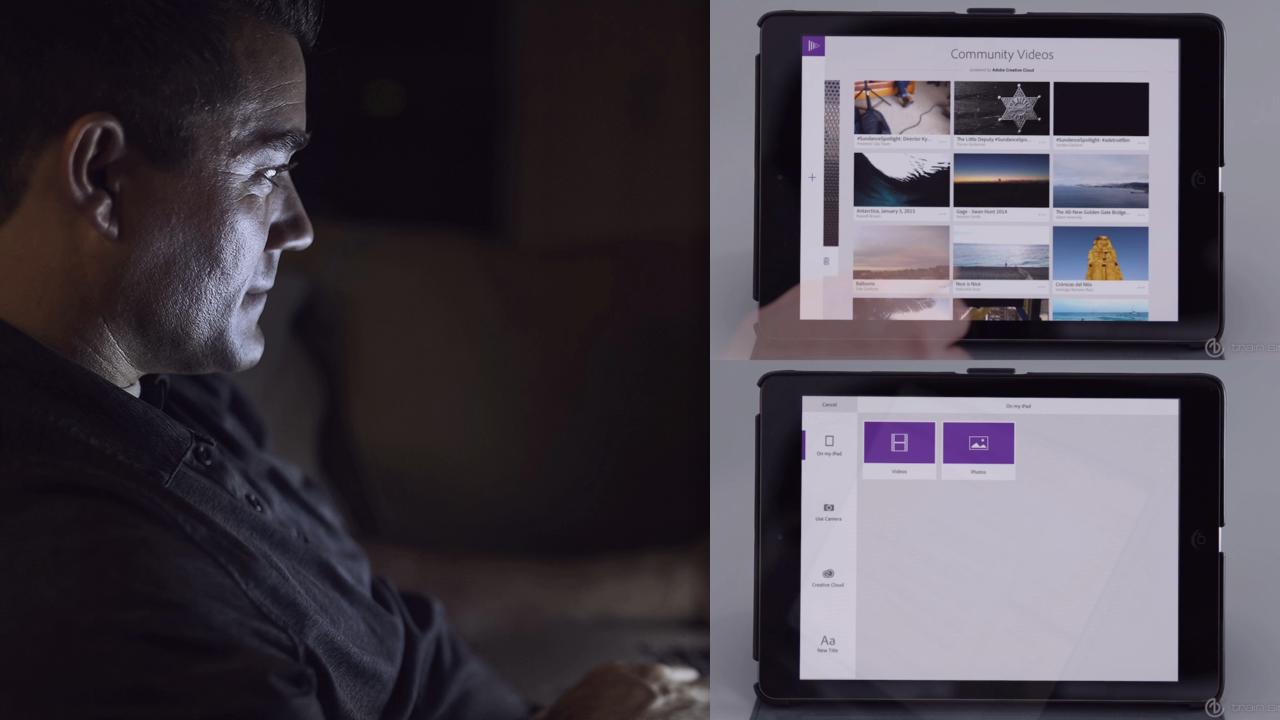
Adobe Premiere Clip is a fun tool that makes it super easy to use your iPhone or iPad to create videos. In this course, you'll learn the fundamentals of using the Premiere Clip tools. Software required: Adobe Premiere Clip.
Beginner
- Course
Premiere Clip Fundamentals
Adobe Premiere Clip is a fun tool that makes it super easy to use your iPhone or iPad to create videos. In this course, you'll learn the fundamentals of using the Premiere Clip tools. Software required: Adobe Premiere Clip.
Beginner
Get started today
Access this course and other top-rated tech content with one of our business plans.
Try this course for free
Access this course and other top-rated tech content with one of our individual plans.
This course is included in the libraries shown below:
- Core Tech
What you'll learn
Adobe Premiere Clip is a fun tool that makes it super easy to use your iPhone or iPad to create videos. In this course you'll learn how to import media, trim and split clips, and how to position assets within the timeline. You'll also explore how you can work with sound and special effects. When you're done with your video, you'll learn how you can share your creation, or how you can export it for use in Adobe Premiere Pro. Software required: Adobe Premiere Clip.
Premiere Clip Fundamentals
Beginner
Table of contents



Matthew Pizzi is an Adobe Certified instructor with over 15 years of experience teaching Adobe applications.
