
- Course
Premiere Pro CC Fundamentals
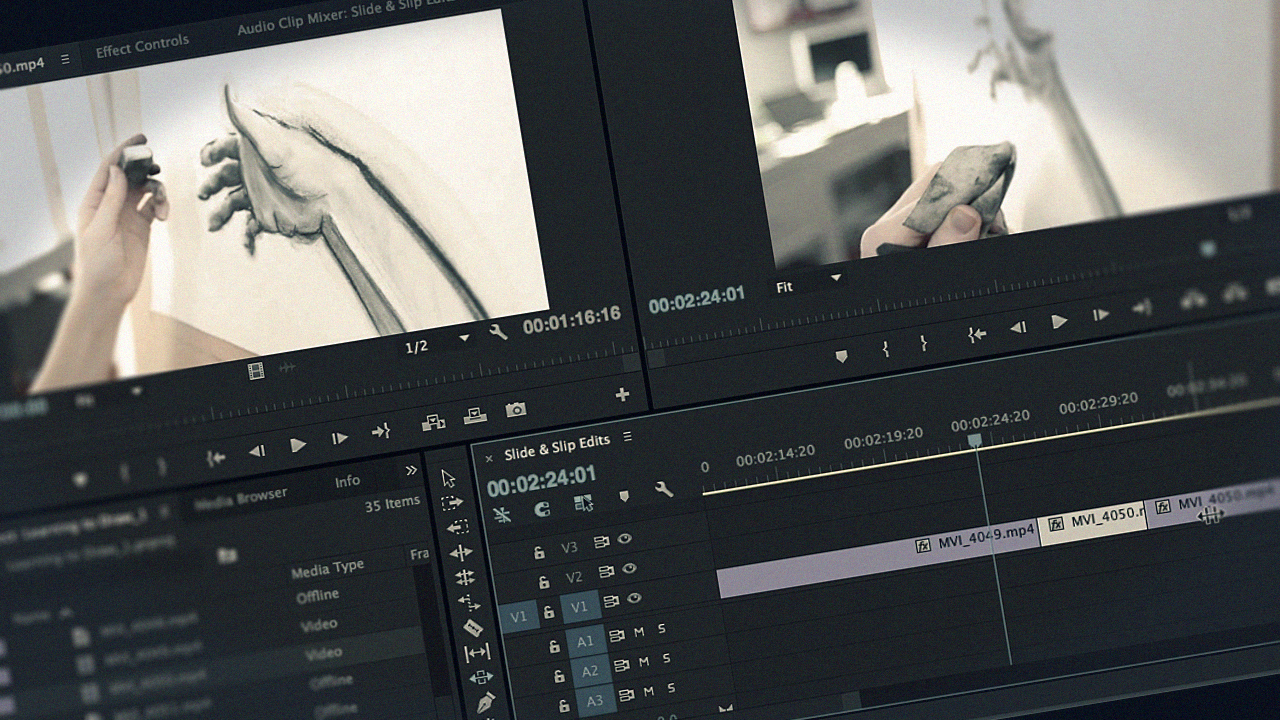
In this course, we'll review how to create new projects, import media, and build sequences in Adobe Premiere Pro CC.
Beginner
- Course
Premiere Pro CC Fundamentals
In this course, we'll review how to create new projects, import media, and build sequences in Adobe Premiere Pro CC.
Beginner
Get started today
Access this course and other top-rated tech content with one of our business plans.
Try this course for free
Access this course and other top-rated tech content with one of our individual plans.
This course is included in the libraries shown below:
- Core Tech
What you'll learn
Adobe Premiere Pro CC Fundamentals is a course designed to get you up to speed with Premiere's major editing features so you can start cutting your own projects. In this course, we'll review how to create new projects, import media, and build sequences. Along the way, you'll learn about key editing techniques like 3-point editing, performing insert edits, and slip edits. We'll wrap up the course by looking at transitions, titles, and output.
Premiere Pro CC Fundamentals
Beginner
Table of contents
-
Version Check | 15s
-
Working with the Exercise Files | 2m 50s
-
Creating a New Project | 4m 20s
-
Reviewing the Interface | 5m 22s
-
Looking at Workspaces | 5m 54s
-
Premiere Preferences | 7m 46s
-
Modifying Preferences | 4m 55s
-
Keyboard Shortcuts | 6m 4s
-
Auto Save Options | 1m 59s
-
Sync Settings | 2m 33s
-
System Requirements | 2m 34s



Matthew Pizzi is an Adobe Certified instructor with over 15 years of experience teaching Adobe applications.
