
- Course
Quick Start to Modeling in 3ds Max: Volume 3
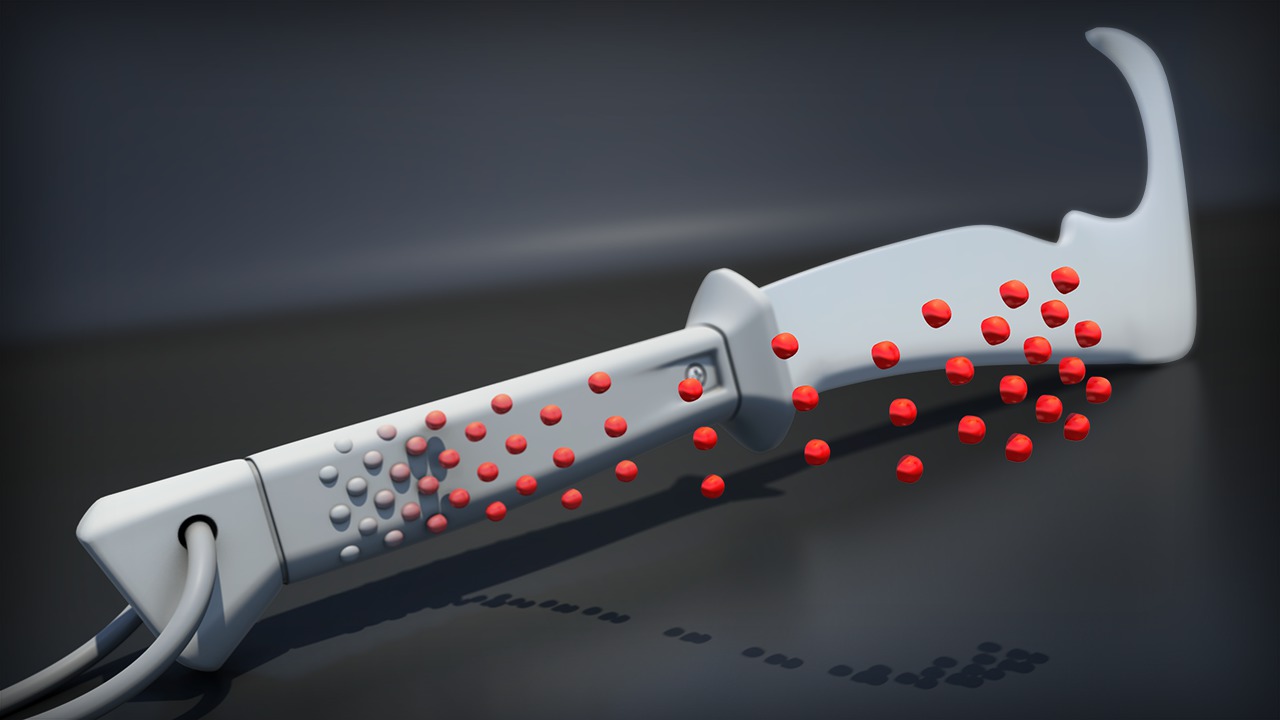
In Volume 3 of the Quick Start to Modeling in 3ds Max, we'll build on the concepts covered in volumes 1 and 2. We'll start by talking about numerous tools and techniques needed to create high-poly models in 3ds Max. We'll reinforce what we've already learned by blocking out the forms of our model and discuss how to use the TurboSmooth modifier effectively. In addition, we'll learn about the Graphite Modeling tools, which will give us some new ways to speed up our workflow. Finally, we'll learn how to retain the volume of our model by using control loops and how to create simple details using floating geometry. In the end, we'll add another prop that will be used in our final narrative scene.
Beginner
- Course
Quick Start to Modeling in 3ds Max: Volume 3
In Volume 3 of the Quick Start to Modeling in 3ds Max, we'll build on the concepts covered in volumes 1 and 2. We'll start by talking about numerous tools and techniques needed to create high-poly models in 3ds Max. We'll reinforce what we've already learned by blocking out the forms of our model and discuss how to use the TurboSmooth modifier effectively. In addition, we'll learn about the Graphite Modeling tools, which will give us some new ways to speed up our workflow. Finally, we'll learn how to retain the volume of our model by using control loops and how to create simple details using floating geometry. In the end, we'll add another prop that will be used in our final narrative scene.
Beginner
Get started today
Access this course and other top-rated tech content with one of our business plans.
Try this course for free
Access this course and other top-rated tech content with one of our individual plans.
This course is included in the libraries shown below:
- Core Tech
What you'll learn
In Volume 3 of the Quick Start to Modeling in 3ds Max, we'll build on the concepts covered in volumes 1 and 2. We'll start by talking about numerous tools and techniques needed to create high-poly models in 3ds Max. We'll reinforce what we've already learned by blocking out the forms of our model and discuss how to use the TurboSmooth modifier effectively. In addition, we'll learn about the Graphite Modeling tools, which will give us some new ways to speed up our workflow. Finally, we'll learn how to retain the volume of our model by using control loops and how to create simple details using floating geometry. In the end we'll add another prop that will be used in our final narrative scene. These courses are designed to be taken in sequence, so we really encourage you to start with Volumes 1 and 2 before continuing with this section. We also encourage you to take advantage of the assignments that follow each volume. These assignments will allow you to take what you've learned and apply those tools and techniques to your own projects.
Quick Start to Modeling in 3ds Max: Volume 3
Beginner
Table of contents


Joshua is a devoted games author at Pluralsight. For years Joshua was a key author behind Digital-Tutors' (now a Pluralsight company) popular game engine training. As a kid, he had a passion for playing video games, which eventually developed into a fascination with the process of game creation. The question of "How'd they do that?" led Joshua on a quest to learn to make these games himself. Ever since then, Joshua has devoted his life to creating games, as well as teaching others to build their own fantastic video games.
