
- Course
Rendering Interiors with V-Ray for Maya
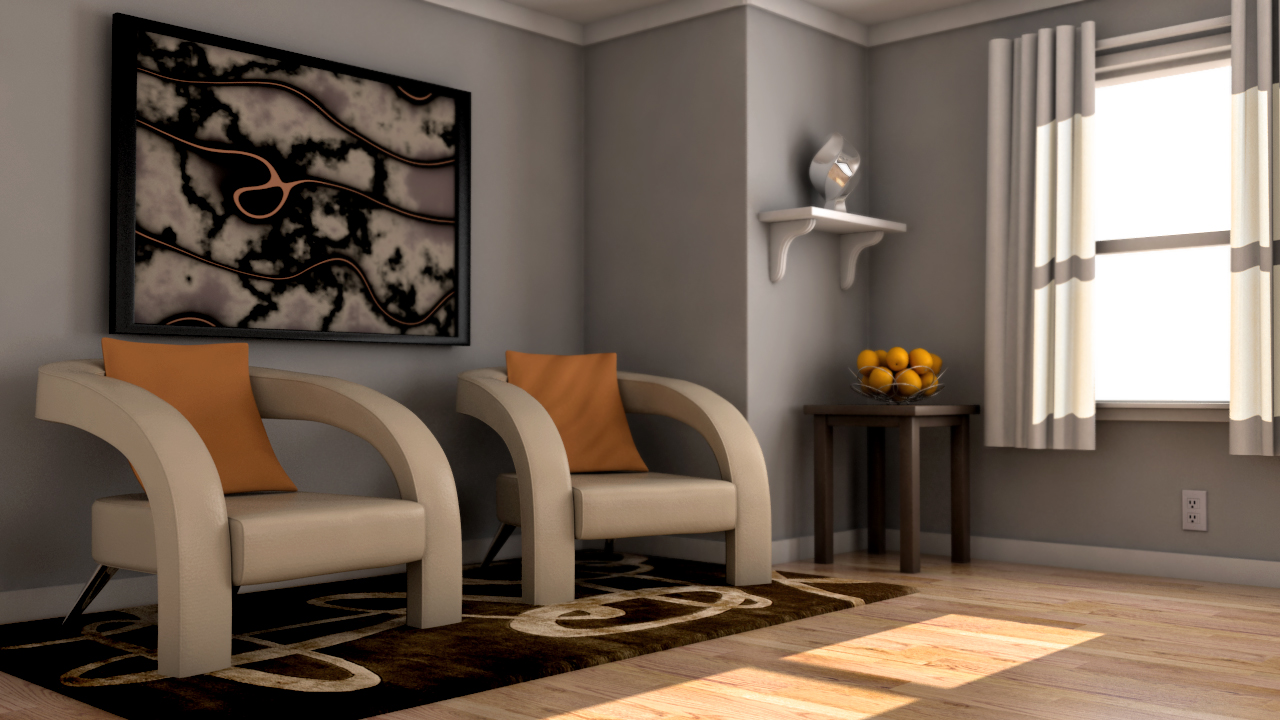
In this series of lessons, we will explore the various techniques and some helpful tips for setting up realistic lighting for an interior scene using V-Ray for Maya. Software required: Maya 2011 and higher V-Ray for Maya 1.5 SP1 and higher.
Intermediate
- Course
Rendering Interiors with V-Ray for Maya
In this series of lessons, we will explore the various techniques and some helpful tips for setting up realistic lighting for an interior scene using V-Ray for Maya. Software required: Maya 2011 and higher V-Ray for Maya 1.5 SP1 and higher.
Intermediate
Get started today
Access this course and other top-rated tech content with one of our business plans.
Try this course for free
Access this course and other top-rated tech content with one of our individual plans.
This course is included in the libraries shown below:
- Core Tech
What you'll learn
In this series of lessons, we will explore the various techniques and some helpful tips for setting up realistic lighting for an interior scene using V-Ray for Maya. The ability to set up realistic lighting for an interior environment is a skill that is highly sought after in the CG industry. Problems to overcome arise with every digital set, so we will be covering a lot of very common issues that you will want to be aware of, such as using V-Ray lights to create physically-accurate light behavior, achieving realistic light-bouncing in our scene, optimizing our render speed, using V-Ray materials to simulate a variety of surface types, using an external image-editing application to add some finishing touches to our renders, as well as many other tips, tricks, and techniques that will help you become a stronger, more effective rendering artist in V-Ray. Software required: Maya 2011 and higher V-Ray for Maya 1.5 SP1 and higher.
Rendering Interiors with V-Ray for Maya
Intermediate
Table of contents
