
- Course
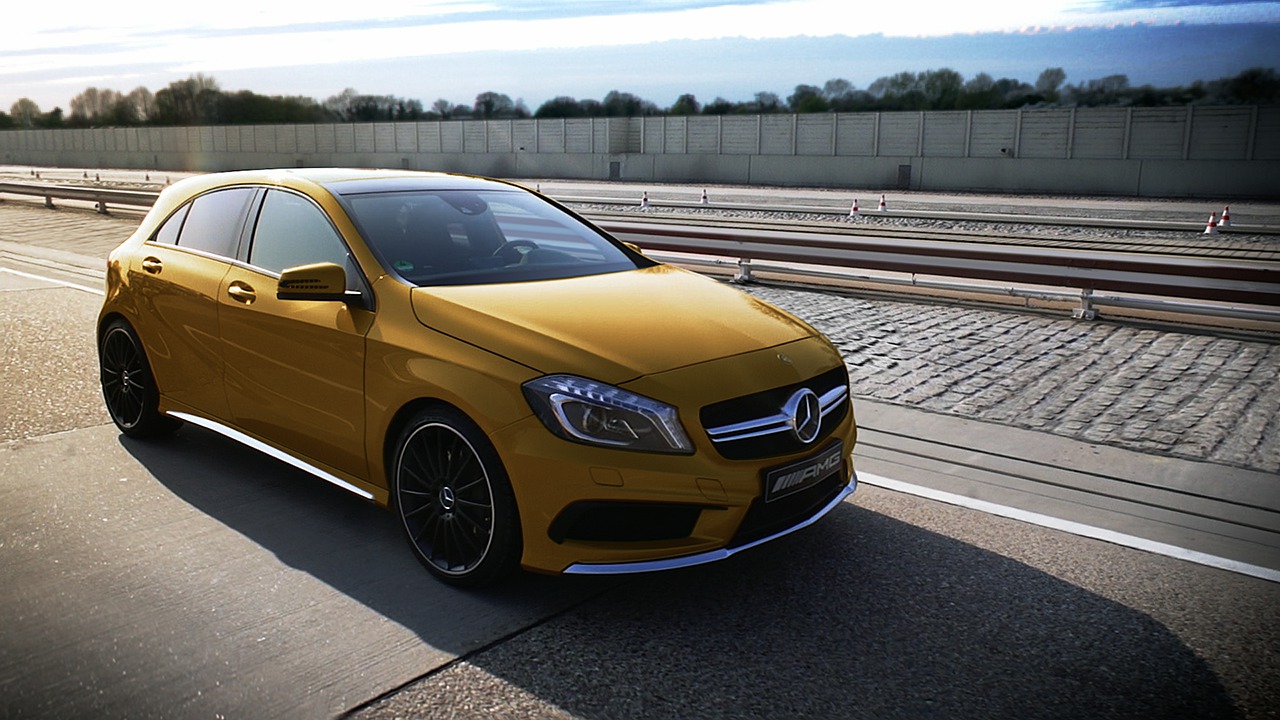
Retouching a Professional Live Action Shot in MochaImport+ and NUKE
Throughout these lessons, we'll learn how to retouch a shot with the help of MochaImport+ for NUKE. Software required: mochaPro 4, MochaImport+ for NUKE v1.0, NUKE 8, Photoshop CC, and PFMatchit 2014.1.3.
Advanced
- Course
Retouching a Professional Live Action Shot in MochaImport+ and NUKE
Throughout these lessons, we'll learn how to retouch a shot with the help of MochaImport+ for NUKE. Software required: mochaPro 4, MochaImport+ for NUKE v1.0, NUKE 8, Photoshop CC, and PFMatchit 2014.1.3.
Advanced
Get started today
Access this course and other top-rated tech content with one of our business plans.
Try this course for free
Access this course and other top-rated tech content with one of our individual plans.
This course is included in the libraries shown below:
- Core Tech
What you'll learn
Throughout these lessons, we'll learn how to retouch a shot with the help of MochaImport+ for NUKE. We'll go over a production proven retouch workflow that is fast and efficient and allows you to get the best out of mocha Pro. MochaImport+ has an arsenal of nodes that are optimized to work with mocha Pro's tracking data. By the end of this tutorial, you will understand how to retouch a production quality shot with MochaImport+ for NUKE. Software required: mochaPro 4, MochaImport+ for NUKE v1.0, NUKE 8, Photoshop CC, and PFMatchit 2014.1.3.
Retouching a Professional Live Action Shot in MochaImport+ and NUKE
Advanced
Table of contents
