
- Course
SCCM Current Branch: Support Intune and Co-management
Get introduced to "modern" desktop management in this course by enabling SCCM and Intune Co-management and exploring common tasks in the Intune console.
Intermediate
- Course
SCCM Current Branch: Support Intune and Co-management
Get introduced to "modern" desktop management in this course by enabling SCCM and Intune Co-management and exploring common tasks in the Intune console.
Intermediate
Get started today
Access this course and other top-rated tech content with one of our business plans.
Try this course for free
Access this course and other top-rated tech content with one of our individual plans.
This course is included in the libraries shown below:
- Core Tech
What you'll learn
Our learning path's long journey through SCCM ends in this course through its integration with Microsoft Intune. In this course, SCCM Current Branch: Support Intune and Co-management, we explore the SCCM and Intune Co-management configuration, as well as the everyday tasks in managing desktops via Microsoft's "modern" approach.
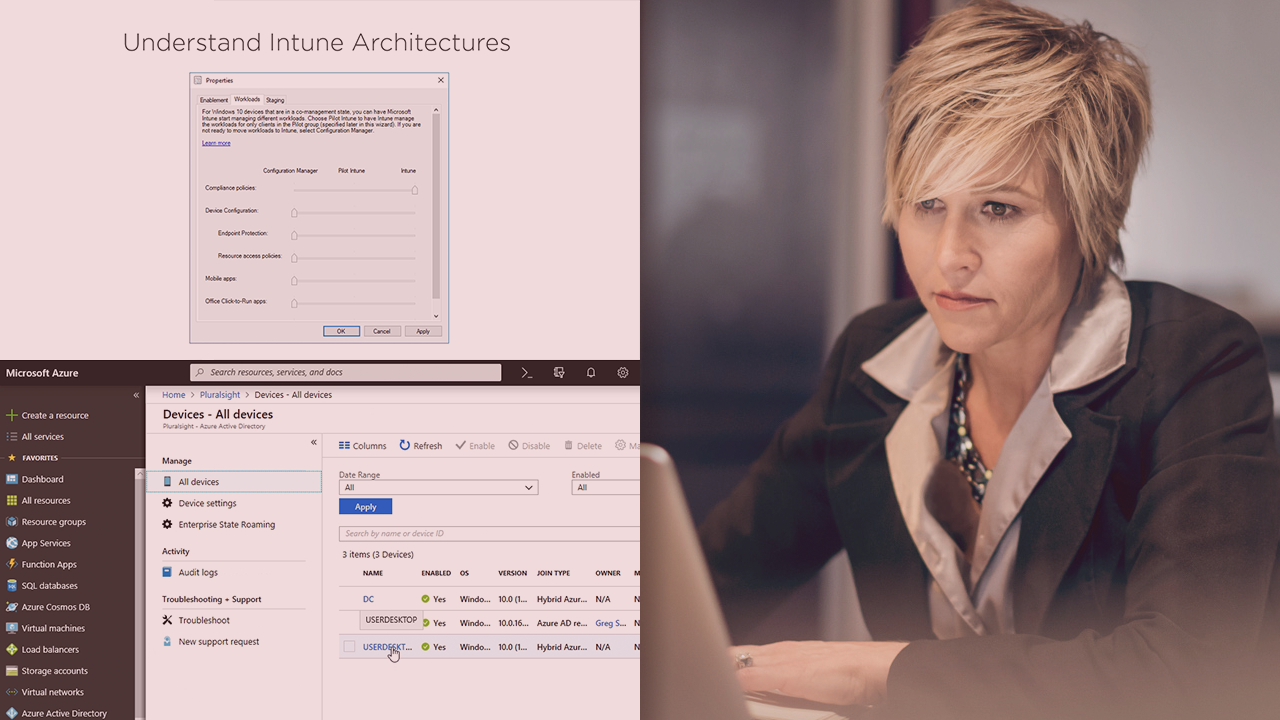
In this final course out of seven, you'll experience the important differences between SCCM's traditional approach to desktop management and how Intune focuses on more of a light touch. First, you'll begin by enabling the co-management configuration and determining which of SCCM's workloads should be shifted wholesale over to Intune's control. Then, you'll enroll a series of Windows 10 desktops via both automated and manual enrollment. Next, you'll manage a few device configurations and even deploy a few applications via the Intune console. Finally, you'll walk through a simple, but powerful use case in applying device compliance and conditional access policies to restrict user access to company data when devices go noncompliant. By the end of this course, you'll be prepared to start your journey in shifting certain desktop workloads to Microsoft Intune in the cloud.
SCCM Current Branch: Support Intune and Co-management
Intermediate
Table of contents


Greg Shields is an Author Evangelist at Pluralsight.
