
- Course
Sculpting Workflows in Mudbox
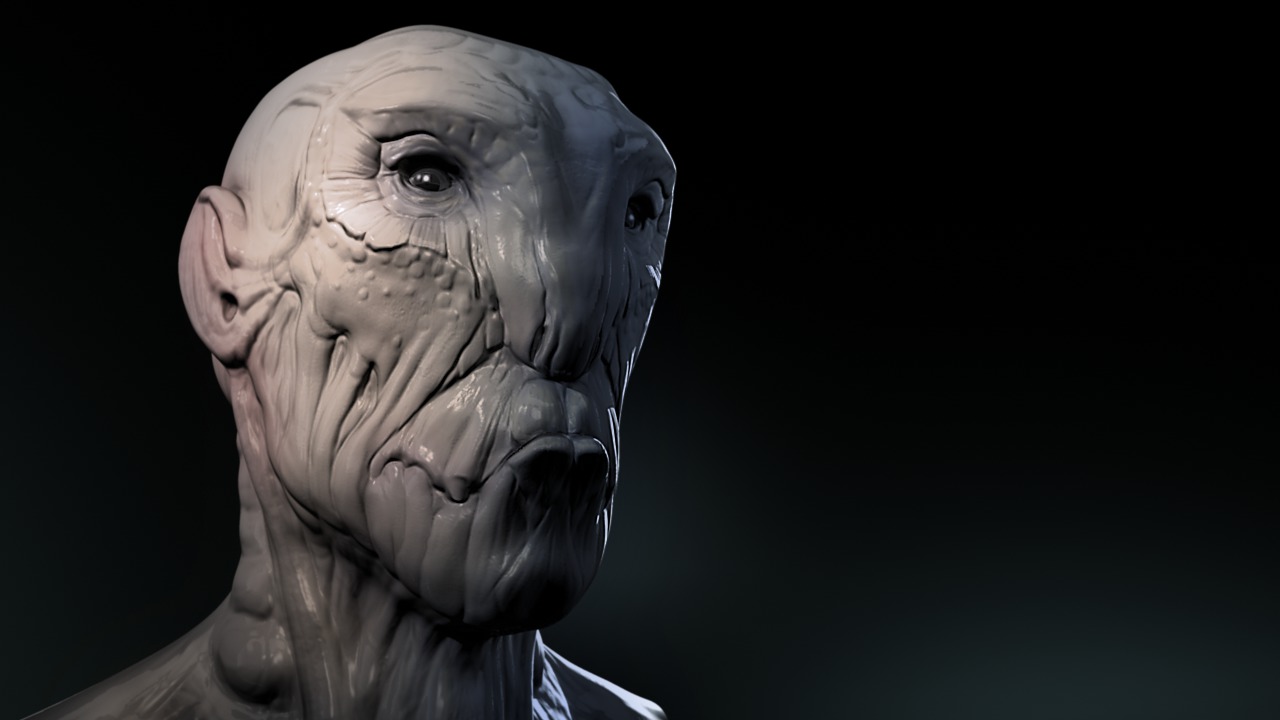
In this series of lessons, we will cover all of the different sculpting tools in Mudbox and talk about some workflow tips to keep in mind as you sculpt. Software required: Mudbox 2012.
Beginner
- Course
Sculpting Workflows in Mudbox
In this series of lessons, we will cover all of the different sculpting tools in Mudbox and talk about some workflow tips to keep in mind as you sculpt. Software required: Mudbox 2012.
Beginner
Get started today
Access this course and other top-rated tech content with one of our business plans.
Try this course for free
Access this course and other top-rated tech content with one of our individual plans.
This course is included in the libraries shown below:
- Core Tech
What you'll learn
In this series of lessons, we will cover all of the different sculpting tools in Mudbox and talk about some workflow tips to keep in mind as you sculpt. Within Mudbox, there is a wide range of sculpting tools that allows artists to create many different effects. Some of these tools are more commonly used so they are well covered in many of our Mudbox courses, but all of them serve a purpose and can be an important part of your artist's toolbox. In this course, we will cover all of the sculpt tools, one by one, talking about how they can be used and what some of the unique properties are for each one. We'll cover the more commonly used tools like the Sculpt Tool and Grab Tool and lesser used tools like Flatten and Scrape. We'll look at the reasons for using each one and talk about how to add our own custom tools to the tool tray. We'll finish up by talking about a couple of different sculpting workflows you can take advantage of. In the end, you'll have enough knowledge of all of the Sculpt Tools in Mudbox to begin integrating them into your workflow. Software required: Mudbox 2012.
Sculpting Workflows in Mudbox
Beginner
Table of contents



Justin thrives as a lead modeling author at Pluralsight. Growing up, Justin found a deep interest for the computer graphics industry after watching movies like Jurassic Park, Toy Story and The Abyss. His ambition would lead him to work at Sony Imageworks in Los Angeles on movies like Monster House and Surf's Up. Justin has also had numerous articles, tutorials and images published in 3D World and 3D Artist.
