
- Course
Creating a Secure Form with Acrobat DC
In this series of tutorials, we will be learning that there's more to Acrobat than just looking at PDFs. Software required: Acrobat DC.
Beginner
- Course
Creating a Secure Form with Acrobat DC
In this series of tutorials, we will be learning that there's more to Acrobat than just looking at PDFs. Software required: Acrobat DC.
Beginner
Get started today
Access this course and other top-rated tech content with one of our business plans.
Try this course for free
Access this course and other top-rated tech content with one of our individual plans.
This course is included in the libraries shown below:
- Core Tech
What you'll learn
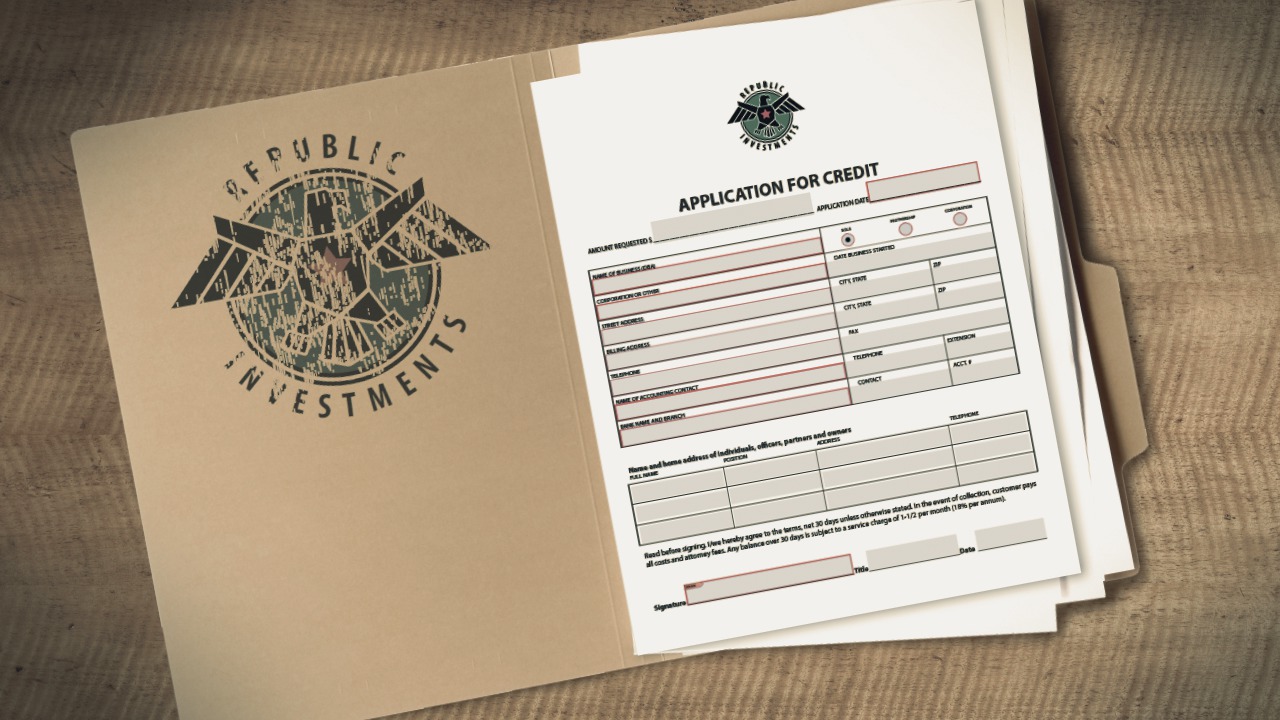
In this series of tutorials, we will be learning that there's more to Acrobat than just looking at PDFs. We will be using the great tools in Acrobat to create a form from an existing PDF. First, we will get familiar with the new interface of Acrobat DC and open our file. We'll use the Prepare Form tool to recognize any places in our document where a form field would go. Next, we'll take a look at how we can customize the fields that were generated by formatting the field value to things like currency and date. We'll also learn how to create new fields and radio buttons and how we can easily arrange and align these fields. Once we're finished with our form, we'll send it out for signatures and take a look at what the end user will experience. And finally, we'll take a look at how we can extend the usability of Acrobat Reader users and also password-protect our file. This course goes over the tools necessary to create a form in Acrobat DC; by the end of this course, you will know how to create your own form from scratch or use an existing file to customize and send to your clients. Software required: Acrobat DC.
Creating a Secure Form with Acrobat DC
Beginner
Table of contents
