
- Course
Tableau Desktop Specialist - Connecting to and Preparing Data
Get to know how you can connect to different data sources in Tableau. This course will teach you differences between a live connection, an extract and a saved data source.
Beginner
- Course
Tableau Desktop Specialist - Connecting to and Preparing Data
Get to know how you can connect to different data sources in Tableau. This course will teach you differences between a live connection, an extract and a saved data source.
Beginner
Get started today
Access this course and other top-rated tech content with one of our business plans.
Try this course for free
Access this course and other top-rated tech content with one of our individual plans.
This course is included in the libraries shown below:
- Data
What you'll learn
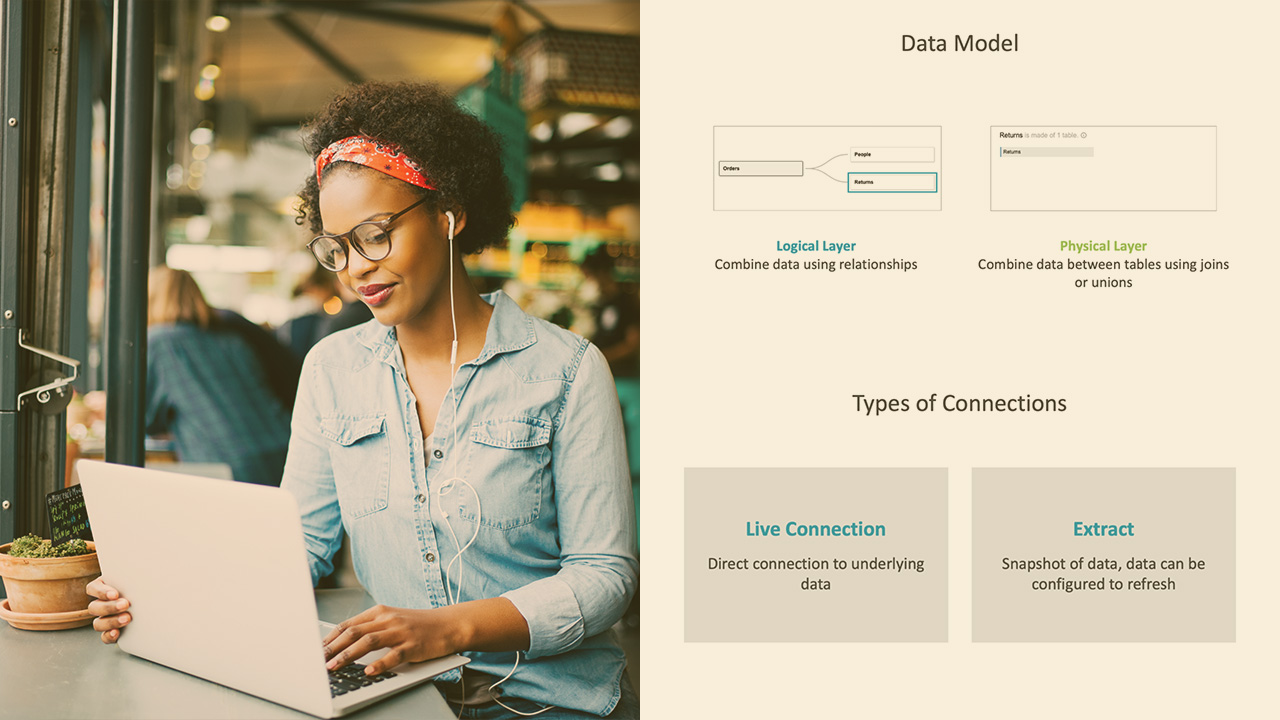
Understanding when to use a live connection vs. an extract is foundational to creating a better experience when using Tableau . In this course, Tableau Desktop Specialist - Connecting to and Preparing Data, you’ll learn differences between a live connection, an extract and a saved data source. First, you’ll explore what a live connection is and how you can connect to it. Next, you’ll discover what a data extract is and how it can be used. Finally, you’ll learn how to save data sources. When you’re finished with this course, you’ll have the skills and knowledge of working with different data connections needed to understand differences between a live connection, an extract, and a saved data source.
Tableau Desktop Specialist - Connecting to and Preparing Data
Beginner
Table of contents



Pooja is a recognized 2x Tableau Zen Master, co-founder of The Data Duo and an accomplished analytics and visualizations practitioner.
