
- Course
Creating Templates in Illustrator
In this Illustrator tutorial we'll demonstrate some of Illustrator's tools and features that can be used to create your own templates. Software required: Illustrator CC 17.1.0.
Beginner
- Course
Creating Templates in Illustrator
In this Illustrator tutorial we'll demonstrate some of Illustrator's tools and features that can be used to create your own templates. Software required: Illustrator CC 17.1.0.
Beginner
Get started today
Access this course and other top-rated tech content with one of our business plans.
Try this course for free
Access this course and other top-rated tech content with one of our individual plans.
This course is included in the libraries shown below:
- Core Tech
What you'll learn
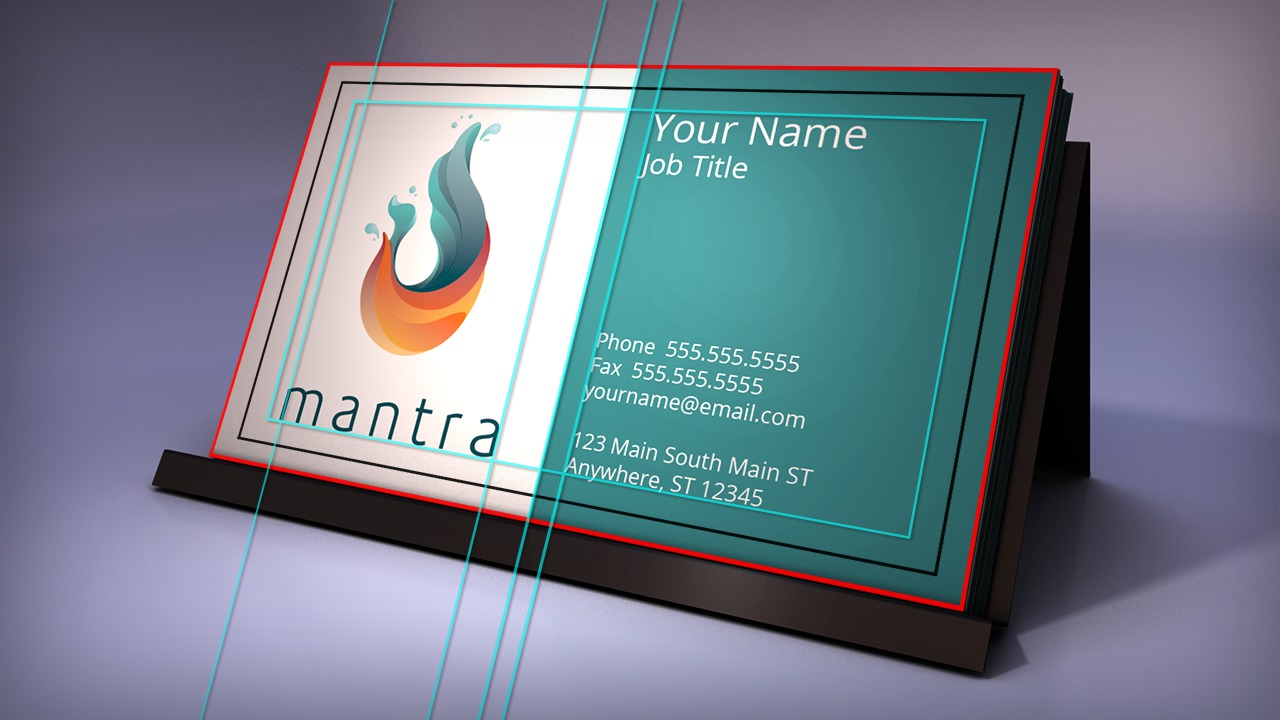
In this Illustrator tutorial we'll demonstrate some of Illustrator's tools and features that can be used to create your own templates. Creating a template provides a lot of freedom when it comes to customization and collaboration with others in your organization. Anyone who opens a template can make updates and changes without accidentally saving over the template itself. For our first example, we'll create a business card where we'll begin by establishing our art-board's dimensions and discussing the importance of having a bleed. From here we'll learn how to apply crop marks for printing and a safe area for our text and logo. In addition, we'll see how we can save our business card as a template. For our second example, we'll create a template for a postcard that has some specific regulations in regards to the placement of text. Along the way we'll see how we can use the alignment and transform options to help us layout our templates with precision. Finally, we'll finish this Illustrator training by discussing some settings to consider when exporting your template as a PDF. After watching this tutorial you'll be able to begin creating your templates. Software required: Illustrator CC 17.1.0.
Creating Templates in Illustrator
Beginner
Table of contents
