
- Course
Using Schedules for Material Cost Estimation in Revit
In this series of tutorials, you'll learn how to create a material cost estimation report using Schedules in Revit 2014. Software required: Revit 2014.
Intermediate
- Course
Using Schedules for Material Cost Estimation in Revit
In this series of tutorials, you'll learn how to create a material cost estimation report using Schedules in Revit 2014. Software required: Revit 2014.
Intermediate
Get started today
Access this course and other top-rated tech content with one of our business plans.
Try this course for free
Access this course and other top-rated tech content with one of our individual plans.
This course is included in the libraries shown below:
- Core Tech
What you'll learn
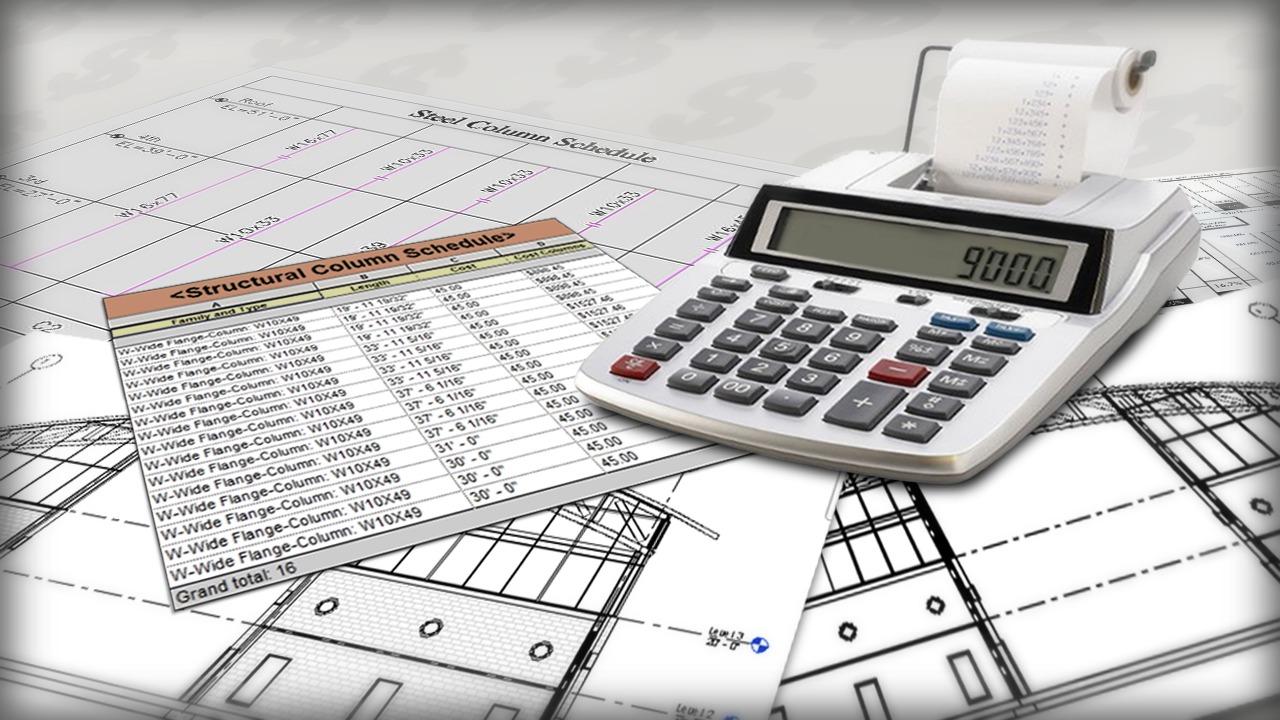
In this series of tutorials, you'll learn how to create a material cost estimation report using Schedules in Revit 2014. We'll begin by exploring how to create a cost Schedule for the steel in our design. We'll learn how to create custom formulas that will allow Revit to generate a cost for material using units and calculations which may be specific to that material's properties. From there we'll apply this same process to figure out the cost of doors, windows, and even concrete. And finally after we've generated our totals, you will see how to easily customize the format and appearance of your Schedules. Once you've become comfortable with the concepts in this course, you'll be generating cost Schedules of your own in no time. Software required: Revit 2014.
Using Schedules for Material Cost Estimation in Revit
Intermediate
Table of contents
