
- Course
Using Visio (2016)
This introductory course will get you up and running with Microsoft's powerful diagramming application, Visio 2016.
Beginner
- Course
Using Visio (2016)
This introductory course will get you up and running with Microsoft's powerful diagramming application, Visio 2016.
Beginner
Get started today
Access this course and other top-rated tech content with one of our business plans.
Try this course for free
Access this course and other top-rated tech content with one of our individual plans.
This course is included in the libraries shown below:
- Core Tech
What you'll learn
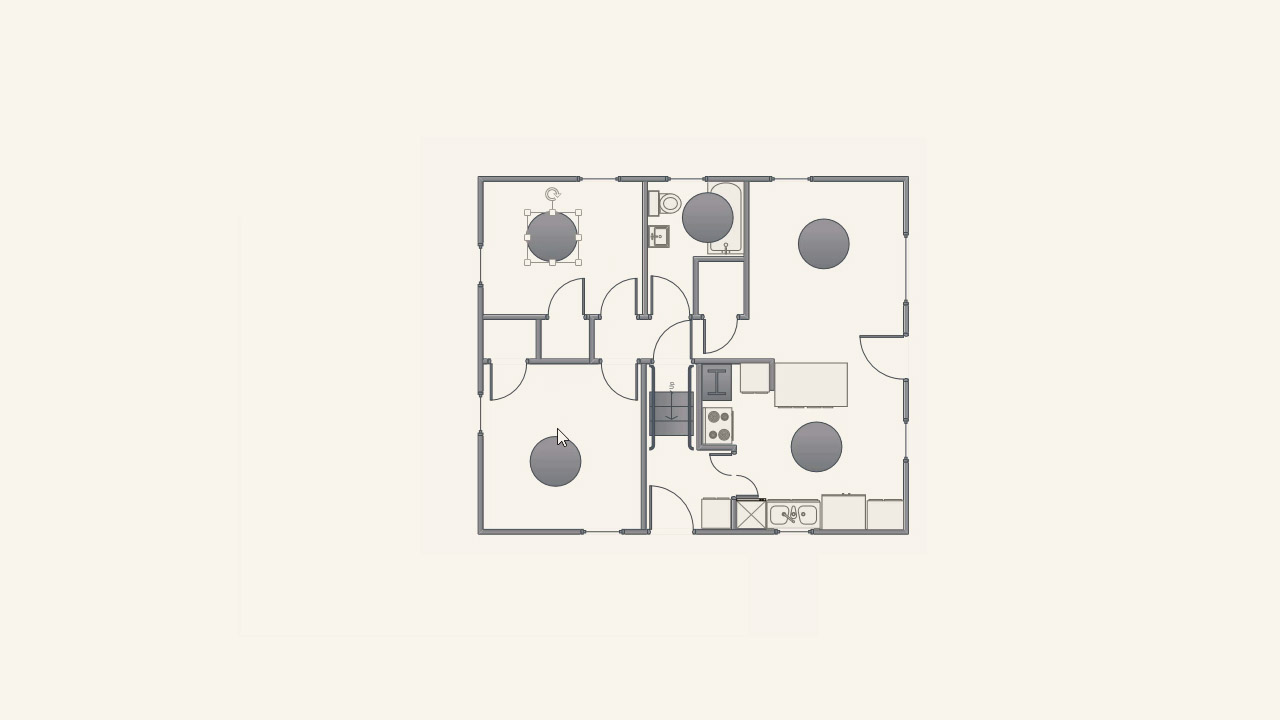
This course will introduce you to Visio 2016, Microsoft's application for creating visual diagrams, including flowcharts, process maps, network diagrams, organization charts, and more. You'll become familiar with shapes, stencils, templates, connectors, glue, themes, styles, containers, callouts, layers, embellishments, and working with text. You'll also learn best practices for printing and sharing, plus tips for creating diagrams and charts.
Using Visio (2016)
Beginner
Table of contents
-
An Overview of Shapes and Stencils | 2m 26s
-
Manipulating Shapes | 3m 37s
-
Finding Shapes | 4m 27s
-
Grouping Shapes | 3m 43s
-
Arranging Shapes | 4m 59s
-
Rotating Shapes | 2m 22s
-
Using the Layout Tool | 1m 23s
-
Formatting Shapes | 3m 14s
-
Duplicating Shapes | 2m 5s
-
Understanding SmartShapes | 2m 37s
-
Shape Data Basics | 6m 33s
-
Creating Shape Data Reports | 3m 57s
-
Creating Stencils | 2m 52s
-
An Overview of Templates | 4m 23s
-
Creating a New Diagram | 2m 27s
-
Creating Custom Templates | 2m 12s
