
- Course
Utilizing Design, Materials and Rendering Options in Revit
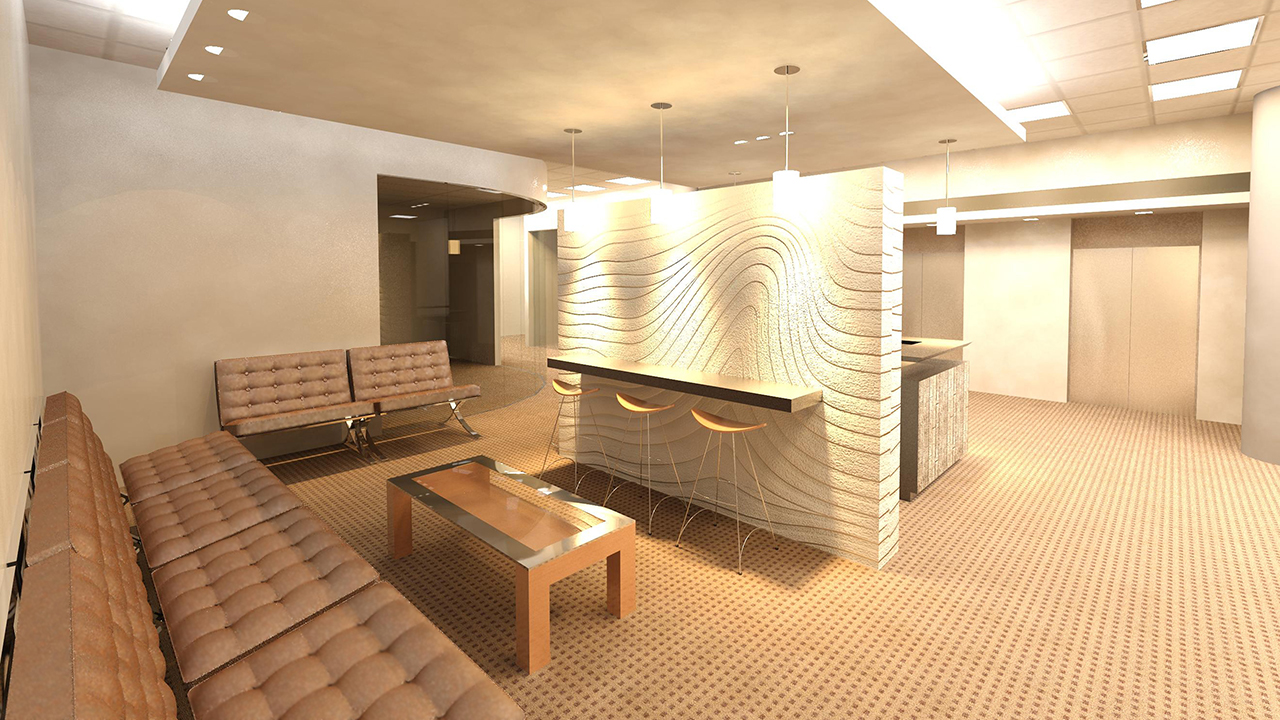
In this series of Revit tutorials, we'll create several design options for an office lobby, explore the creation and use of Revit's materials, and render a walk-through to understand the space. Software required: Revit 2015.
Intermediate
- Course
Utilizing Design, Materials and Rendering Options in Revit
In this series of Revit tutorials, we'll create several design options for an office lobby, explore the creation and use of Revit's materials, and render a walk-through to understand the space. Software required: Revit 2015.
Intermediate
Get started today
Access this course and other top-rated tech content with one of our business plans.
Try this course for free
Access this course and other top-rated tech content with one of our individual plans.
This course is included in the libraries shown below:
- Core Tech
What you'll learn
In this series of Revit tutorials, we'll create several design options for an office lobby, explore the creation and use of Revit's materials, and render a walk-through to understand the space. We'll create and use specific design options to optimize your design workflow, as well as discuss the material assets library and create complex materials. We'll also set up advanced view types, talk about rendering options and create and edit walkthroughs. By the end of this Revit training, you'll be more knowledgeable on how to maximize your potential with visualizations within Revit. Software required: Revit 2015.
Utilizing Design, Materials and Rendering Options in Revit
Intermediate
Table of contents
