
- Course
VMware vSphere Troubleshooting: Troubleshoot vSphere Networking
Part 2 of 4 in the VMware vSphere Troubleshooting series focuses on troubleshooting virtual networking.
Advanced
- Course
VMware vSphere Troubleshooting: Troubleshoot vSphere Networking
Part 2 of 4 in the VMware vSphere Troubleshooting series focuses on troubleshooting virtual networking.
Advanced
Get started today
Access this course and other top-rated tech content with one of our business plans.
Try this course for free
Access this course and other top-rated tech content with one of our individual plans.
This course is included in the libraries shown below:
- Core Tech
What you'll learn
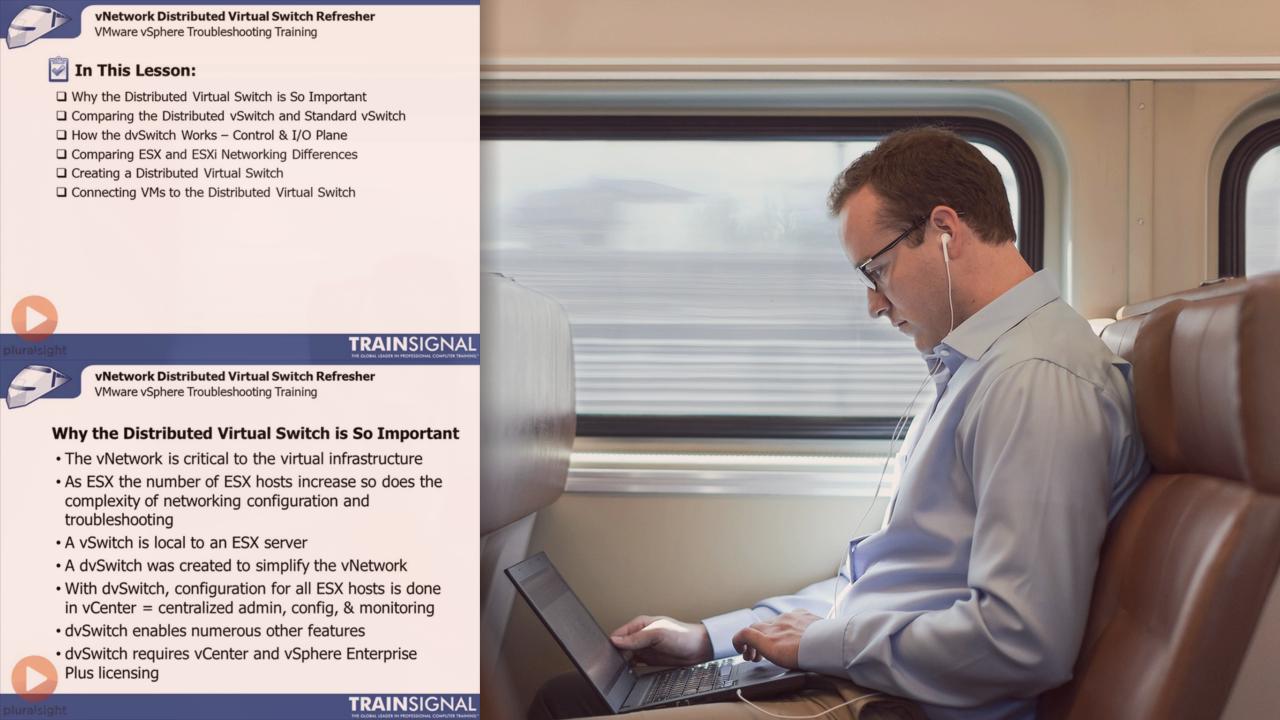
Part 2 of 4 in the VMware vSphere Troubleshooting series focuses on troubleshooting virtual networking. The goal of this course is to enhance your skills to enable you to troubleshoot vSphere. This course will show you how to troubleshoot vSphere using log files, how to prevent downtime with your HA cluster, ways to deal with broken vNetwork Distributed Switches, and how to quickly get vSphere back up and running. If you are a middle-to-upper level enterprise network administrator, and/or have taken our VMware vSphere Training course or have done hands-on work with vSphere, you’ll benefit from the advanced troubleshooting techniques presented in our vSphere Troubleshooting Training course.
VMware vSphere Troubleshooting: Troubleshoot vSphere Networking
Advanced
Table of contents



David has authored over 50 courses for Pluralsight.com around enterprise data center technologies such as cloud computing, virtualization, and (especially) VMware vSphere.
