
- Course
Wireshark Traffic Analysis: Customizing the Interface, ARP, ICMP, and DNS
Using Wireshark to identify and analyze ARP, ICMP, and DNS traffic is a great tool to add to a network engineer's toolkit. Many of the most easily corrected problems on a network can be solved by understanding proper operation of these protocols.
Beginner
- Course
Wireshark Traffic Analysis: Customizing the Interface, ARP, ICMP, and DNS
Using Wireshark to identify and analyze ARP, ICMP, and DNS traffic is a great tool to add to a network engineer's toolkit. Many of the most easily corrected problems on a network can be solved by understanding proper operation of these protocols.
Beginner
Get started today
Access this course and other top-rated tech content with one of our business plans.
Try this course for free
Access this course and other top-rated tech content with one of our individual plans.
This course is included in the libraries shown below:
- Core Tech
What you'll learn
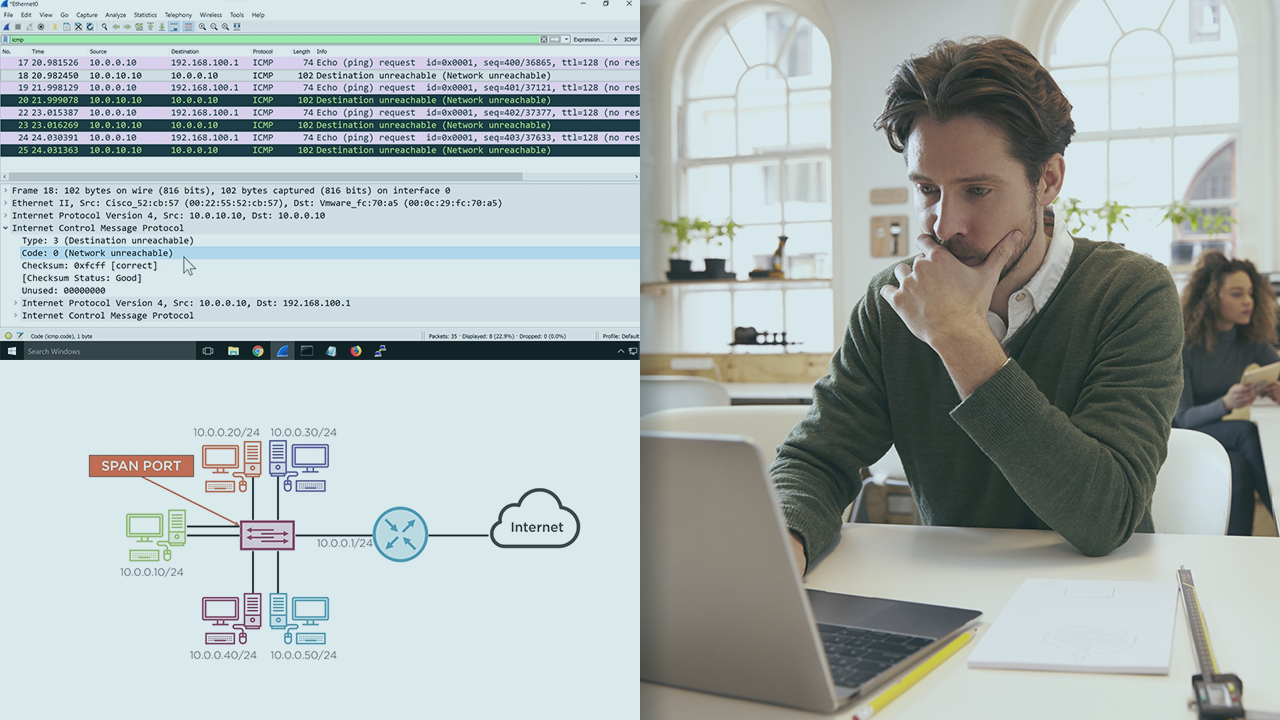
Network engineers can quickly become frustrated with unusual network performance issues. While most engineers are familiar with ARP and know how to clear a cache on a device, and they use ping regularly to troubleshoot networks, understanding both ARP and ICMP operation at the packet level will bring a new way to quickly solve network issues. In this course, Wireshark Traffic Analysis: Customizing the Interface, ARP, ICMP, and DNS, you will gain the ability to use Wireshark captures to detect and understand network issues causing performance problems. First, you will see how to customize the Wireshark interface, creating profiles for unique troubleshooting situations. Next, you will discover ARP operation, what it means, and how to use it to identify specific behaviors of network traffic. Finally, you will explore how to analyze ICMP types and codes in Wireshark, so you can use it to troubleshoot networks in a new way. When you are finished with this course, you will have the skills and knowledge of Wireshark protocol analysis needed to analyze and troubleshoot ARP, ICMP, and DNS traffic on your network.
Wireshark Traffic Analysis: Customizing the Interface, ARP, ICMP, and DNS
Beginner


For nearly 20 years, Ross has taught and managed data networks.
