
- Course
Working with Materials in Revit
In this series of tutorials, we'll take an in-depth look at working with materials for your BIM models in Revit. Software required: Revit 2015.
Intermediate
- Course
Working with Materials in Revit
In this series of tutorials, we'll take an in-depth look at working with materials for your BIM models in Revit. Software required: Revit 2015.
Intermediate
Get started today
Access this course and other top-rated tech content with one of our business plans.
Try this course for free
Access this course and other top-rated tech content with one of our individual plans.
This course is included in the libraries shown below:
- Core Tech
What you'll learn
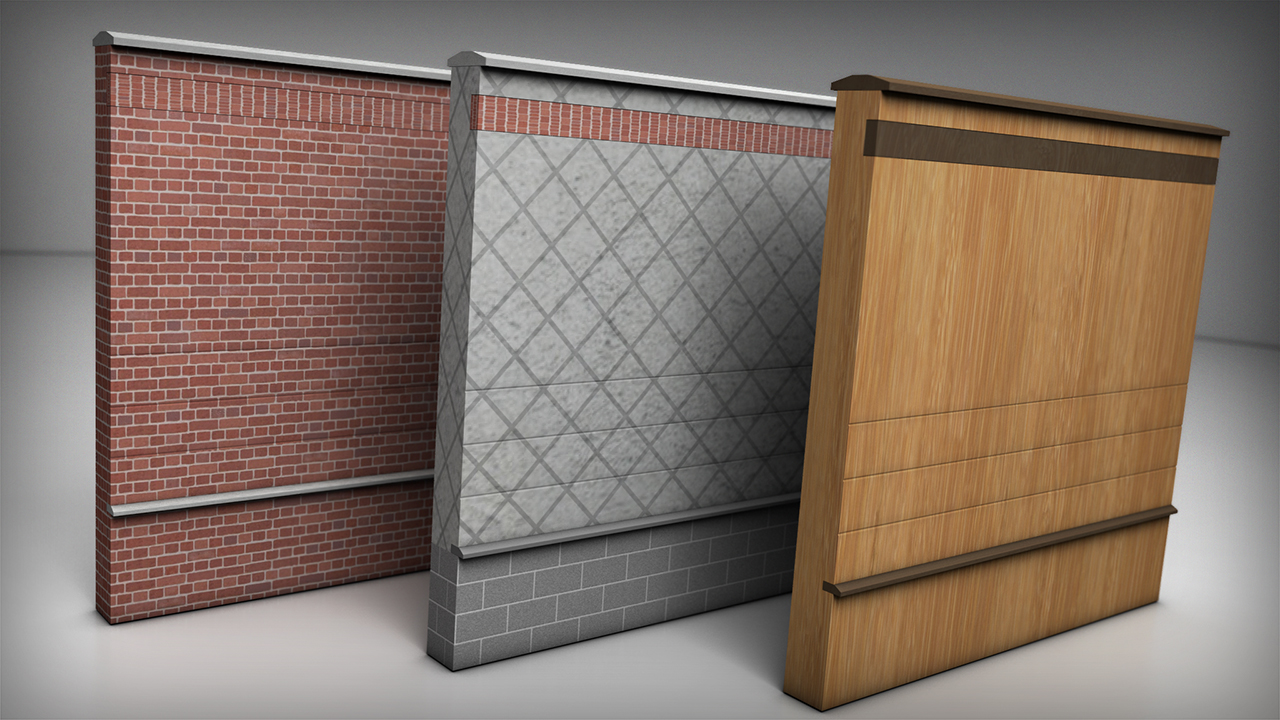
In this series of tutorials, we'll take an in-depth look at working with materials for your BIM models in Revit. We'll begin by getting familiar with the Material Browser and the location of all the tools within that window. From there, we'll learn how to change materials in existing building elements and assemblies. We'll also take it one step further and explore how to manipulate material properties to get the visual outcome we want to achieve. Finally, we'll take a look at how different materials and material property assemblies can affect the thermal performance of your building. By the end of this training, you'll know how to add, change, and edit materials. You'll also witness the power of information when it comes to building performance. Software required: Revit 2015.
Working with Materials in Revit
Intermediate
Table of contents
