
- Course
Working with Revit's Structural Analysis Tools
In this set of tutorials, we'll learn how conduct a structural analysis using Revit Structure's Structural Analysis App from Autodesk 360. Software required: Revit 2015.
Intermediate
- Course
Working with Revit's Structural Analysis Tools
In this set of tutorials, we'll learn how conduct a structural analysis using Revit Structure's Structural Analysis App from Autodesk 360. Software required: Revit 2015.
Intermediate
Get started today
Access this course and other top-rated tech content with one of our business plans.
Try this course for free
Access this course and other top-rated tech content with one of our individual plans.
This course is included in the libraries shown below:
- Core Tech
What you'll learn
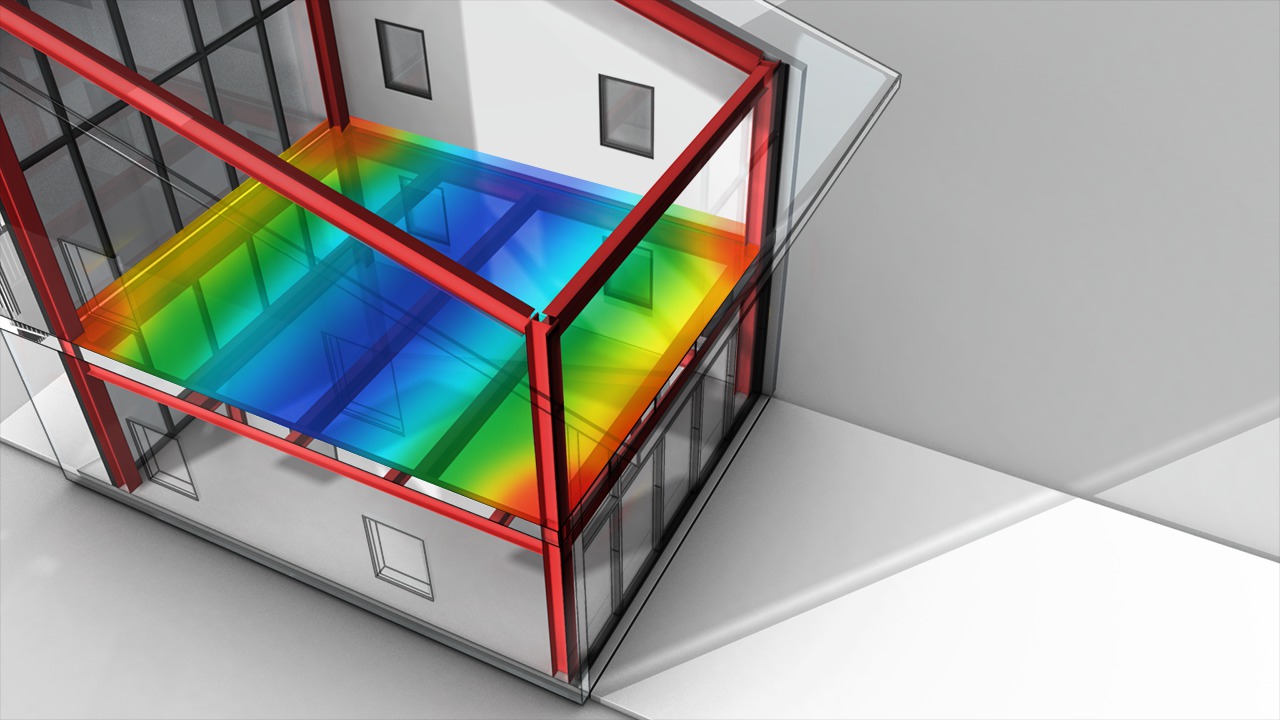
In this set of tutorials, we'll learn how to conduct a structural analysis using Revit Structure's Structural Analysis App from Autodesk 360. We'll begin by linking an architect's model into our structural project template. From there, we'll copy and monitor the linked file into our structural project. Along the way we'll learn a few ways to overcome some common issues and warning messages many professionals encounter while linking models from different disciplines. Next we'll learn how to create loading combinations and formulas from within the structural settings. Once that's complete we'll apply a few loads to our model and attempt to run the structural analysis. We'll then review and save the report as a PDF. Finally we'll explore the results by taking a look at deformation and displacements created by the load combinations we created in previous steps. By the end of this training you'll know how to link models from other disciplines, work with both loads and load combinations, submit your model to Autodesk 360 for analysis and also interpret the results. Software required: Revit 2015.
Working with Revit's Structural Analysis Tools
Intermediate
Table of contents
