
- Course
Creating Advanced Shapes in Illustrator
In this collection of lessons we will focus on creating advanced shapes in Illustrator using both the pathfinder panel and shape builder tool. Software required: Illustrator CS5.
Advanced
- Course
Creating Advanced Shapes in Illustrator
In this collection of lessons we will focus on creating advanced shapes in Illustrator using both the pathfinder panel and shape builder tool. Software required: Illustrator CS5.
Advanced
Get started today
Access this course and other top-rated tech content with one of our business plans.
Try this course for free
Access this course and other top-rated tech content with one of our individual plans.
This course is included in the libraries shown below:
- Core Tech
What you'll learn
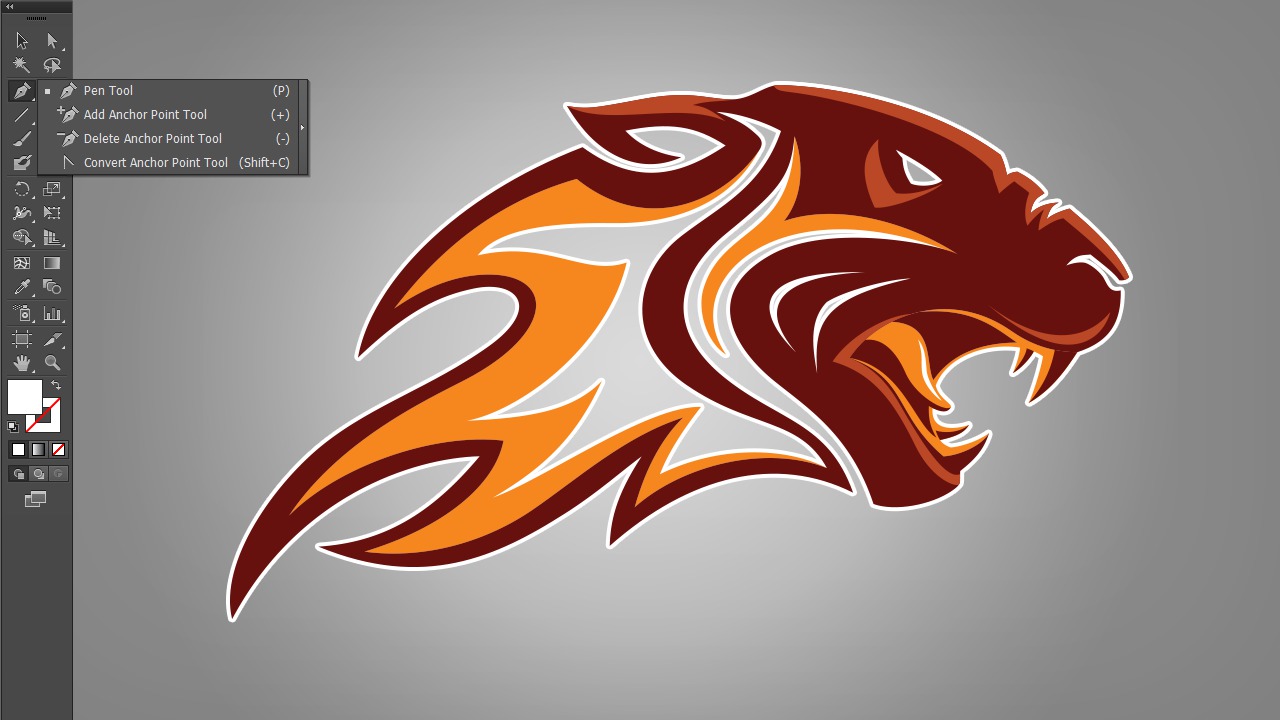
In this collection of lessons we will focus on creating advanced shapes in Illustrator using both the pathfinder panel and shape builder tool. We'll get started by breaking down Illustrator's pathfinder panel and learn how we can use both it's shape modes and pathfinders to create a variety of effects on our vector shapes. While exploring both shape modes and pathfinders, we'll learn destructive and non-destructive workflows for using both. From there we'll shift our focus to the new shape builder tool in Illustrator CS5 and learn how it compliments the pathfinder panel. Next, we'll take what we've learned and apply it to a logo. We'll use both sets of tools to create custom shapes to incorporate into our logo. After completing this course, you will have a good understanding of workflows that implement all of these powerful tools. Software required: Illustrator CS5.
Creating Advanced Shapes in Illustrator
Advanced
Table of contents



Eddie is a content producer for Unity as well as a seasoned shading, texturing, lighting and rendering artist. He takes pride in helping creative professionals reach their learning goals.
