
- Course
Creating Animated Web and Social Media Banners in Photoshop and Flash
In this Photoshop and Flash tutorial, we'll learn production concepts in creating a banner ad campaign. Software required: Photoshop CS6, Flash CS6.
Advanced
- Course
Creating Animated Web and Social Media Banners in Photoshop and Flash
In this Photoshop and Flash tutorial, we'll learn production concepts in creating a banner ad campaign. Software required: Photoshop CS6, Flash CS6.
Advanced
Get started today
Access this course and other top-rated tech content with one of our business plans.
Try this course for free
Access this course and other top-rated tech content with one of our individual plans.
This course is included in the libraries shown below:
- Core Tech
What you'll learn
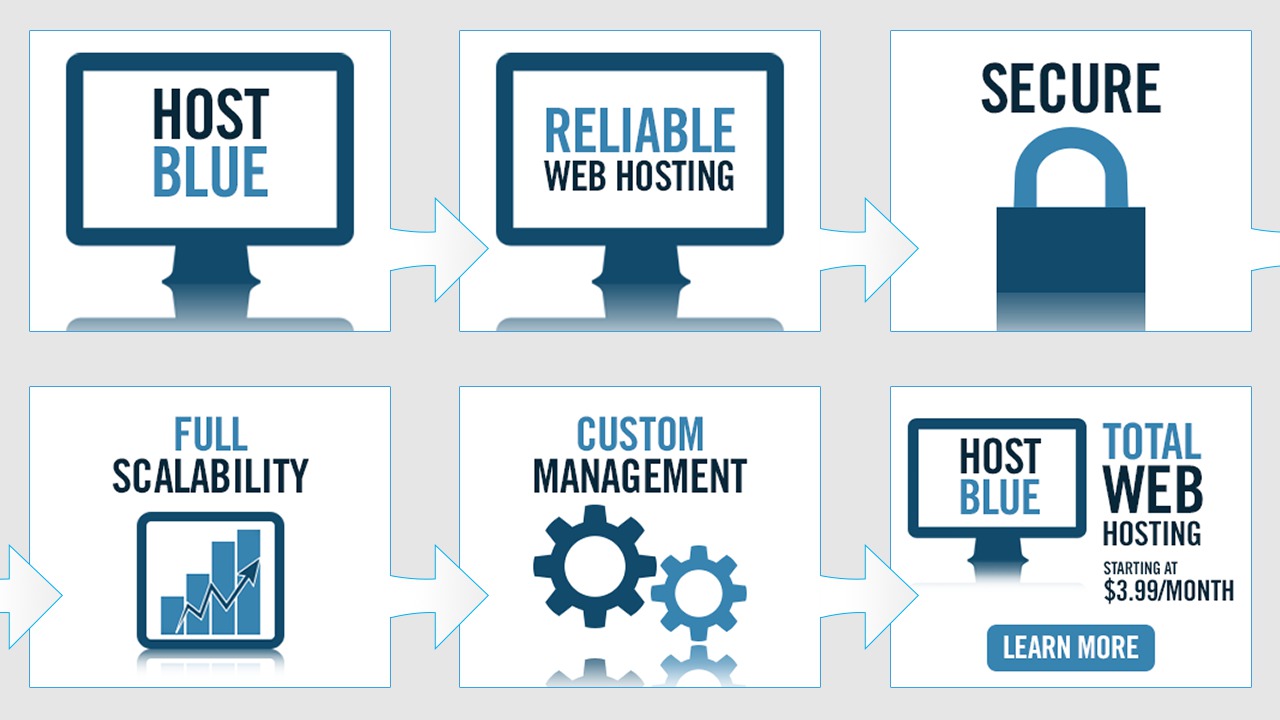
In this Photoshop and Flash tutorial, we'll learn production concepts in creating a banner ad campaign. Throughout these lessons, we'll look at steps to create a campaign consisting of several different banner ad placements including Flash animated, GIF animated, static mobile and social media placements. We begin by examining a Flash banner storyboard in Photoshop followed by creating an animated banner in Flash. Afterwards, we'll create a static, non-animated banner in Photoshop. Then we'll go over creating a mobile banner and an animated GIF banner for the same campaign. To conclude, we'll create banner ads for use in social media. By the end of this Photoshop and Flash training, you'll have everything you need to create a full web advertising campaign for your product, site, or business. Software required: Photoshop CS6, Flash CS6.
Creating Animated Web and Social Media Banners in Photoshop and Flash
Advanced
Table of contents
